AI product photos from phone pictures
You can make AI product photos from phone pictures by giving the model a reference to work from instead of a description to guess from. In Plurum you photograph the product from four sides, add its size and the words printed on it, and Plurum compiles one 4K sheet that shows it from every side. When you pick the product on Generate, that sheet goes into the shot, so each picture starts from the product rather than from a sentence about it.
The example: a dress and a tote for a small boutique
Harriet Vale is a fictional boutique we built in Plurum's demo studio. It sells a sea-glass green linen midi dress and a tan leather tote. We wanted a small lookbook: the dress and the tote on a model, in the shop courtyard, on the beach path and on the street.
What we started from. In a real shop these would be phone photos. Harriet Vale is invented, so we generated the starting pictures in Plurum as stand-ins: the dress from the front, the side and the back, plus one picture of it being worn, and the tote from the front, the side and the back.
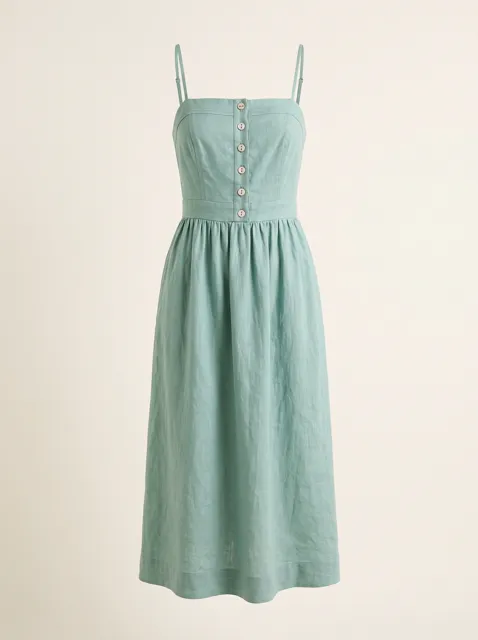
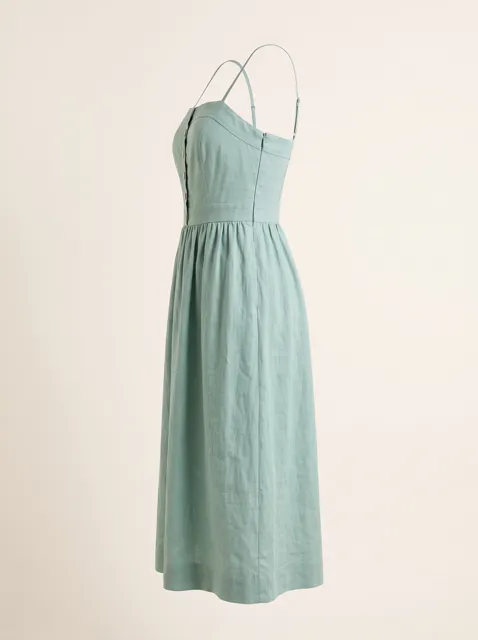
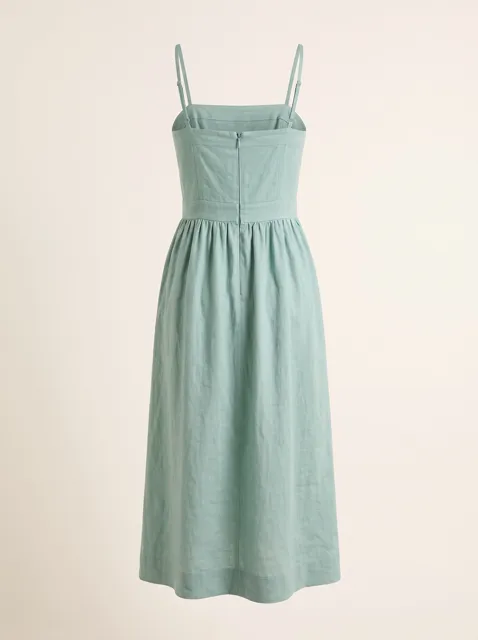
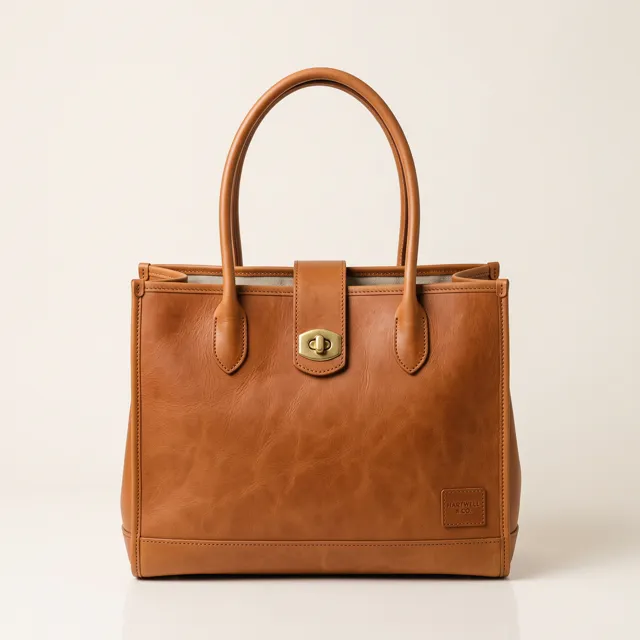
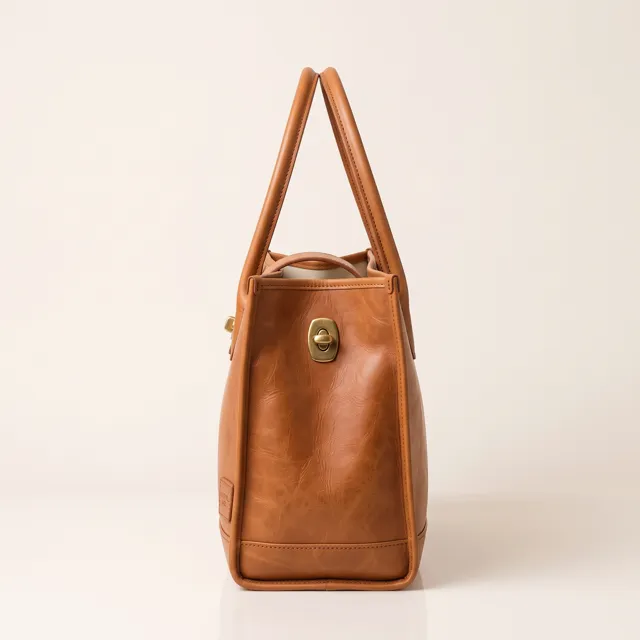
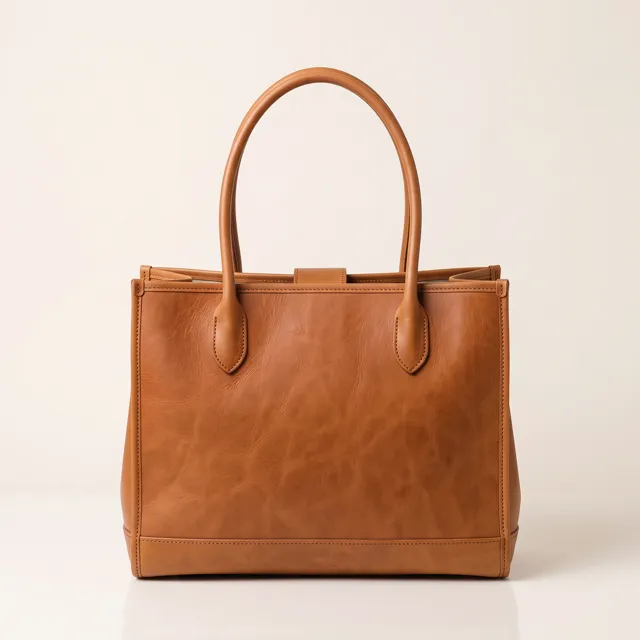
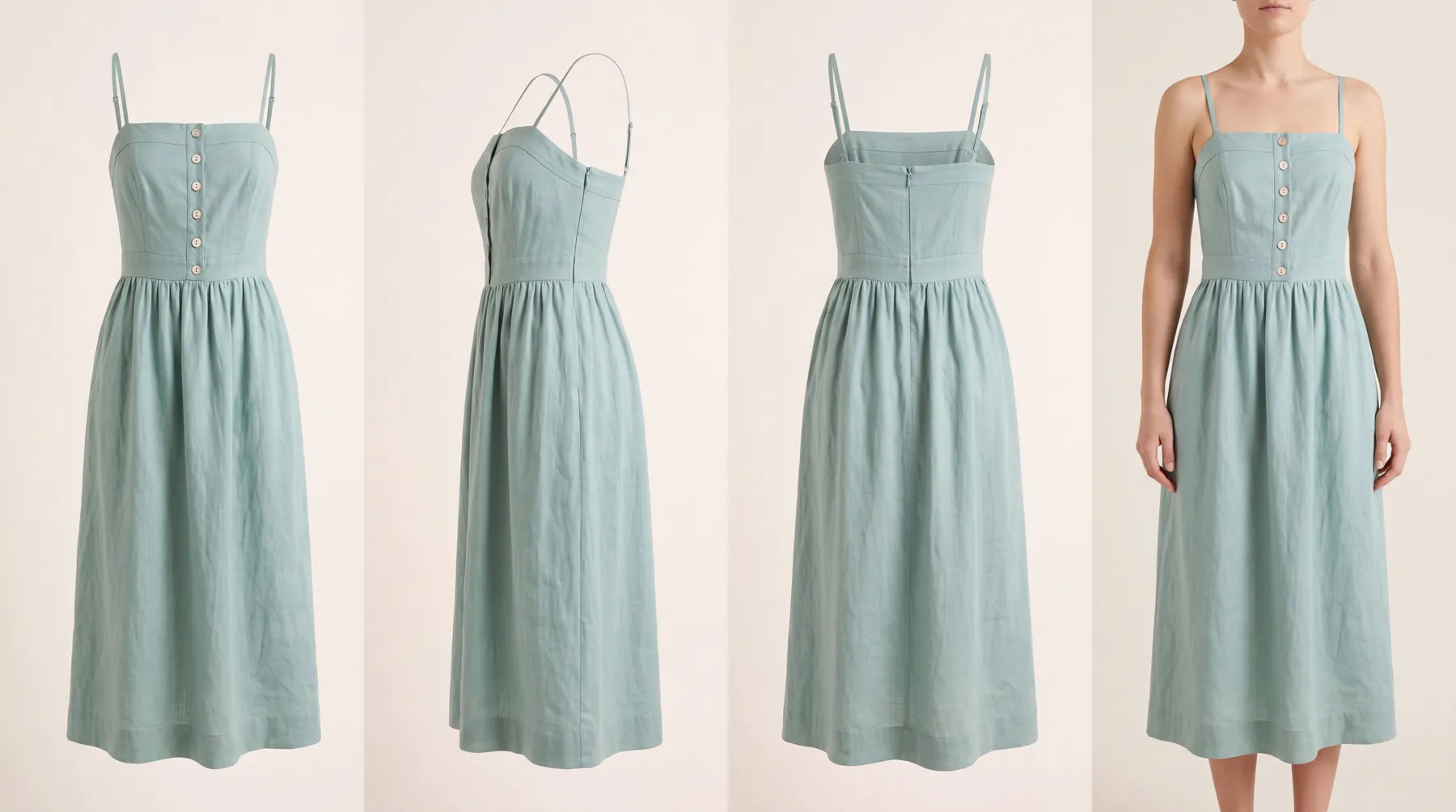
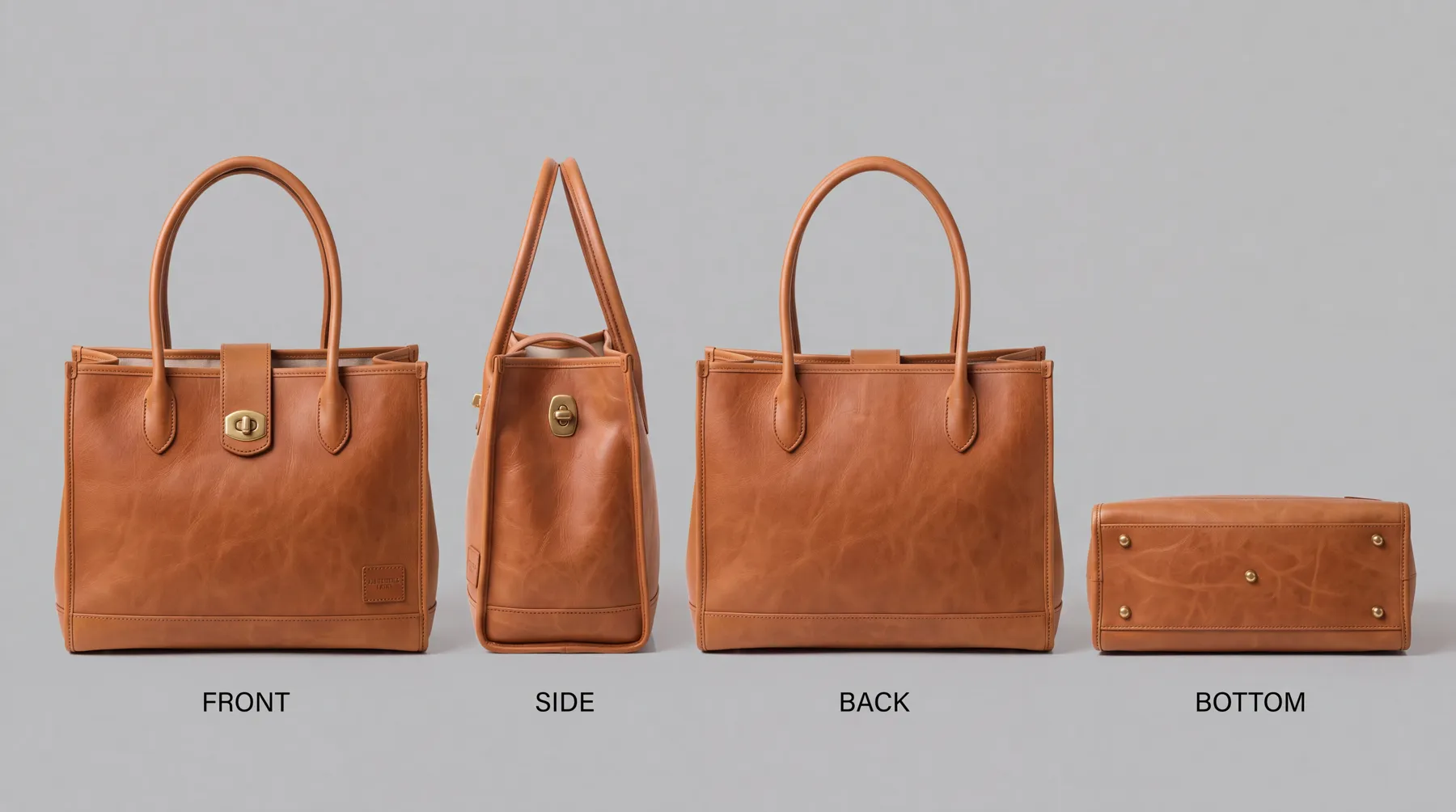
What we loaded. The tote went in as a product, with its size and the name on its front tag on the record. The dress went in as a uniform, the kind Plurum uses for clothing, which asks for a picture of the garment worn instead of its base. Uniforms are on the paid plans.
What was made. Two sheets, one per item, each a single 4K image showing the item from every side.
Then we built Nell, a character for the brand, a model in her late thirties, and cast her into six shots. Every shot had the dress sheet attached and Nell cast; the tote sheet was added where the tote appears. We made these through the assistant on the demo; the Generate route in the app does the same thing by hand.
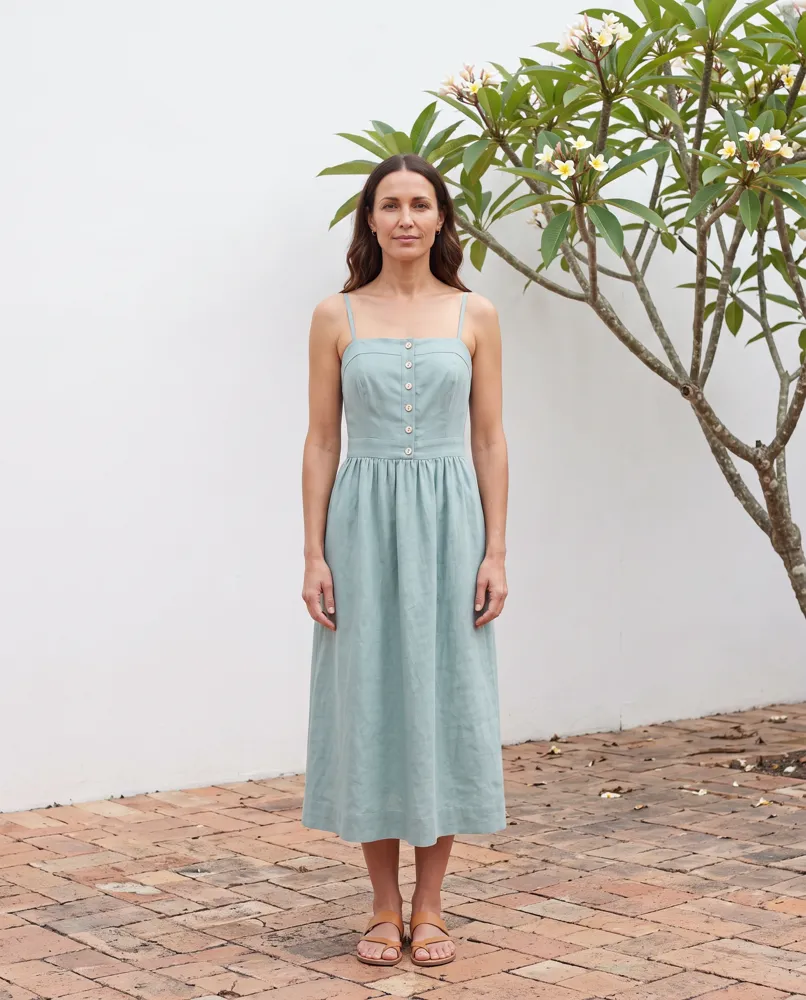
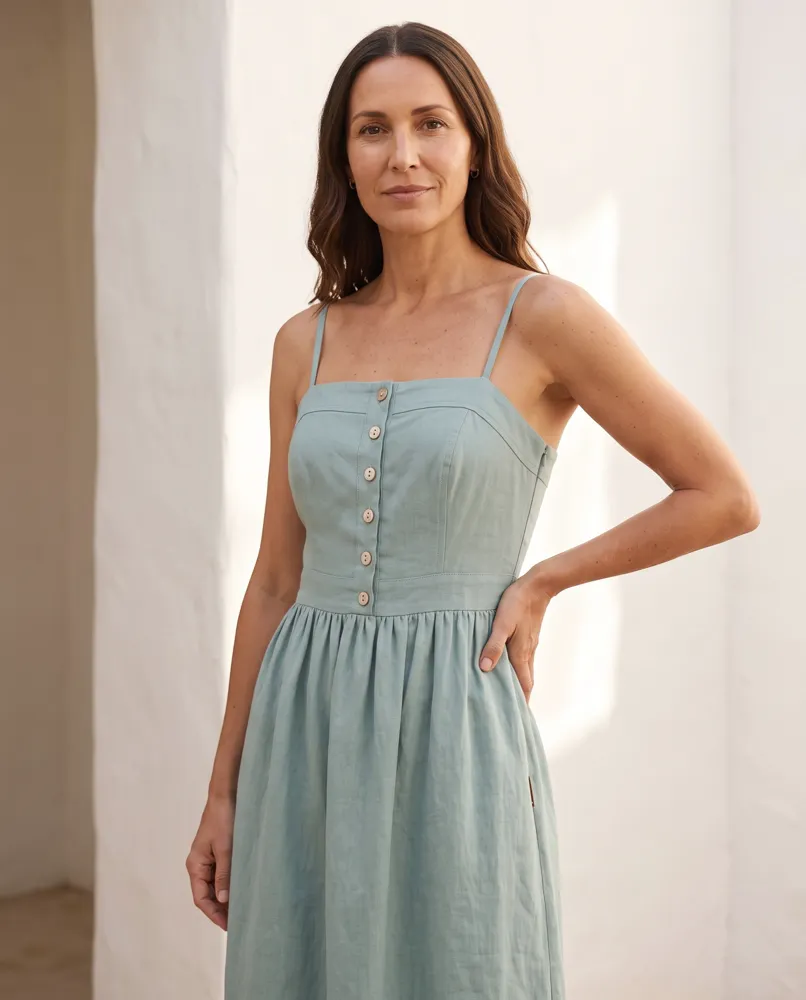
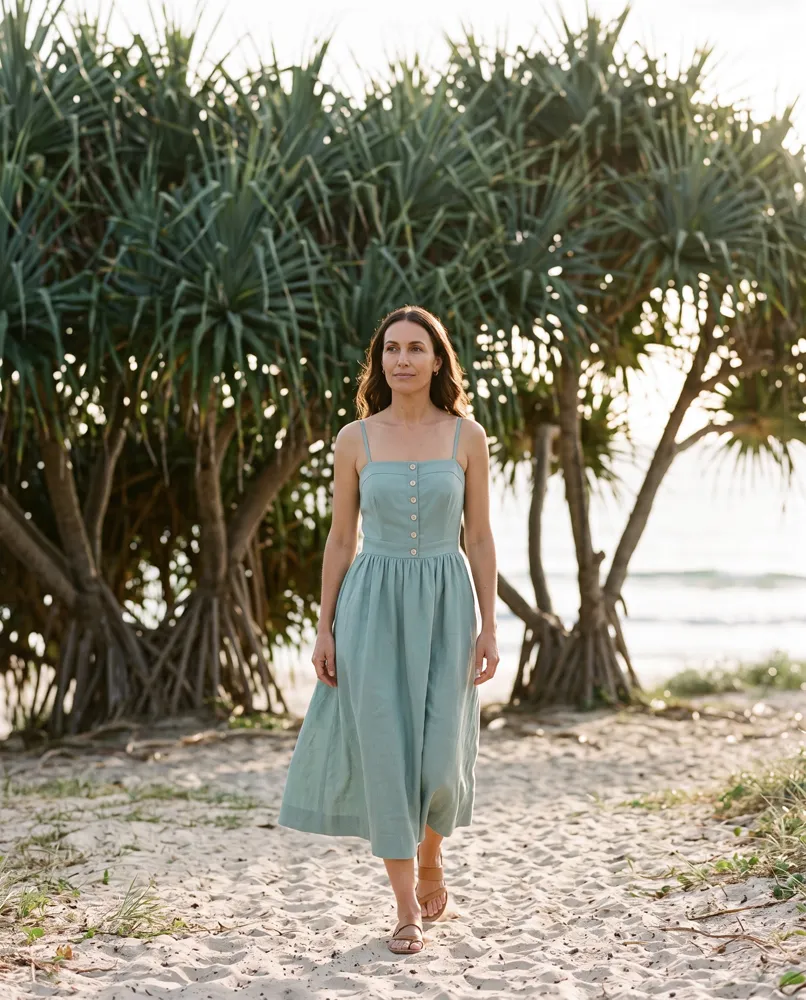
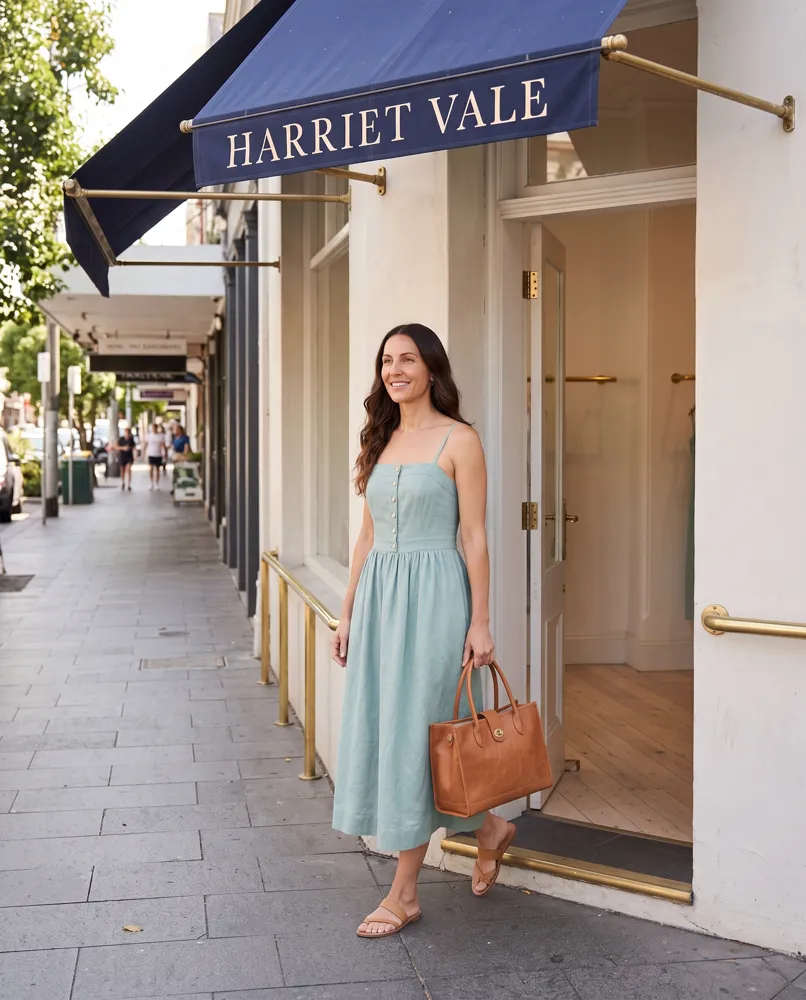
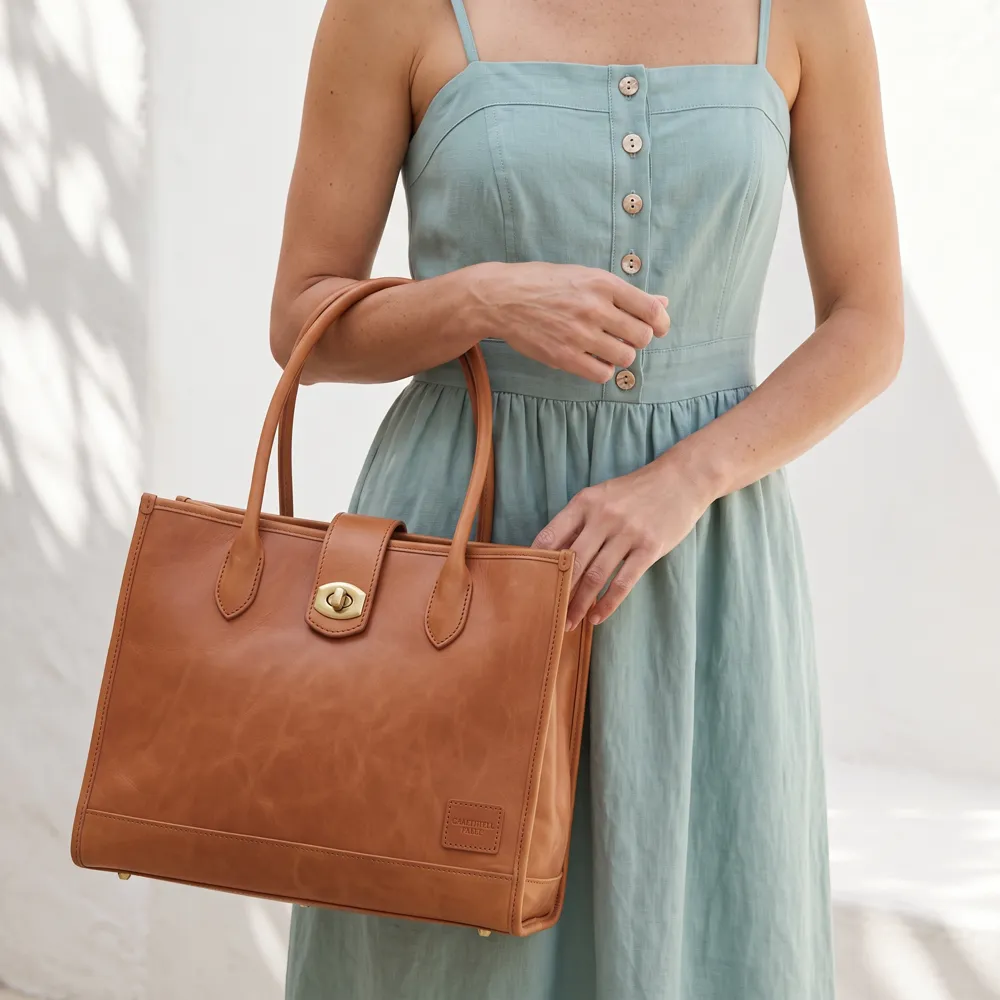
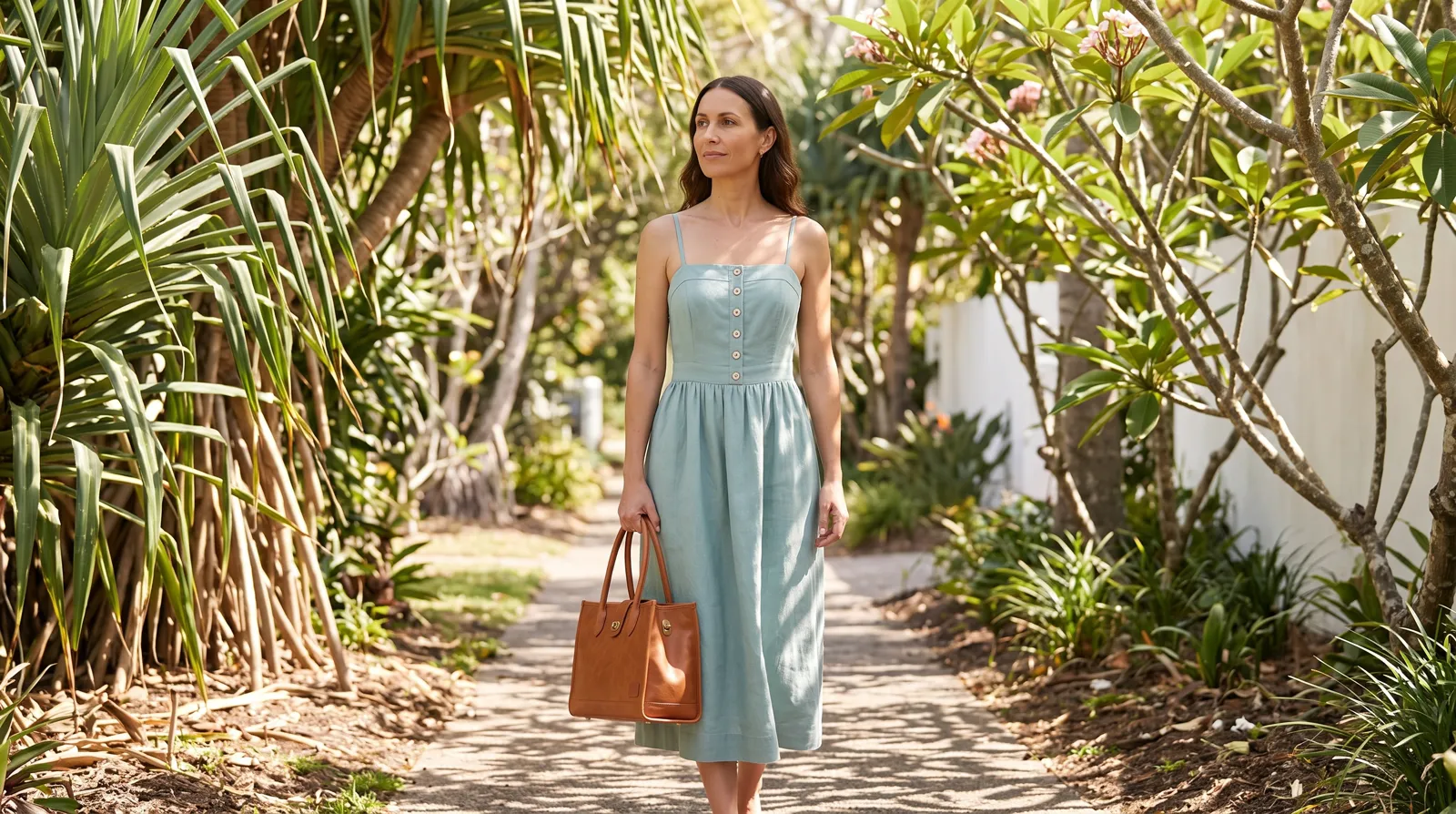
What it cost. Each sheet is a 4K image and each starting picture and shot is a 2K image, priced by the provider. On the demo studio's statement, a sheet came to $0.151 and a picture to $0.101 (rates as of 8 September 2026). The seven starting pictures and the two sheets came to $1.009. Nell's sheet (the character sheet is a 4K image too) and the six shots came to $0.757. Every generation lands on the statement, including two dress sheets we threw away first; the next section says why.
How it works in Plurum
- Open Brand Kits and choose New product. For clothing, switch the builder to Uniform.
- Add four pictures. A product takes the front, the side, the back, and the base or the top. A uniform takes the front, the side, the back and one picture of it worn. A detail picture is optional. Type in the words printed on it, and its size if you have it. Sizes set the proportions; they are not written on the sheet.
- Press Compile the sheet. The estimate is on the button before you press it.
- Check the sheet, then keep it. Plurum sets each line you typed beside what the sheet shows, and asks you to confirm each one and the sheet as a whole. Keep this sheet stores it on the product. If it is wrong, re-roll it.
- Make shots on Generate. Pick the product and its sheet goes with the shot. Remove it with the ✕ for one shot and it comes back on the next.
Product or uniform
| Product | Uniform | |
|---|---|---|
| For | Things you sell that are not worn | Clothing |
| The four pictures | Front, side, back, base or top | Front, side, back, worn |
| Optional fifth | A detail | A detail |
| Size | Sets the proportions, never written on the sheet | Optional |
| Plans (as of 28 Sep 2026) | Every plan; Free holds up to 5 per client | Business, Studio and Team |
What it does not do
- The starting pictures on this page are not phone photos. Everything on this page is generated, the starting pictures included. The builder is made for phone photos; this example shows the route, not how a particular phone photo turns out.
- It can print what is not on your product. Only the words you typed in are checked against the sheet. Any other small print, a barcode included, is the model's invention. Our first dress sheet printed a clothing label that was on neither the record nor the pictures, and we threw it away. It can also draw a view you never gave it, as the tote's bottom shows.
- Clothing compiled as a product goes wrong. A product sheet asks for a base, and a dress has none, so our first two dress sheets drew a view that does not exist. Compiled as a uniform, the sheet showed the front, the side, the back and the dress worn, and no invented base.
- Sizes are proportions, not measurements. They shape the sheet and are never printed on it.
- Uniforms and casting a model are on paid plans. Free covers products, up to 5 per client, and images only, 25 a month. A sheet counts as one of the month's 25 on Free. Video is not on Free.
- It runs on your own provider keys. Each sheet and shot is one image at your provider's price, paid to them directly. Plurum adds nothing to it.
Related
- How Plurum reads a brand: what goes into a client's kit before the first shot.
- Casting a character: the same person across a campaign.
- Your keys, your machine: where your work is kept and who you pay.
Questions people ask
Can I use phone photos of my products?
Yes. The builder takes any four pictures of the product: front, side, back, and the base or top. The pictures on this page are generated stand-ins, because the brand is fictional.
Will the AI change my product's label?
It can. Only the words you type in are checked against the sheet, so check any other small print before you keep it.
How much does one sheet cost?
One 4K image at your provider's price, shown on the button before you press it. On the demo studio it was $0.151, at rates as of 8 September 2026.
Does it work for clothes?
Yes, as a uniform. You give it a picture of the garment worn in place of the base.
Do I need to hire a model?
No. On a paid plan you build a character once in Plurum and cast her into every shot, as we did with Nell.
Who made this
Plurum is coming soon, for Mac.
Register your interest
Plurum is nearly ready. Leave your details and we'll write to you when your plan opens - that's all we'll use them for.