AI images for agencies
Plurum holds each client's brand on its own record, so the work you make for one client is composed from that client and billed to that client.
 Arcadia Audio
 Portsmouth Roasters
 Harrow & Vale
 Brightside
 Fernway Hotels
What you get



A record for each client in Clients.
The brand document, the hard rules, the logo, the colours and the reference pictures, kept on that client and nowhere else.
 Mila
Mila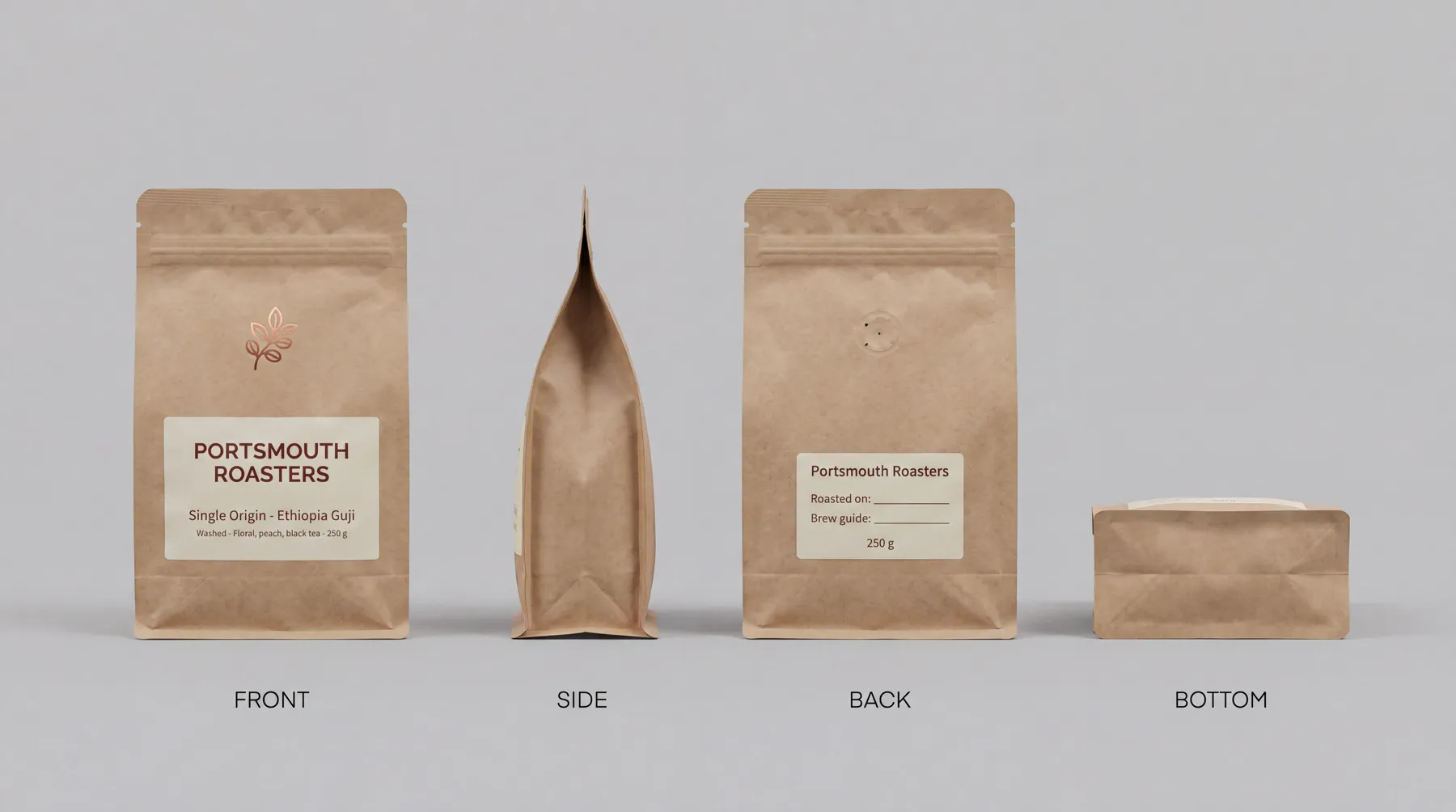 Coffee bag
 Apron
ApronEach client's kit in Brand Kits.
Its products, uniforms and characters, built once and picked for any shot.

A clean switch on Generate.
Change the client and the last client's references, frames, prompt and characters are cleared, and Plurum tells you what it cleared.

A statement per client in Statements.
Every generation for that client, with its cost, exported as a PDF under your own business name.
A monthly budget per client.
Warn, or refuse before anything is charged.
Two clients, side by side
Portsmouth Roasters, a coffee company, and Halden & Finch, an estate agency, are two fictional clients in Plurum's demo studio. Both sit in the same studio, on the same provider keys.

What it cost, per client. Your providers bill you once, for everything; the statements are how you split it by client.
Halden & Finch, September, as Plurum exports it.
We made these through the assistant on the demo; the Generate route in the app does the same thing by hand.
How it works
Add each client in Clients.
Put the brand document, hard rules, logo and colours on Brand assets, and reference pictures on References.
ClientsBuild what each client sells and who appears.
Products, uniforms and characters, kept on the client.
Brand KitsMake the work on Generate.
Pick the client first; its brand is composed into every shot, and the estimate is on the button.
GenerateSet a monthly budget
on any client from the entry menu in Clients.
ClientsOpen Statements at the end of the month.
Choose the client and export the PDF.
StatementsPlans for agencies
Every plan runs on your own provider keys. You pay each provider directly, and Plurum adds nothing to the price.
Each with its own statement and budget.
For three or more people.
What it does not do
Team is not here yet.
Several people on one studio, with seats and roles, is the Team plan, and it is coming. Today Plurum is one person's studio.
It estimates your costs; it does not read your provider's bill.
Every statement line is an estimate from Plurum's rate card, marked as one. Your provider's invoice is the real figure.
Work made with no client picked is on no client's statement.
It sits under Unassigned.
There is no link to send a client for approval.
You share finished pictures from your own folders.
It is for Mac.
Plurum is coming soon, for Mac.
Questions people ask
Can I keep each client's brand separate?
Yes. Each client is its own record, and on Generate the last client's references, frames, prompt and characters are cleared when you switch.
How do I bill clients for AI images?
Export each client's statement for the month as a PDF. It lists every generation made for that client, with its cost.
Which plan is for an agency?
Studio, which holds as many clients as you have. Business holds one.
Can my AI assistant work on client briefs?
Yes. It works on the same clients, keys and budgets, asks before it spends past your limit, and its work is marked "via assistant" on the statement.
Do my clients need their own AI accounts?
No. You connect your own provider keys once, and every client's work runs on them.
Related


Plurum is coming soon, for Mac.
Plurum is nearly ready. Leave your details and we'll write to you when your plan opens - that's all we'll use them for.