
Connect the AI assistant on your Mac to Plurum, and it can read a client's brand, price a plan, make the pictures and put them in your folders, asking before it spends past your limit.

The brand document, rules, colours, reference pictures, products, uniforms, characters, styles, saved prompts and shotlists, and the models on offer with each one's price. Reading costs nothing, except a visual search, which prices your words at a fraction of a cent.
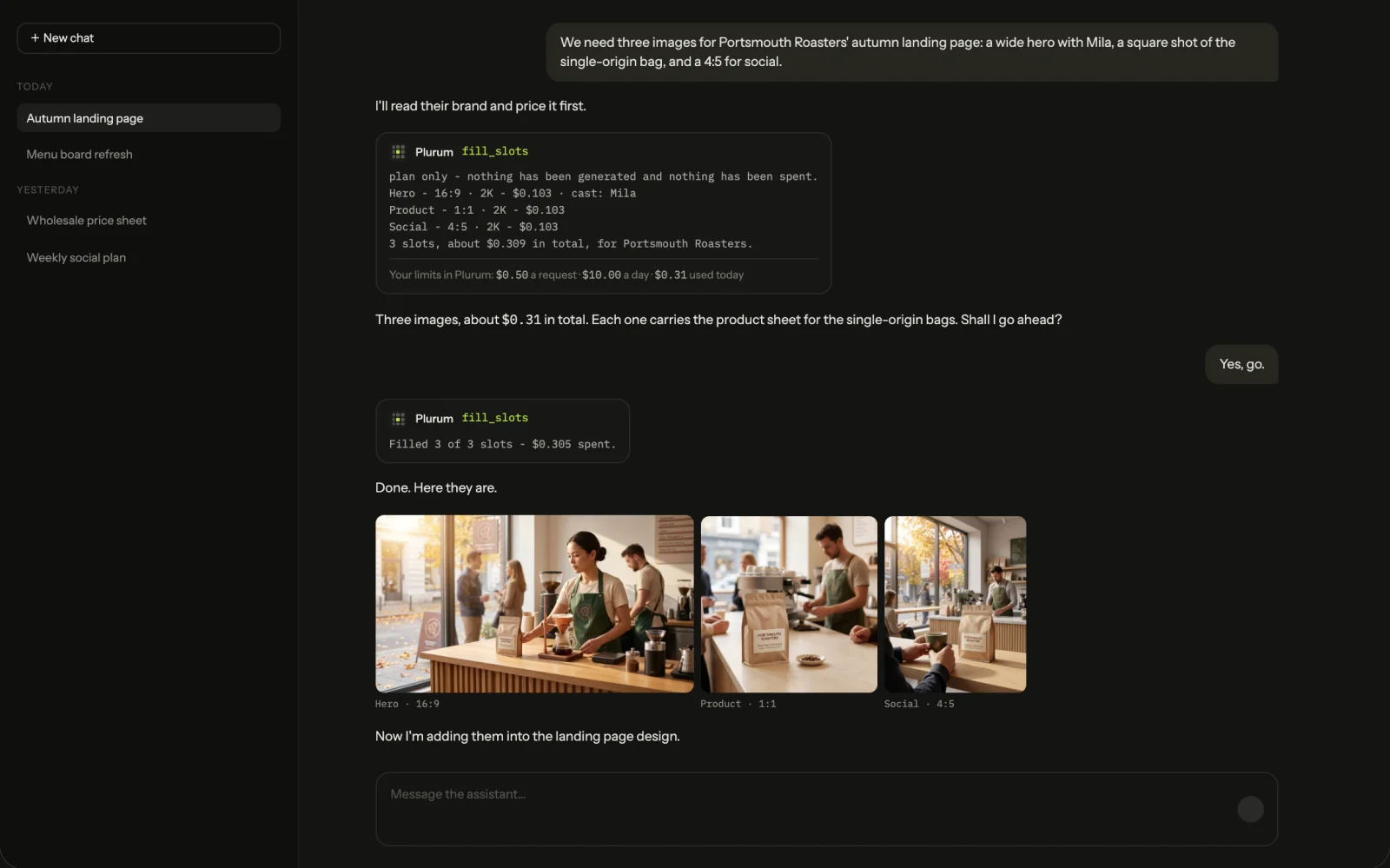
Every tool that spends shows its estimate first, and filling a set of named slots returns a priced plan before anything runs.
Images on a client's brand, edits of an existing image, clips, character sheets and product or uniform sheets.
Create the client and fill in its basics, colours, rules, brand document, logo, references and kit items. It cannot remove them; that is yours, in Plurum.
Archive, tag or delete a picture.
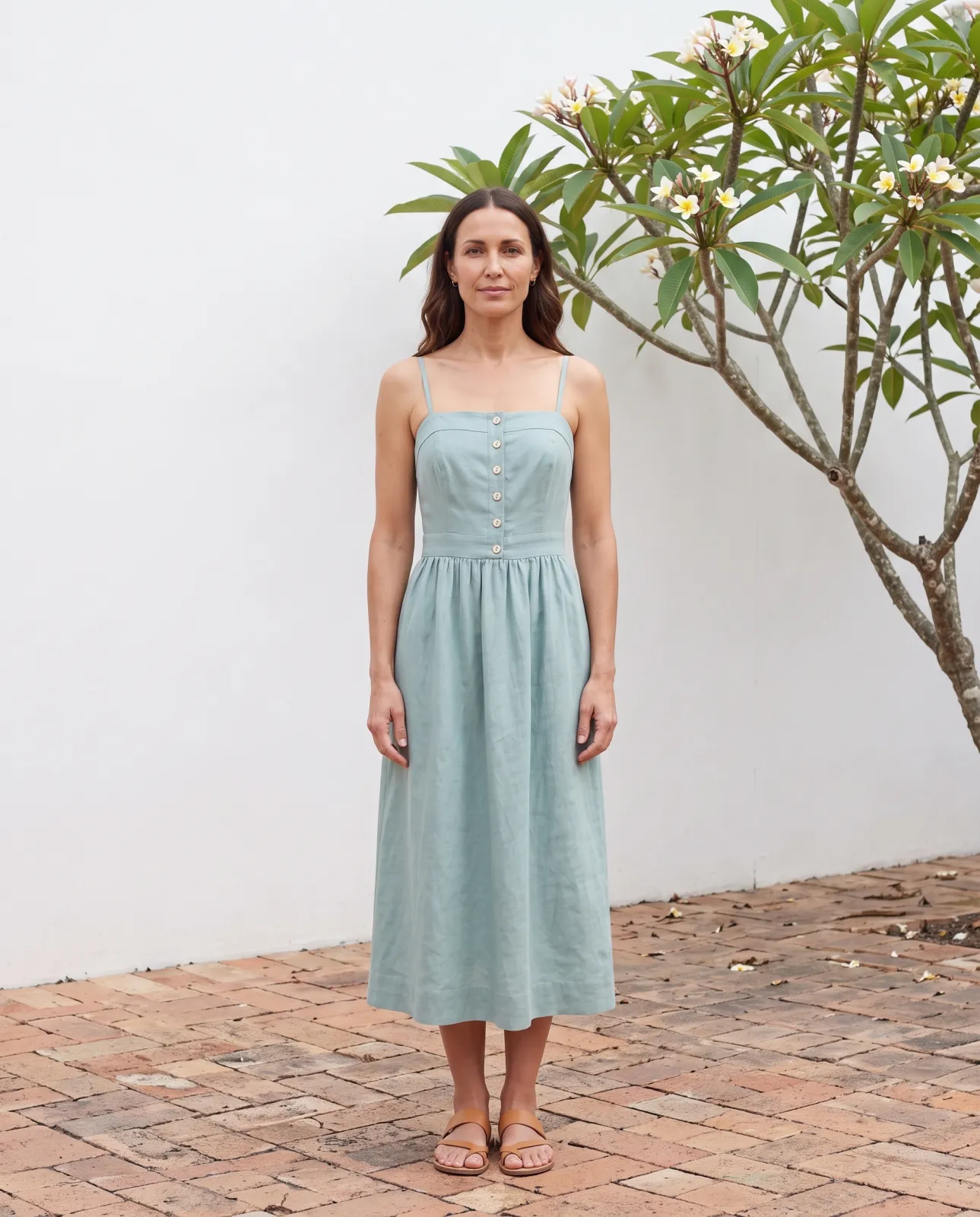
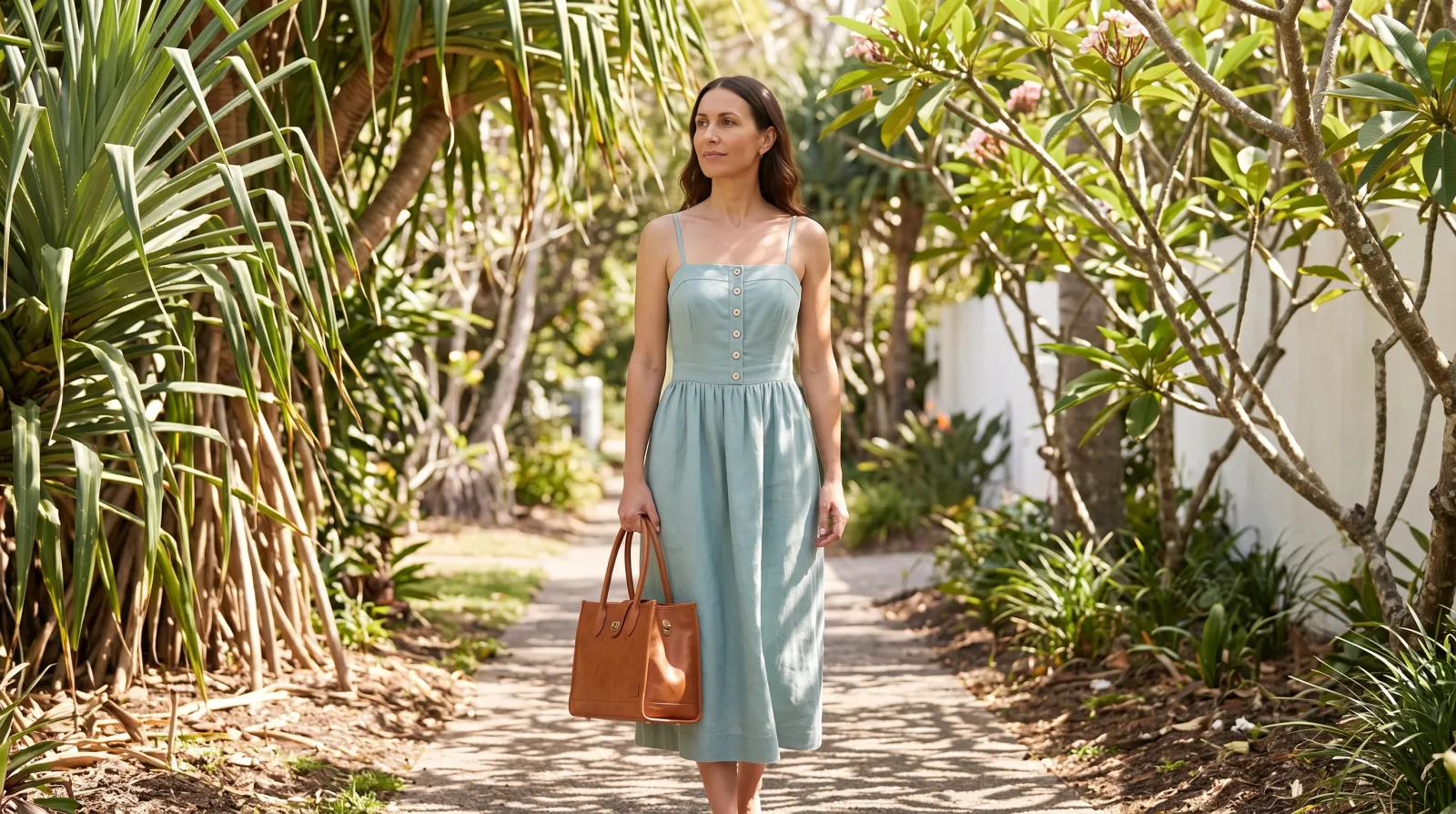
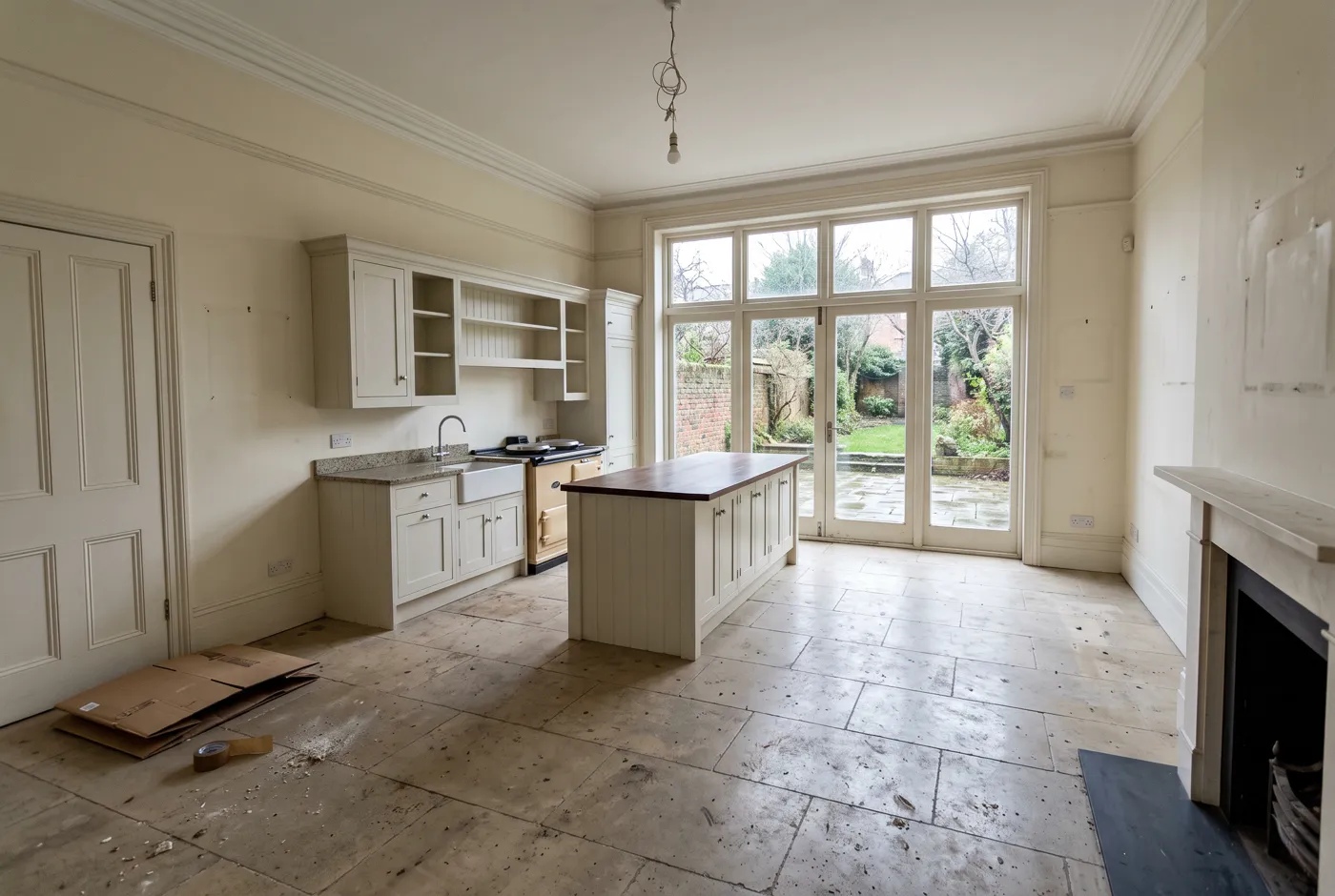
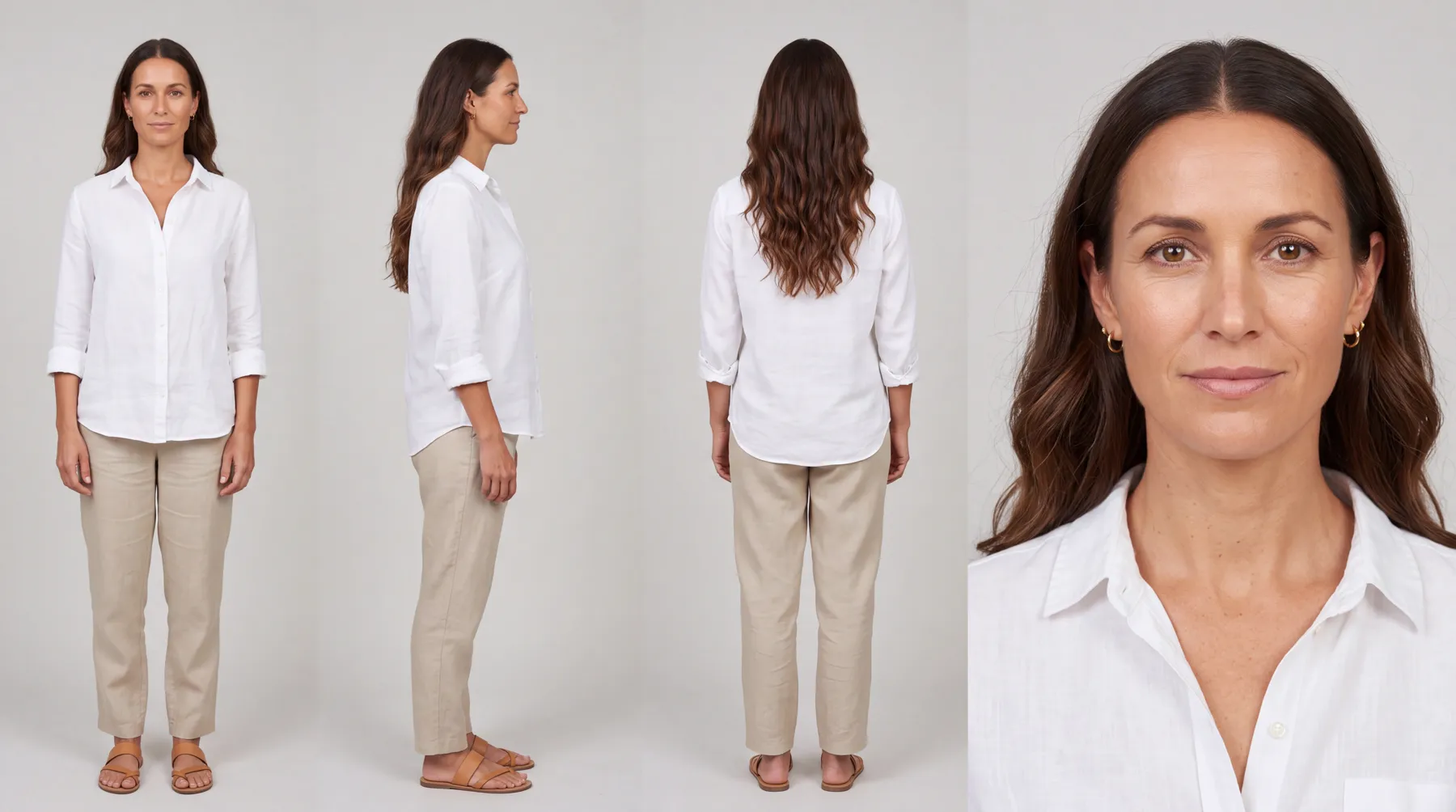
Harriet Vale is a fictional boutique in Plurum's demo studio. Its lookbook was made by an assistant working through Plurum: it built the model, Nell, from a casting call, put the dress and tote sheets on the kit, and made the shots.


One click registers Plurum with the AI assistant on your Mac.
The Plurum skill, free on the site, teaches an assistant how to work in Plurum: read the brand first, ask the right questions, show the priced plan, then make.
On Platforms, set what it may spend a request and a day, and, if you want, an amount above which it asks you first.
When it asks, the request appears in Plurum with its price. Approve or decline it there.
in the library and, if auto-export is on, in the client's own folder.
Every picture goes into the client's library in Plurum. With auto-export on, it is also copied into the client's export folder, which you choose, and which can sit in the cloud storage you already use, such as Google Drive or Dropbox. When your assistant fills a set of named slots, each file is named for its slot, such as hero-1.png, and a small list beside them says which file is which, with its prompt, format and cost.
That is how it works with a design tool: your assistant takes the design's list of slots, fills them on the client's brand, and puts slot-named files in a folder your design tool already reads. Files in a folder, and nothing more.
Its budget starts at $0.50 a request and $10 a day, and you can change or switch it off. Every call runs on your own provider keys.
| What happens (as of 28 September 2026) | |
|---|---|
| Under its budget | It runs, at the estimate it showed |
| Over its budget, or over your ask-first amount | It becomes a spend request you approve or decline in Plurum; an approval is good for that one call, and lasts fifteen minutes |
| A call Plurum cannot price | Refused while a budget is set |
| Too many calls in a minute | Its access pauses until you resume it on Platforms. This limit cannot be approved past. |
The assistant works on every plan, and it can do what your plan can do. On Free that is one client and 25 images a month, images only; video, characters, uniforms and shotlists are on the paid plans.
An assistant on another computer, or on a website, cannot reach it.
Pictures reach a design as files in a folder the tool reads; nothing connects to the tool itself, and nothing a design tool changes comes back into Plurum.
Pictures land in your library and folders.
It can set them up and change them; removing them is yours, in Plurum.
A request is answered in Plurum, by you.
Plurum is coming soon, for Mac.
Yes. Connected to Plurum, it reads the client's brand and every picture it makes is composed from it.
Not past your limit. Over its budget or your ask-first amount, it sends you a spend request with the price, and waits.
An assistant on the same Mac that can use connected tools, such as Claude. You connect it with one click on Platforms.
Through files. It puts slot-named pictures in a folder your design tool reads.
Yes, on every plan.
Plurum is nearly ready. Leave your details and we'll write to you when your plan opens - that's all we'll use them for.