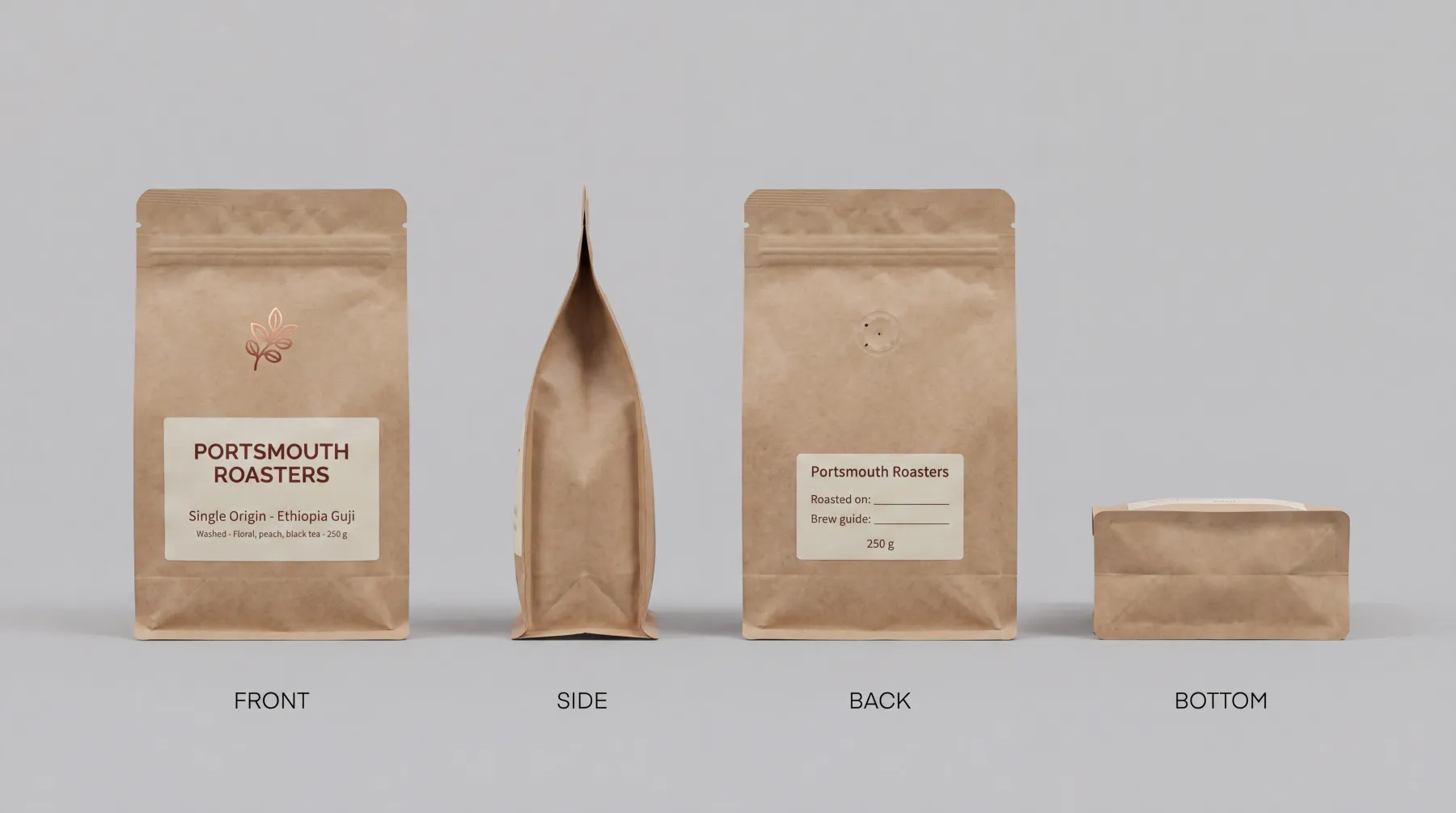
A bag or a jar photographed from four sides becomes one sheet that goes into every shot of it.
FIG 0.1.2
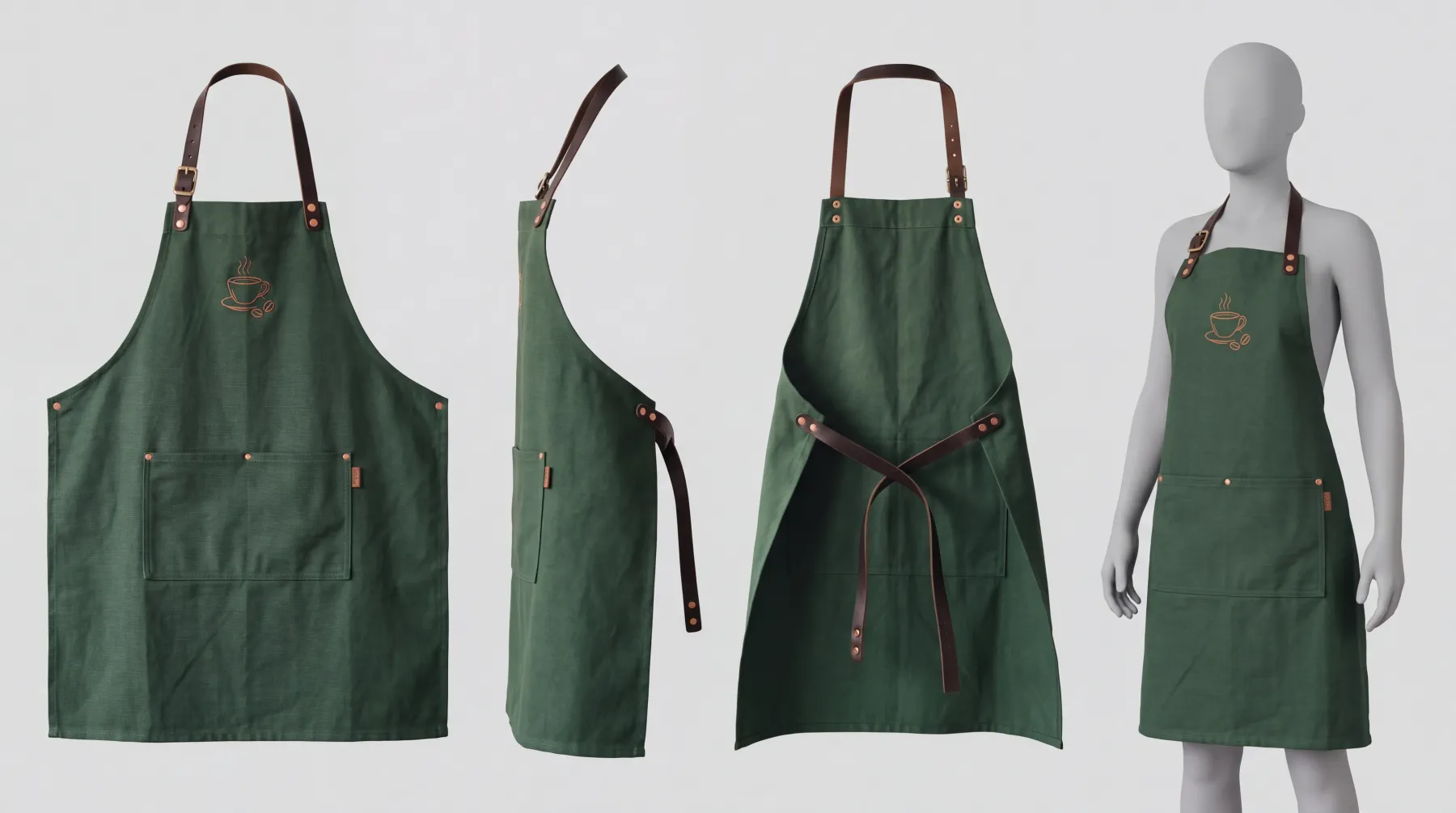
Your uniform as a sheet.
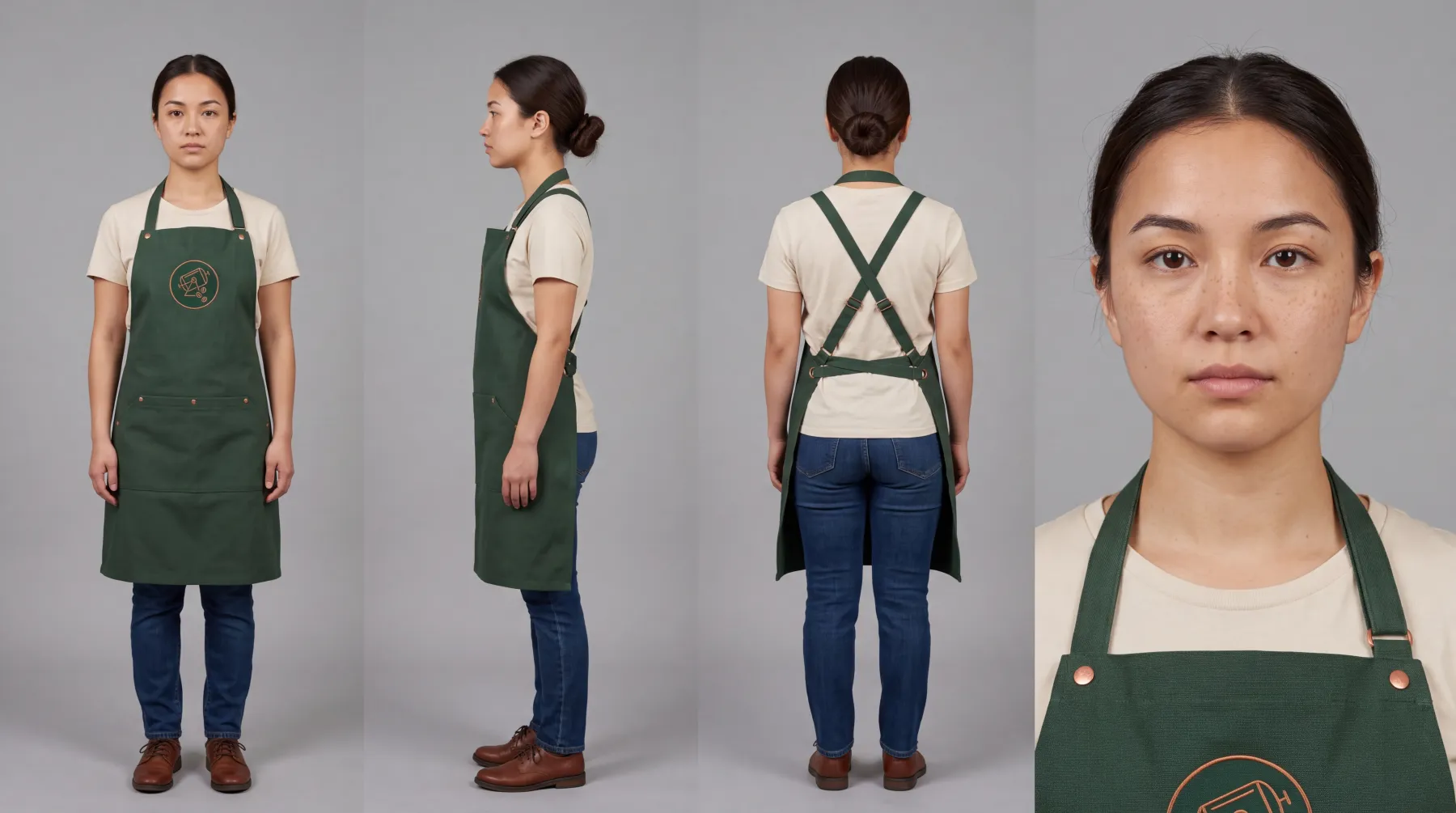
An apron goes in as a uniform: front, side, back and worn.
FIG 0.1.3
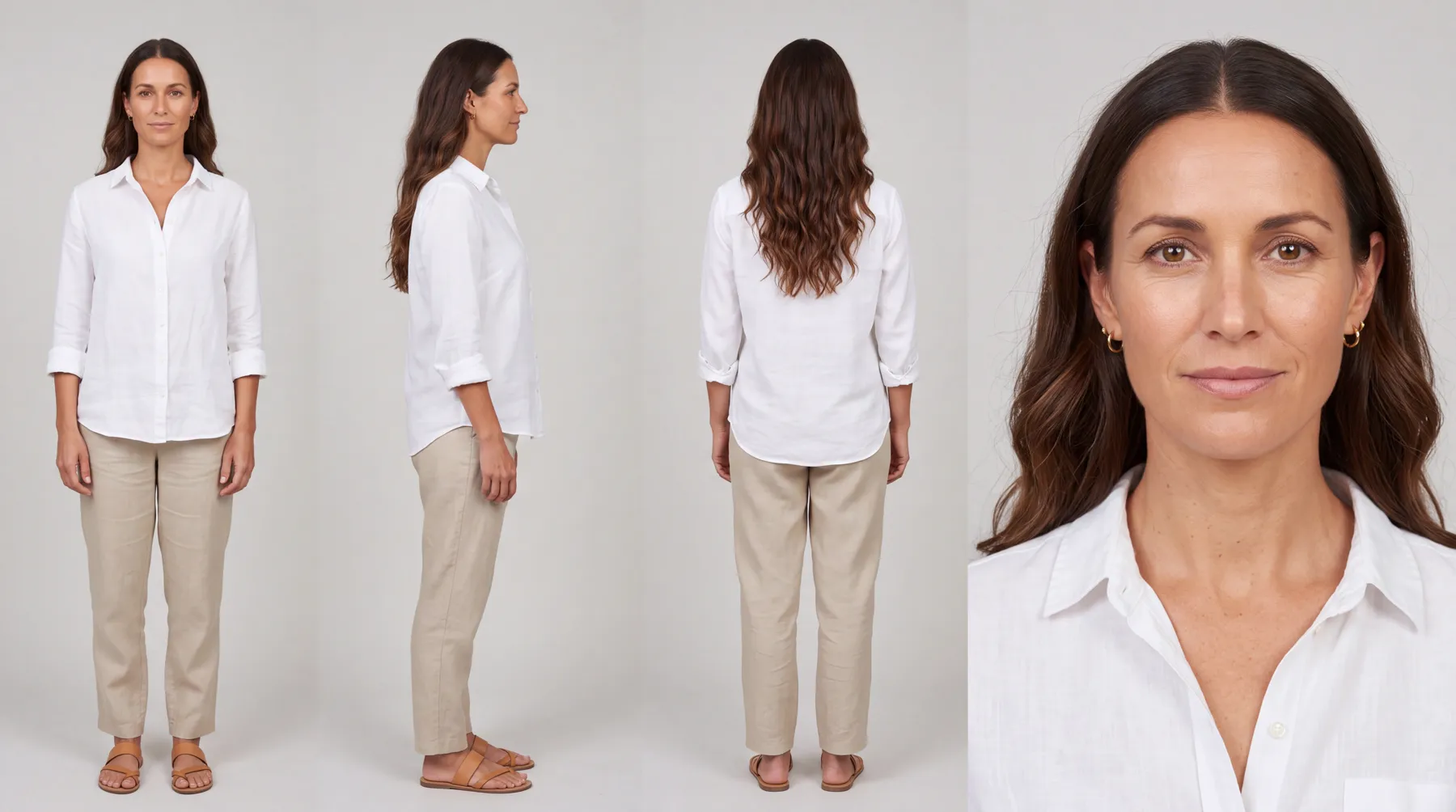
Your staff or your mascot as characters.
Built once from a description, picked for any shot.
FIG 0.1.4
Your brand on every shot.
Your brand document and rules, such as what your counter never shows, composed in.
FIG 0.1.5
A clip from a still,
on a paid plan. Put a picture in Start frame and describe what moves.
0.2
Example one: a coffee company's September
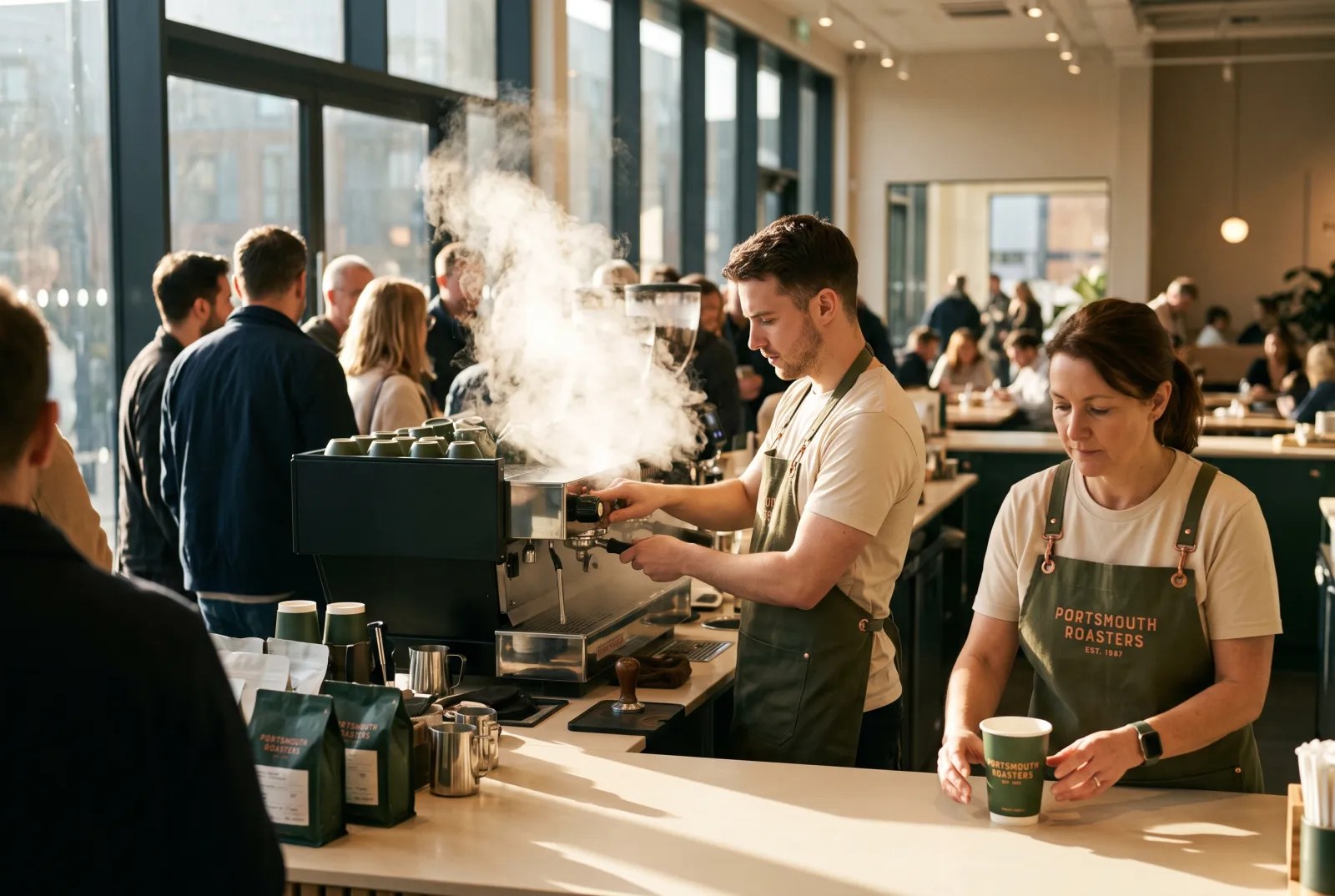
Portsmouth Roasters is a fictional coffee company in Plurum's demo studio, written as a chain with its own roastery. It has two baristas built as characters, Ray and Mila, a single-origin bag and a staff apron.
WHAT WENT IN
A brand document, eight hard rules, eight reference pictures, and two sheets in Brand Kits.
The single-origin bag's sheet.The staff apron's sheet: front, side, back and worn.
WHAT WAS MADE
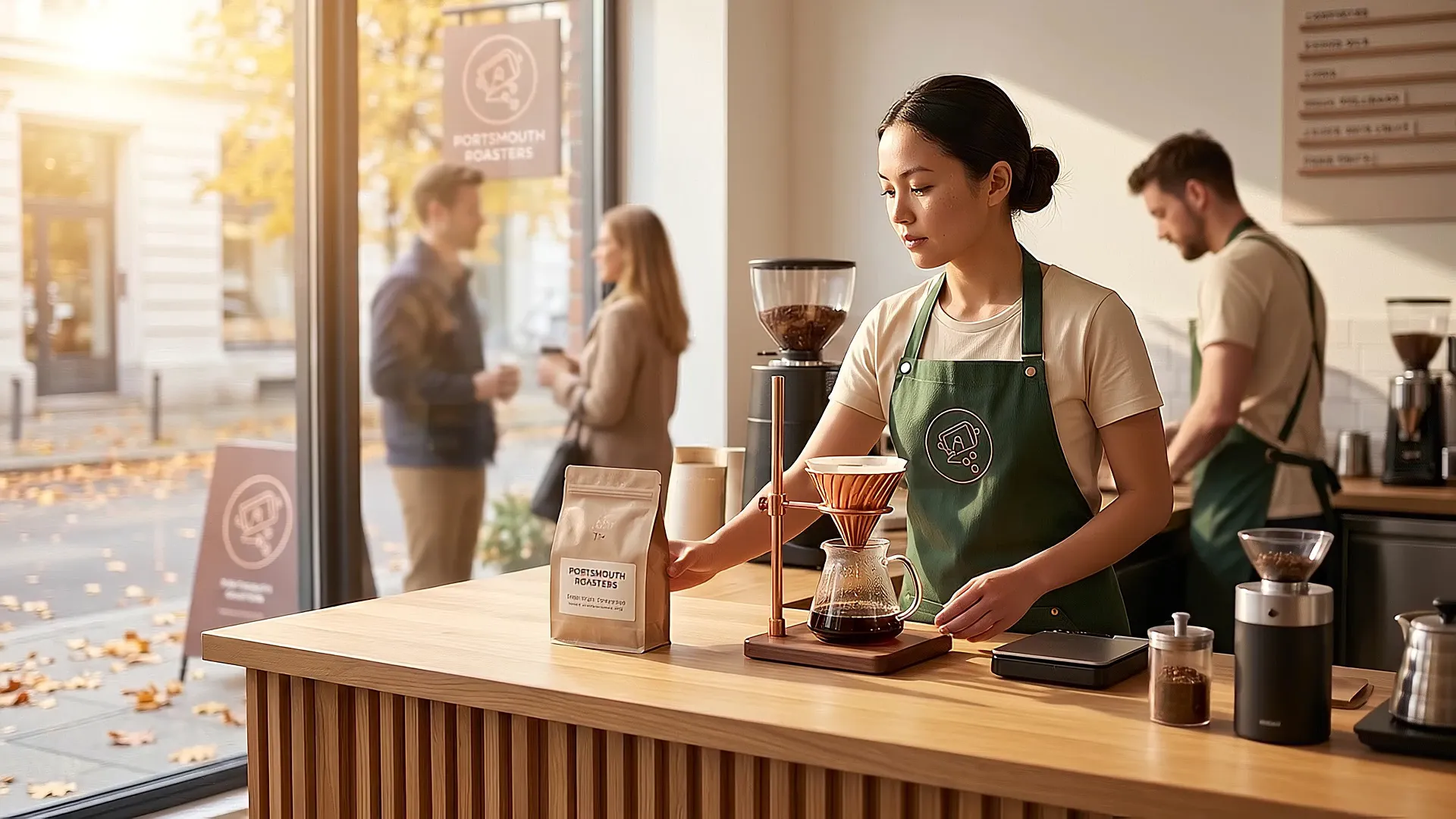
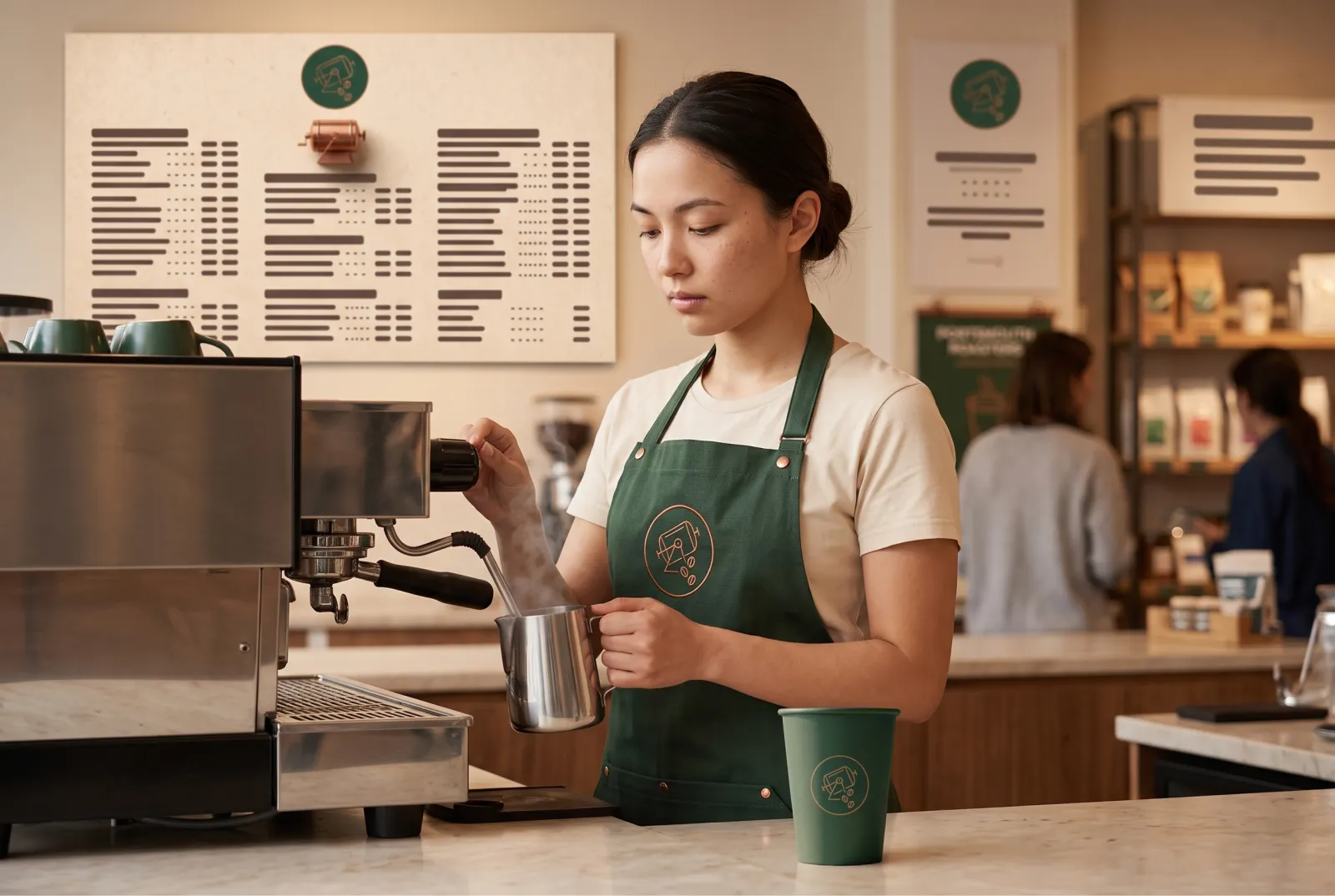
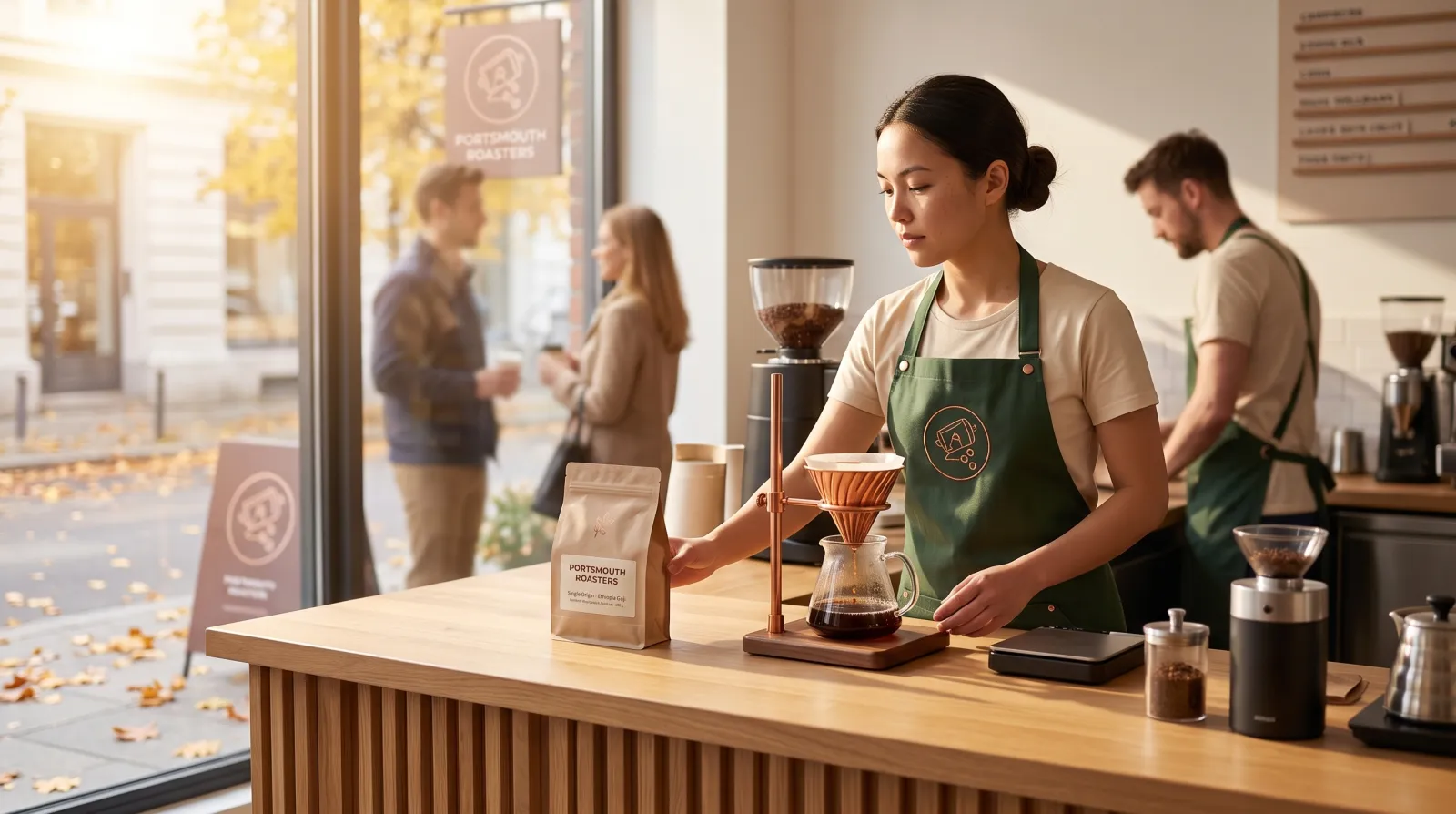
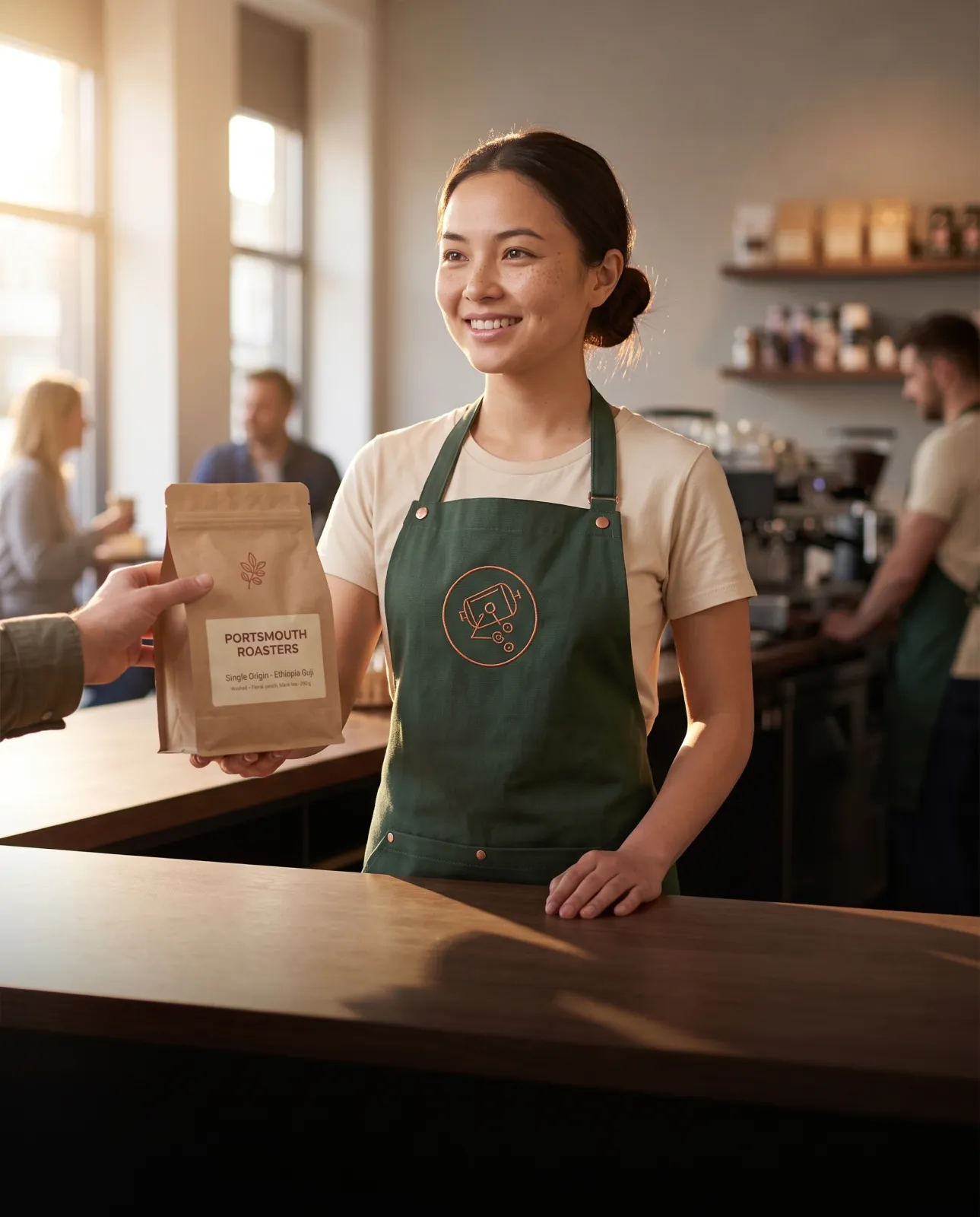
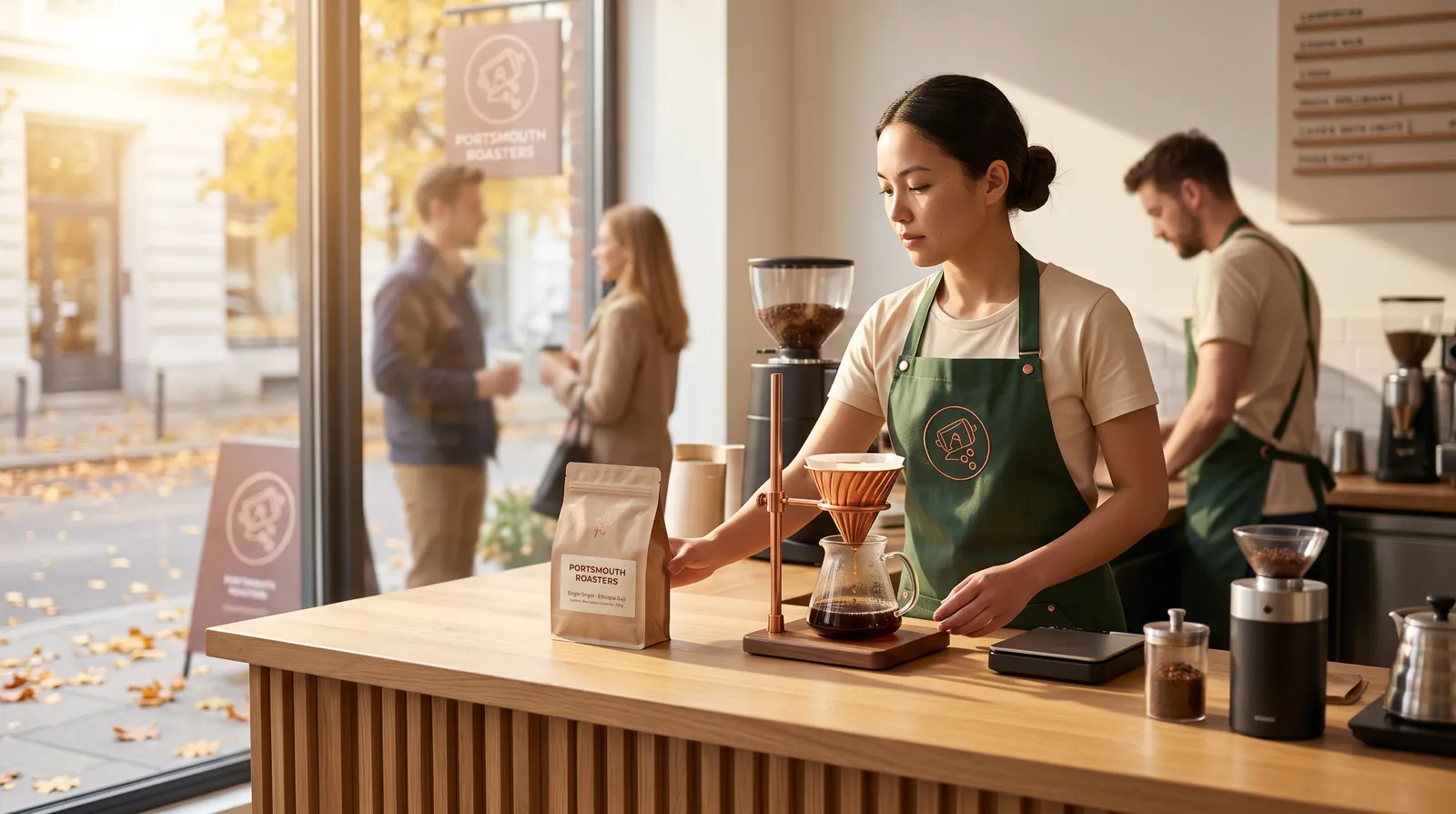
Mila, picked for shots across a month, with the bag's sheet attached where the bag appears.
29 August. Mila cast, the cup and menu board reference pictures attached.24 September. Mila cast, the bag's sheet attached.26 September, for a poster. Mila cast, the bag's sheet attached.
And one clip, made from an opening frame, with the ask "Mila sets the single-origin bag down on the counter, looks up and smiles, as the camera slowly pushes in".
A clip from an opening frame, 1080p.
0.3
Example two: a bakery in two looks
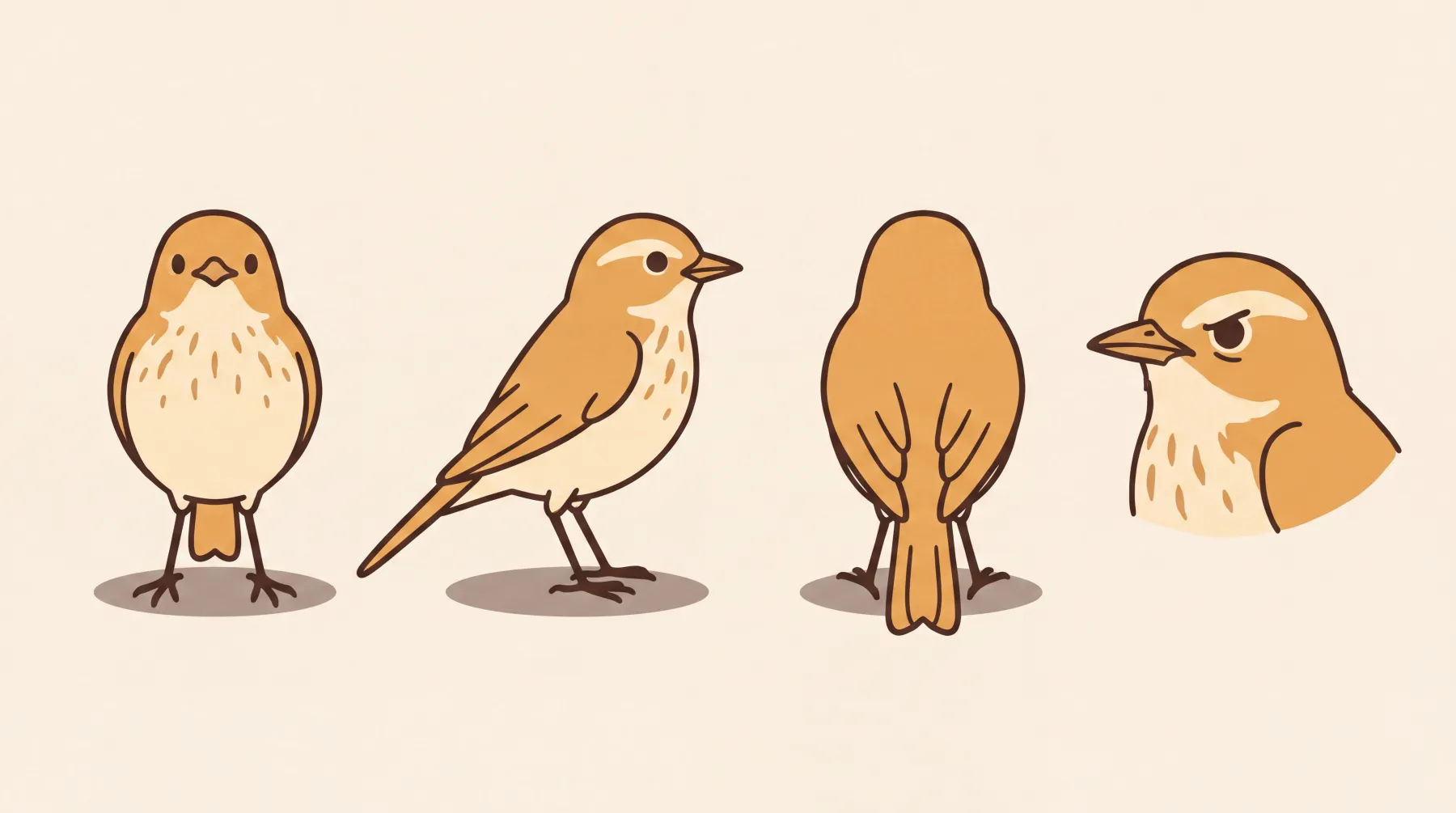
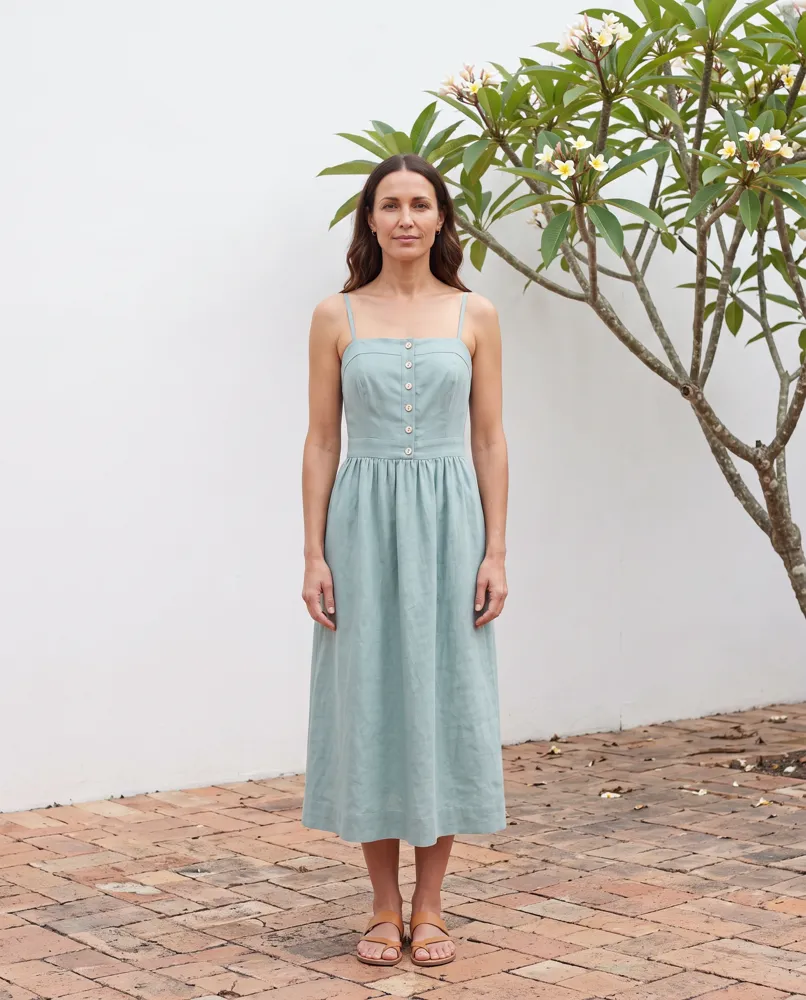
Ovenbird is a fictional bakery in Plurum's demo studio: a small sourdough shop whose day starts at five. It has eight hard rules, reference pictures of its bench, oven, counter and cooling rack, sheets for its bread bag, its marmalade and its apron, and Crumb, a small drawn songbird, as a character.
THE PHOTOGRAPHS
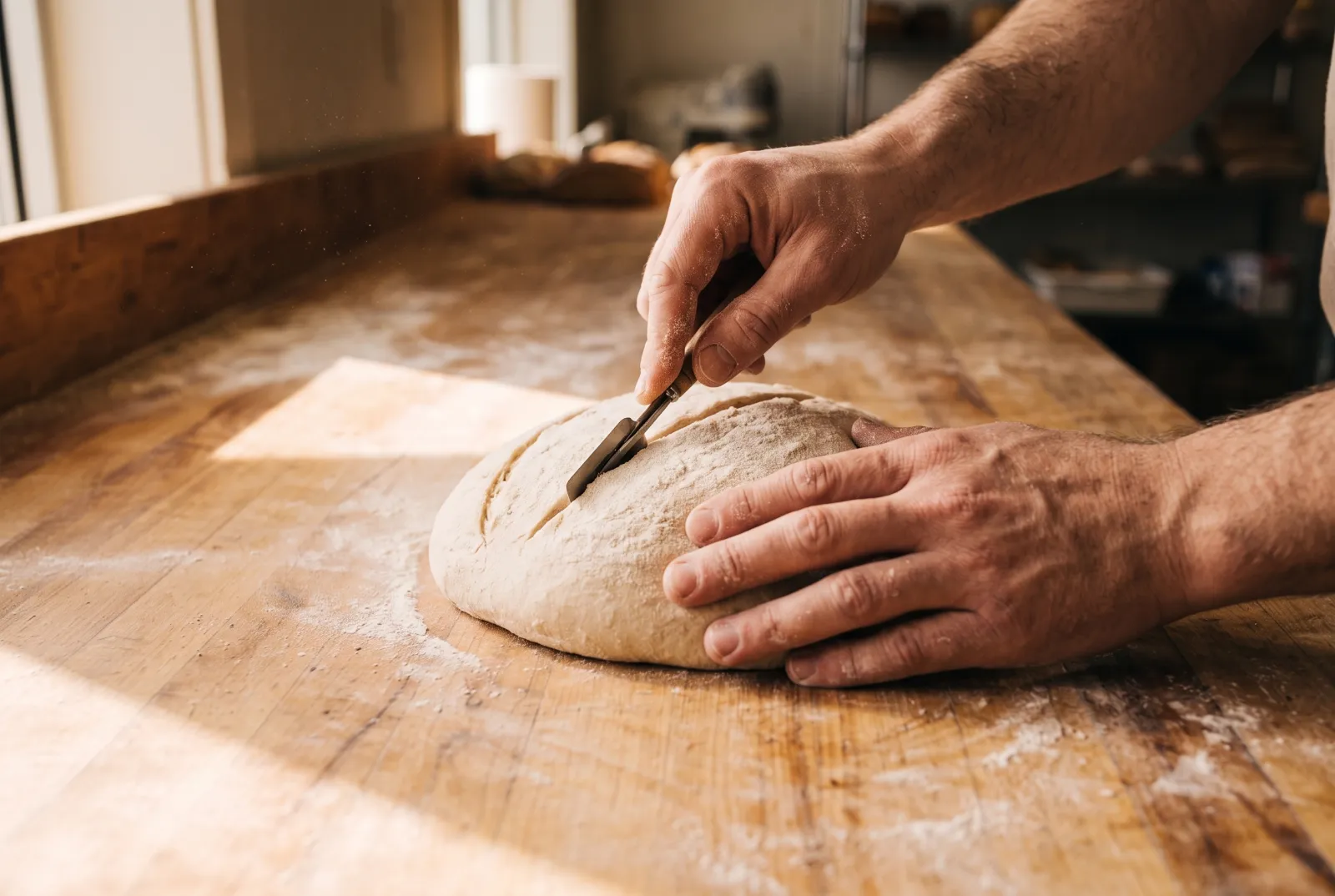
Documentary pictures of the work, under rules such as "In photographic work, hands in frame are working hands, never posed" and "In photographic work, natural and oven light only; no studio flash look".
Scoring a loaf. One of the bakery's reference pictures attached.
THE DRAWINGS
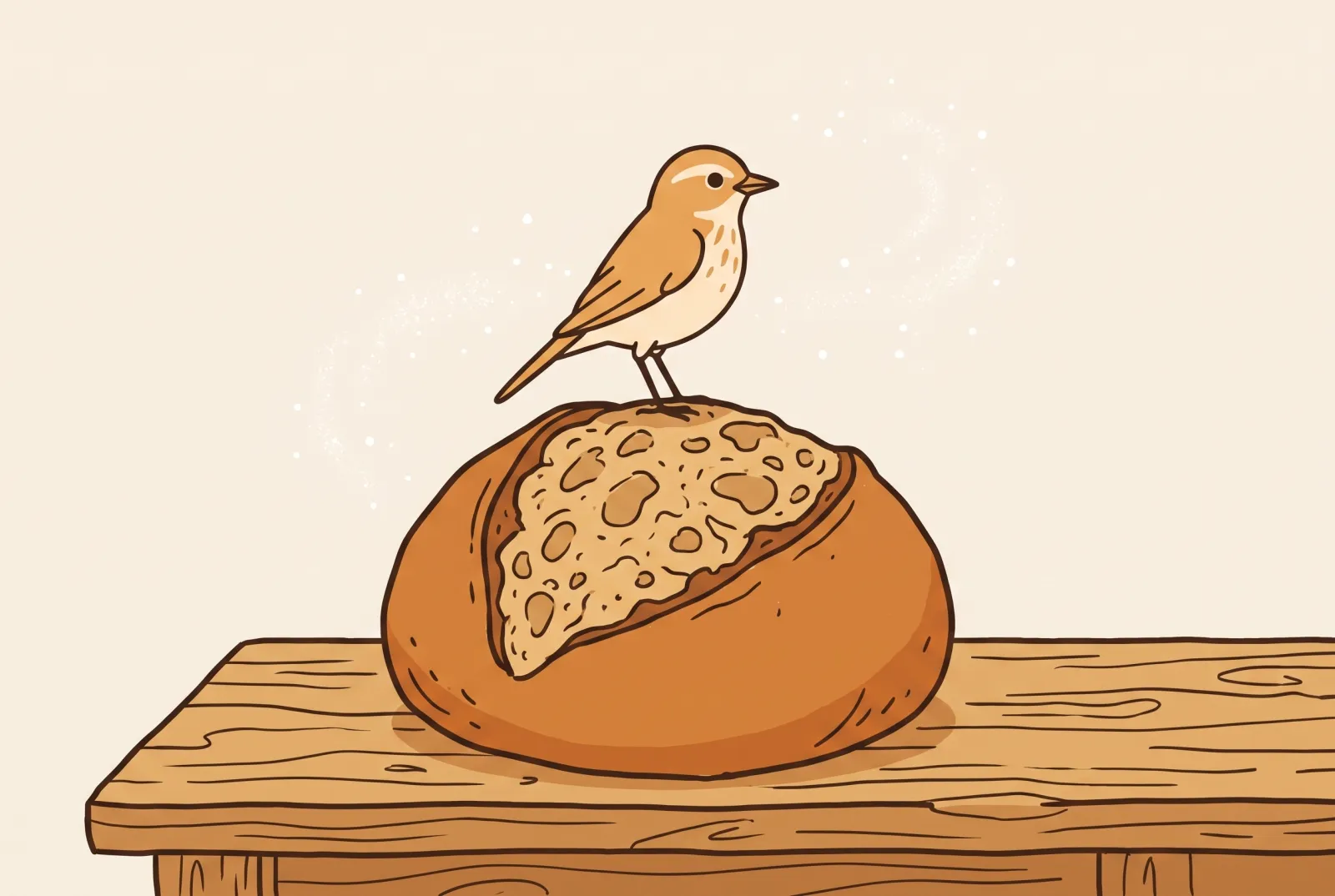
Crumb was built as a character with a drawn sheet, then cast into scenes with the bakery's own drawn image style applied.
Crumb's sheet: front, side, back and a close-up.Crumb on the house loaf. Crumb cast, with the Ovenbird Style image style applied and its picture attached for the look.
0.4
What it cost
Each picture was one image at the provider's price: $0.0672 at 2K in August and $0.101 at 2K in September, because the rate card changed between them (rates as of 4 August and 8 September 2026). Crumb's sheet was one 4K image at $0.12. The coffee company's clip, eight seconds at 1080p, was $0.96 (rates as of 8 September 2026). Every generation lands on its own company's statement.
We made these through the assistant on the demo; the Generate route in the app does the same thing by hand.
0.5
How it works
01
Add your business in Clients.
Brand document, hard rules, logo and colours on Brand assets; pictures of your counter, kitchen or shop on References. Ovenbird begins its photograph-only rules with "In photographic work".
02
Build your packaging and uniform in Brand Kits.
New product for a bag or a jar; switch to Uniform for an apron. Add the four pictures and press Compile the sheet.
03
Build your people or your mascot.
In Brand Kits, Characters, New character. For a mascot, under Sheet style choose a drawn one, such as Illustrated flat, or type your own.
04
Make the shot on Generate.
Pick your business, pick the character and the product from Brand kit, and describe the moment. The estimate is on the button.
05
For a clip,
switch the composer from Image to Video, put a picture in Start frame and describe the movement.
0.6
Two looks, one brand
Photographs
Drawings
For
The food, the work, the shop
A mascot and the fun
What carries the look
Your rules and reference pictures
The character's drawn sheet and your own drawn image style
Rules that apply
All of them
All of them, unless a rule's own words say it is for photographs; check the drawing
0.7
What it does not do
FIG 0.7.1
Without a picture of your mark, the model draws its own.
In a shot where only the bag's sheet was attached, a barista's apron came back with the bag's emblem instead of the company's mark. Attach the mark, or cast a barista whose sheet was built with the mark attached.
FIG 0.7.2
Your rules go with every shot, and you still check.
Read each picture for anything they forbid, such as text on a menu board, before you use it.
FIG 0.7.3
A rule is only as scoped as its words.
Writing "In photographic work" tells the model which pictures a rule is for; check that a drawing has not picked up a photograph's rule.
FIG 0.7.4
A clip costs far more than a picture.
The coffee company's eight-second clip was $0.96 against $0.101 for a picture; the estimate is on the button before you press it.
FIG 0.7.5
Video, characters and uniforms are on the paid plans.
Business holds one brand; Studio holds as many as you have.
Yes. Your rules and pictures of your counter or kitchen go into every shot, and you describe the moment.
Can AI make photos of my packaging?
Yes. Build the bag or jar as a sheet from four pictures, and it goes into every shot you pick it for.
Can I keep the same staff member, or a drawn mascot, across campaigns?
Yes. Build them once as a character and pick them for each shot.
Can my rules apply to photographs only?
You can write a rule that way, as Ovenbird does, and check that the drawings leave it alone. Plurum does not scope a rule by itself.
Can I make short clips for social?
Yes, on a paid plan, on a video model that takes a start frame. Put a picture in Start frame and describe what moves.
What does it cost?
Each picture or clip is paid to your AI provider at their price, shown on the button. On the demo studio a 2K picture was $0.101, at rates as of 8 September 2026.
0.9
Plurum is coming soon, for Mac.
Plurum is nearly ready. Leave your details and we'll write to you when your plan opens - that's all we'll use them for.