plurum

Product sheets for AI images

Turn a few pictures of a product, its size and the words printed on it into one sheet that goes into every shot you pick it for.

Meridian Coffee
Meridian Coffee
Portsmouth Roasters
Meridian Coffee
0.1

What you get

FIG 0.1.1

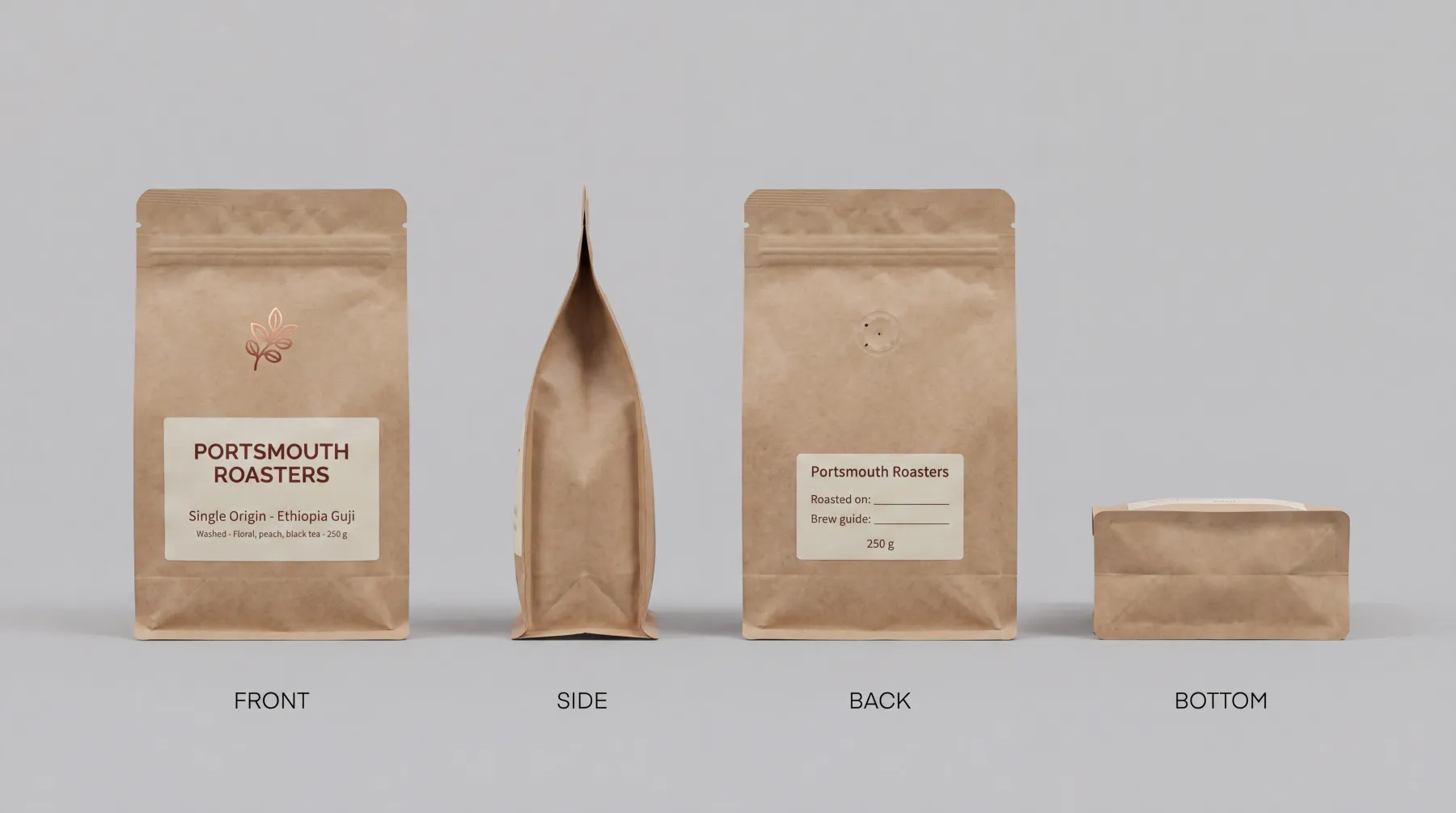
One sheet from every side.

Front, side, back, and the base or the top, compiled into one 4K picture.

FIG 0.1.2

The size, used and never printed.

Your dimensions shape the product on the sheet and in every shot; they are never written on it.

FIG 0.1.3

Your printed words, checked.

You type the words on each side, and before you keep the sheet Plurum sets each line you wrote beside what the sheet shows.

FIG 0.1.4

Your sheet on every shot of it.

Pick the product on Generate and its sheet goes with the shot, with its size and printed words.

FIG 0.1.5

Your own sheet, if you have one.

Upload a finished sheet instead; it costs nothing.

0.2

The example: a coffee bag from poor phone photos

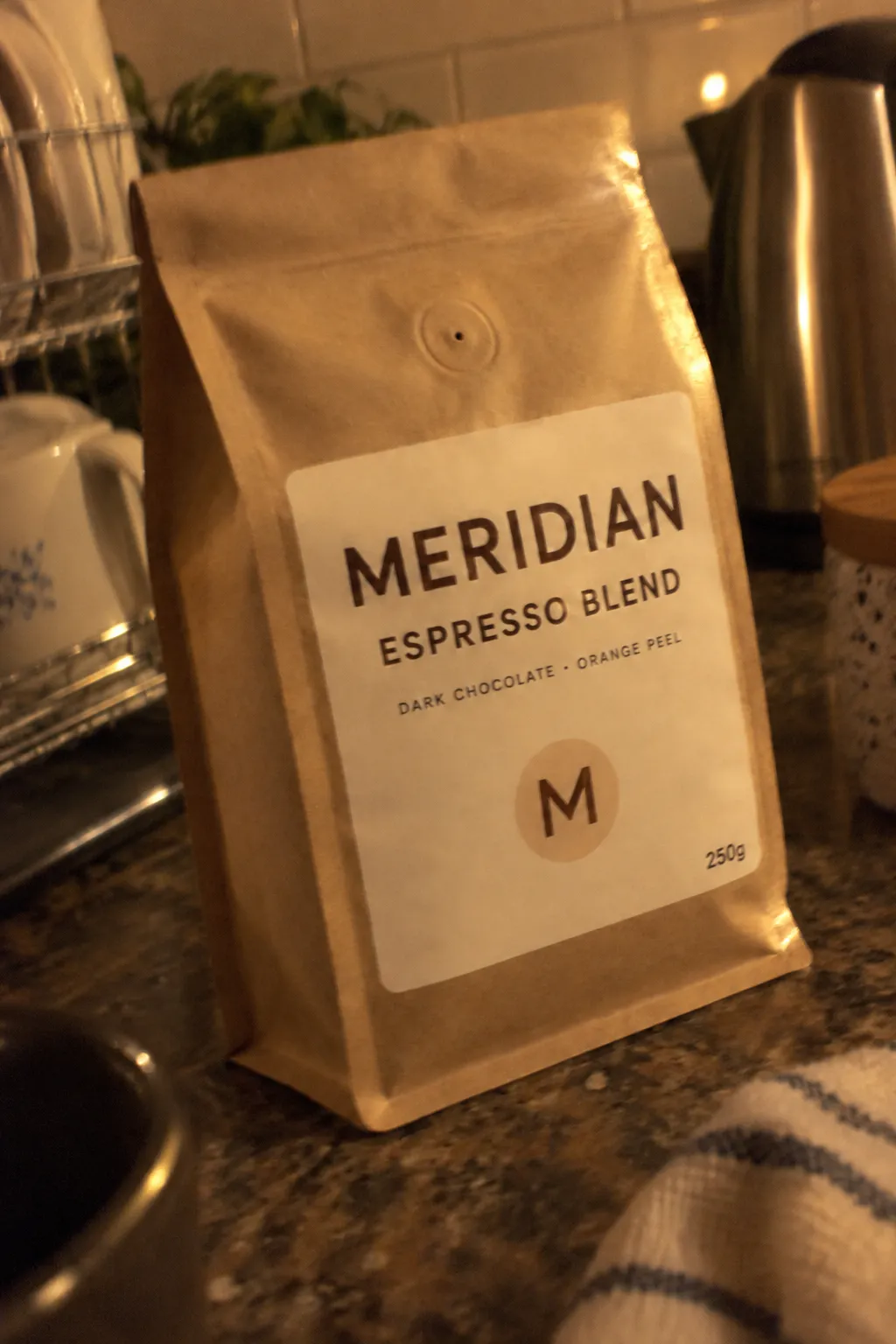
Meridian is a fictional coffee brand in Plurum's demo studio. Its espresso bag has six lines of print: four on the front, two on the back.

WHAT WENT IN
Pictures of the bag that look like a quick phone photo on a dark evening: dim light, a flash hotspot, a shaking hand. The brand is fictional, so these were generated in Plurum from a picture of the bag, as stand-ins for real phone photos. With them went the bag's size and its six printed lines.
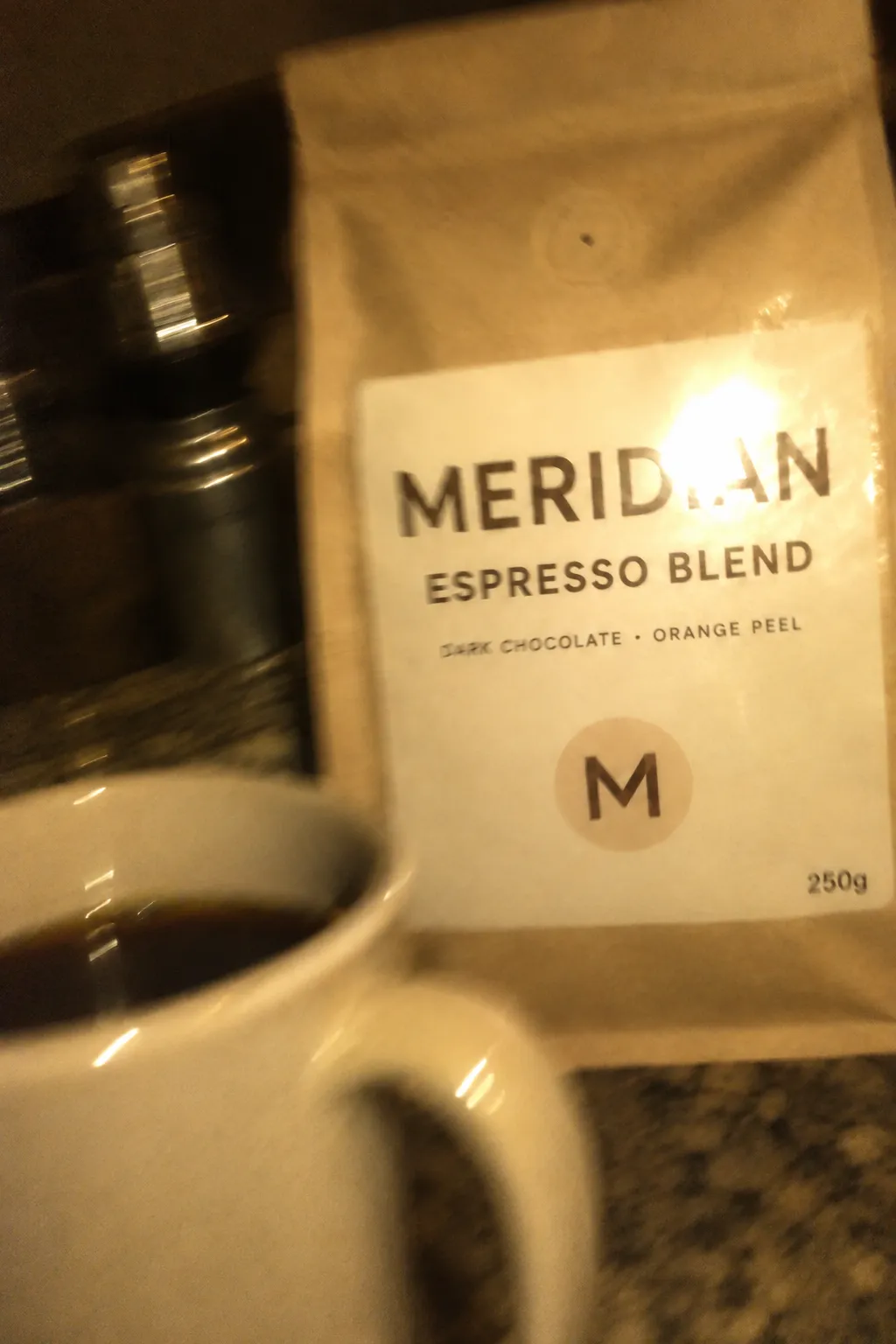
A starting picture, generated to look like a poor phone photo.
Another, in a kitchen at night.
WHAT WAS MADE
One 4K sheet: front, side, back and base. All six printed lines were checked against it and confirmed before it was kept.
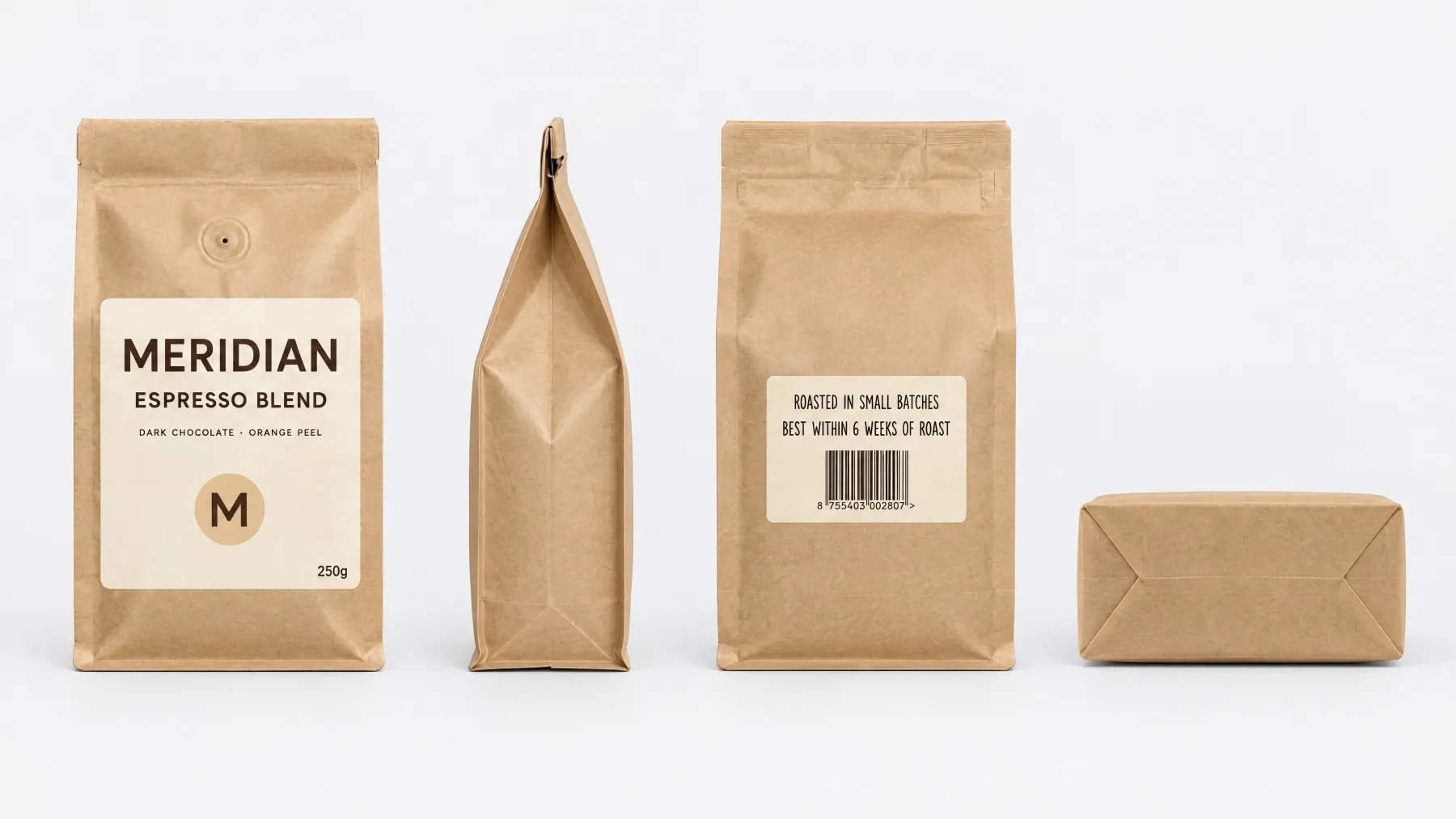
The kept sheet. Six printed lines, confirmed one by one.
WHAT IT COST
The sheet was one 4K image at $0.1002, and each starting picture one 1K image at $0.0133 (rates as of 11 September 2026).

We made this sheet through the assistant from three pictures of the bag, its front, back and side; the builder in the app asks for all four sides.
0.3

How it works

01

Open Brand Kits, Products, New product.

Choose the client it belongs to.

02

Add the pictures.

Front, Side, Back, and Base or top, plus a Detail if you want one. Say whether the fourth is the base or the top.

03

Add its size and its printed words,

each line with the side it is on, and whether the sheet should show it new or as photographed.

04

Pick a model and press Compile the sheet.

The models offered are the ones that can make a 4K wide picture on your keys, and the estimate is on the button.

05

Check it.

Under "You wrote · The sheet shows", confirm each line, answer whether the sheet as a whole is right, and press Keep this sheet. If it is wrong, Re-roll the whole sheet.

0.4

What travels with the sheet

On the sheetIn the prompt, when the sheet is attached
Front, side, back, base or topThe product's size
The printed words, as drawnThe printed words, as you typed them
Nothing written about sizeA line telling the model what the sheet is for
0.5

What it does not do

FIG 0.5.1

It invents small print you did not type.

Only the words you type are checked. Our sheet has a barcode on the back that was never on the record; the model drew it. Check any small print before you use a picture.

FIG 0.5.2

It cannot see a side you did not show it.

Our bag's base was drawn without a picture of the base; a view you did not photograph is the model's own reading.

FIG 0.5.3

Only the picked product goes with a shot.

In a shot of several, the others are drawn from your words, plus any reference picture you attach.

FIG 0.5.4

An uploaded sheet is not checked.

The line-by-line check runs on a sheet Plurum compiles, not on one you upload.

FIG 0.5.5

Products are on every plan.

Free holds five per client, and a sheet counts as one of Free's 25 images a month.

FIG 0.5.6

It is for Mac.

Plurum is coming soon, for Mac.

0.6

Related

0.7

Questions people ask

What is a product sheet?

One 4K picture of your product from every side, built from your photos, its size and its printed words, and used in every shot you pick it for.

Do my photos need to be good?

They need to show each side. Ours were generated to look like poor phone photos, and the sheet was built from them; check what comes back.

Will the label come out right?

The lines you type are checked one by one before you keep the sheet. Anything you did not type, a barcode included, is the model's own.

Is the size printed on the sheet?

No. It shapes the product and is never written on it.

Can I edit a sheet after I keep it?

You can change its name, size and printed words. The picture changes by replacing it, and the old one is kept.

0.9

Plurum is coming soon, for Mac.

Plurum is nearly ready. Leave your details and we'll write to you when your plan opens - that's all we'll use them for.

Register your interest

Your name and email come to us once, for this alone: we'll only use them to write to you about Plurum, we don't share them, and we'll delete them if you ask.