
plurum

A brand kit for AI images

Keep a client's people, products, uniforms and reference pictures in one place, built once, and pick them for any shot.

Harriet Vale
Harriet Vale
Harriet Vale
Harriet Vale
0.1

What you get

FIG 0.1.1

Characters.

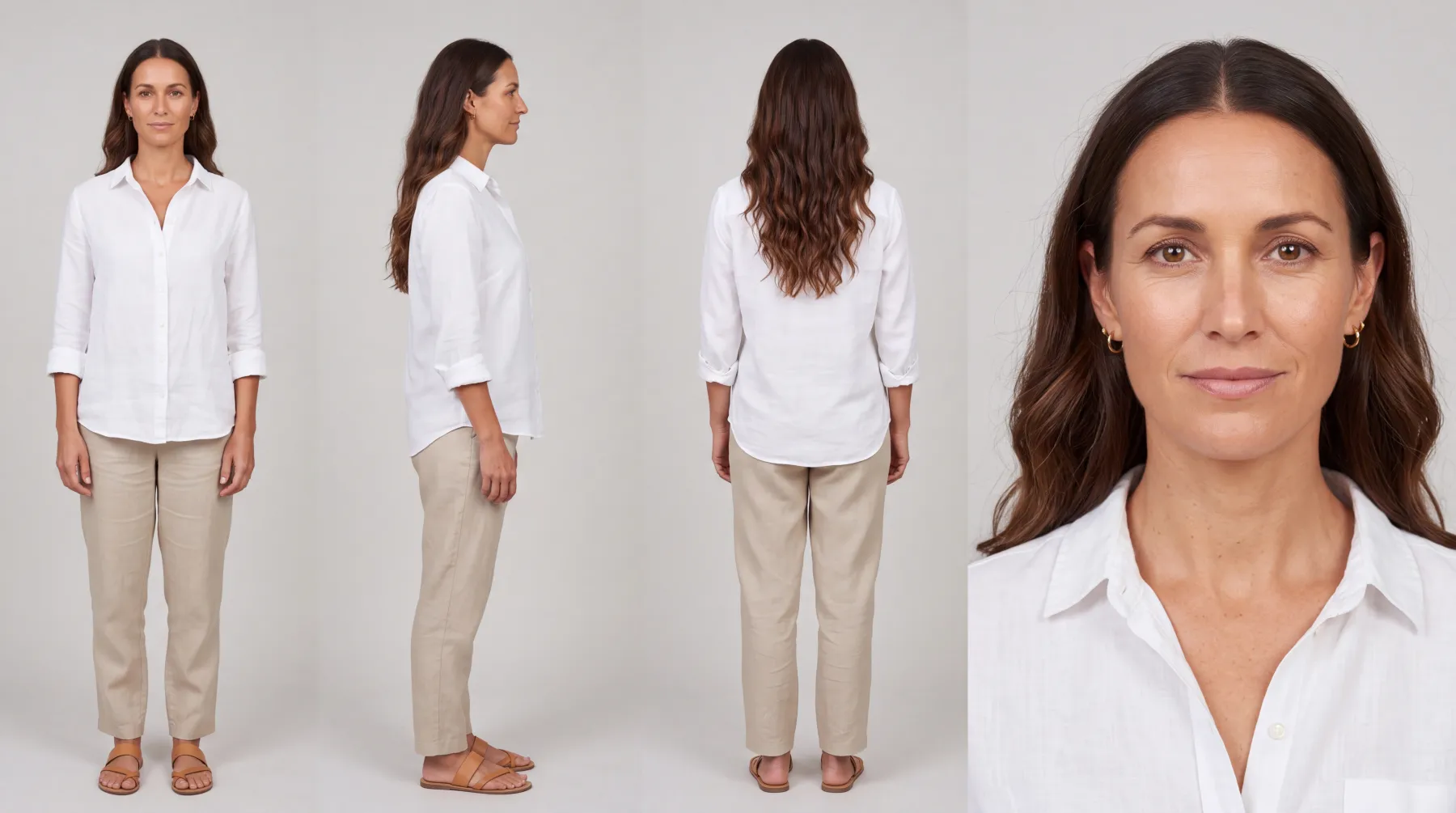
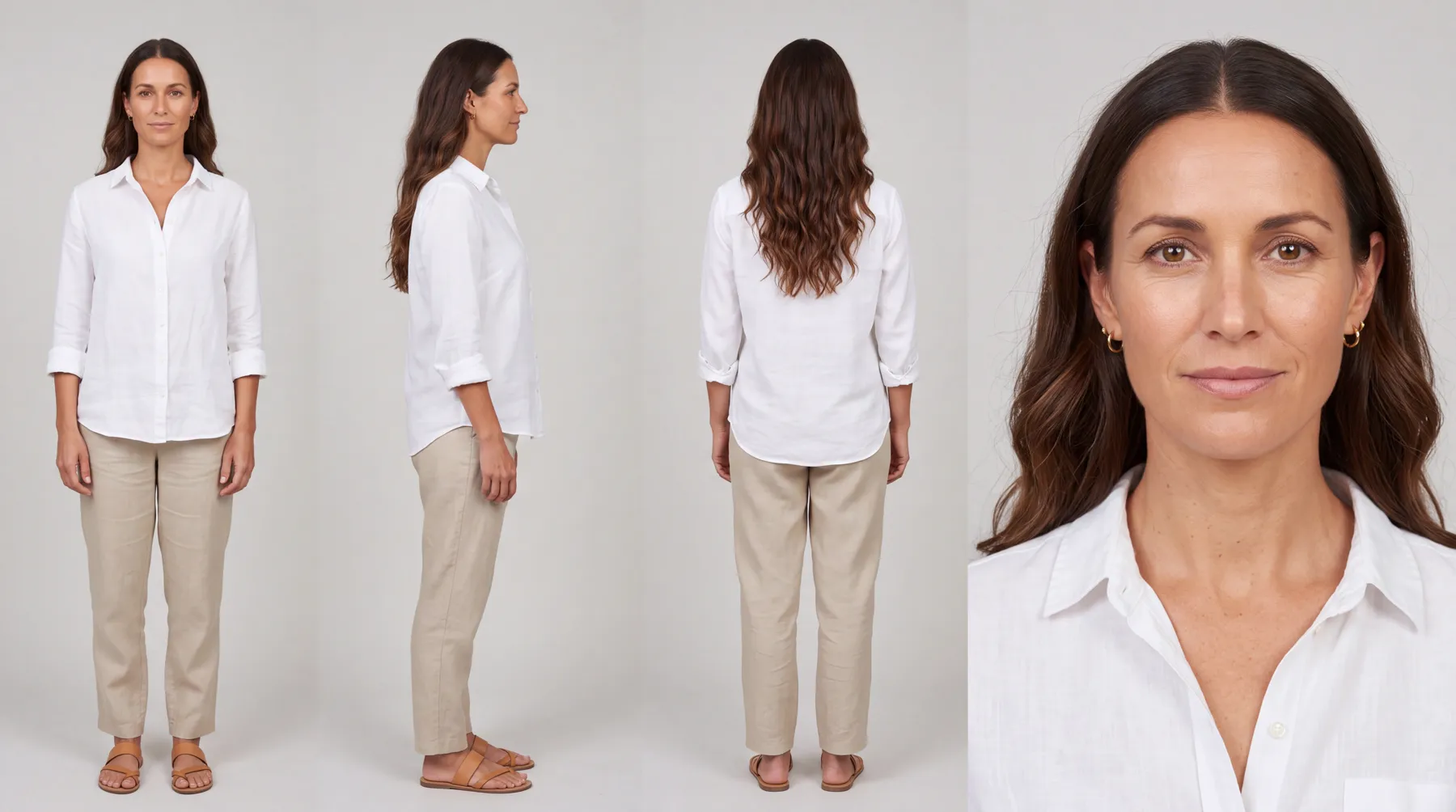
A person or a mascot, built from a description into one 4K sheet: front, side, back and a close-up.

FIG 0.1.2

Products.

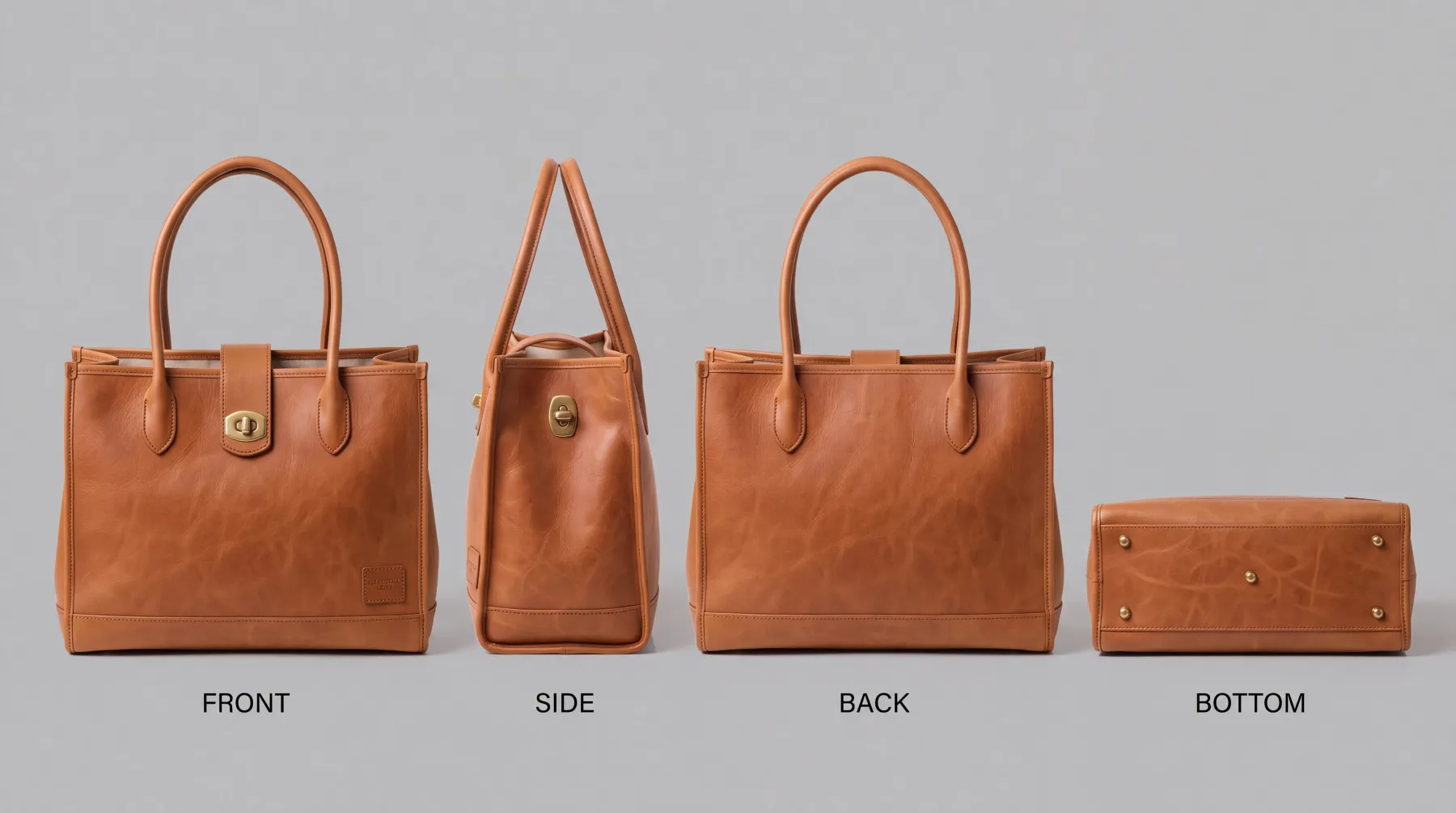
Pictures from four sides, the size and the words printed on it, compiled into one 4K sheet.

FIG 0.1.3

Uniforms.

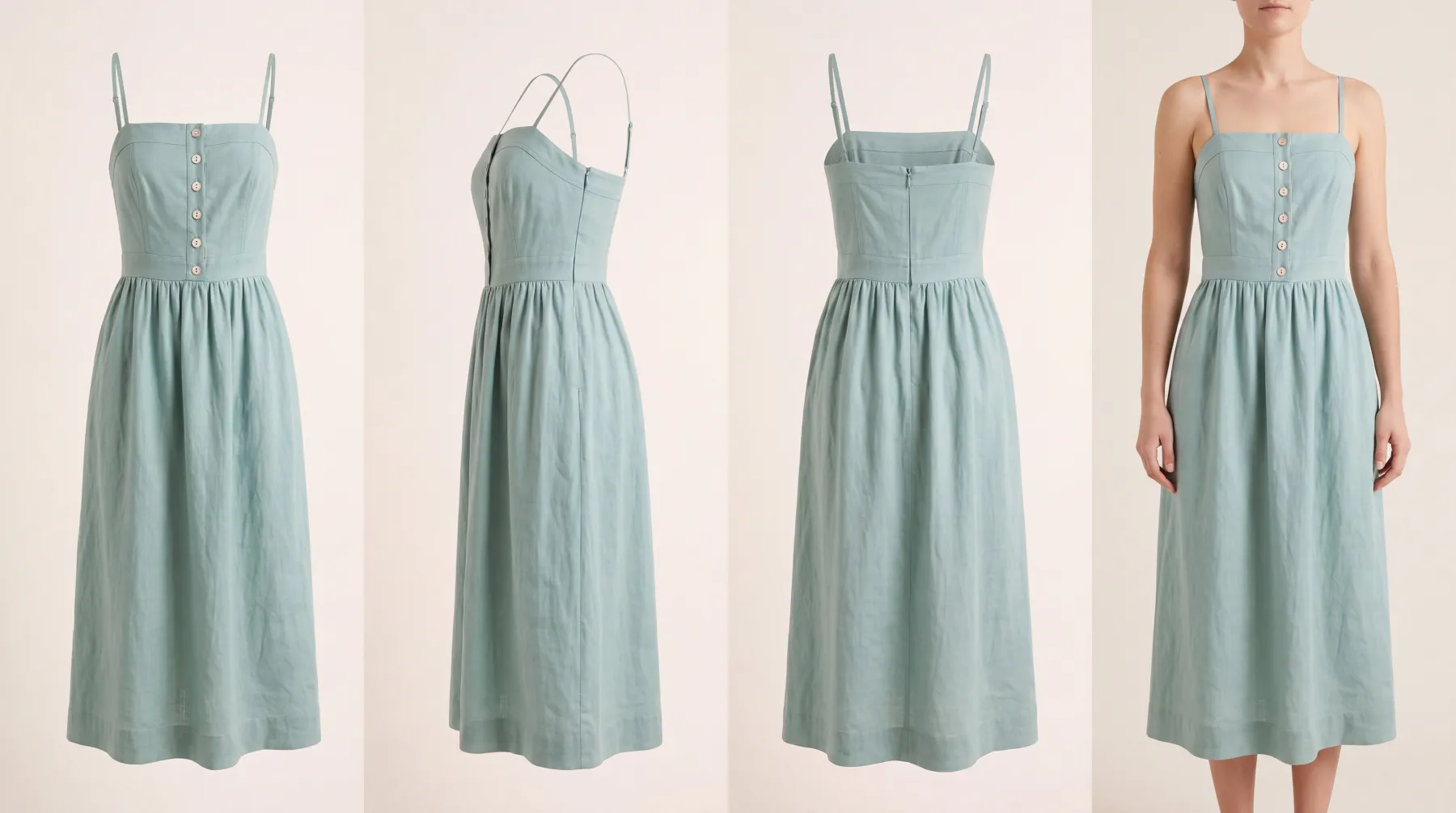
Anything worn, from workwear to a dress, from four pictures: front, side, back and one being worn.

FIG 0.1.4

References.

Pictures of the brand's world, kept on the brand or on one product.

FIG 0.1.5

Two ways in.

Brand Kits in the menu shows every client's kit; each client's own page shows theirs.

0.2

The example: one boutique's kit

Harriet Vale is a fictional boutique in Plurum's demo studio. Its kit holds one of each kind.

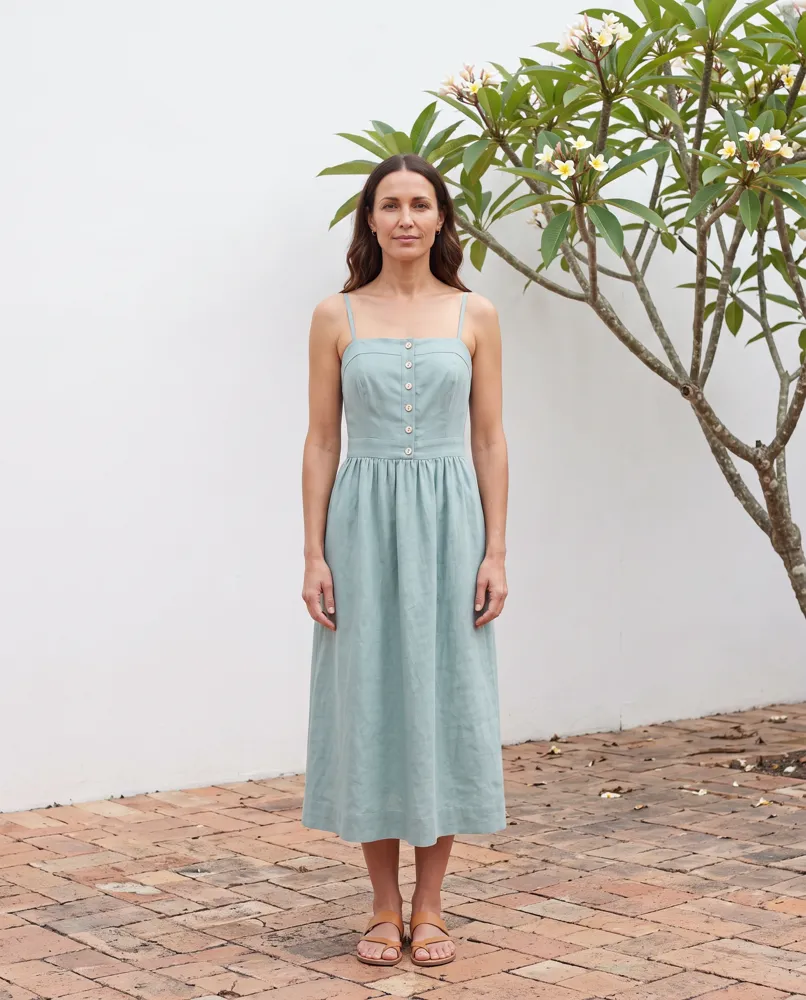
A character. Nell, a model for the brand.
A product. The tote's sheet.
A uniform. The dress's sheet: front, side, back and worn.
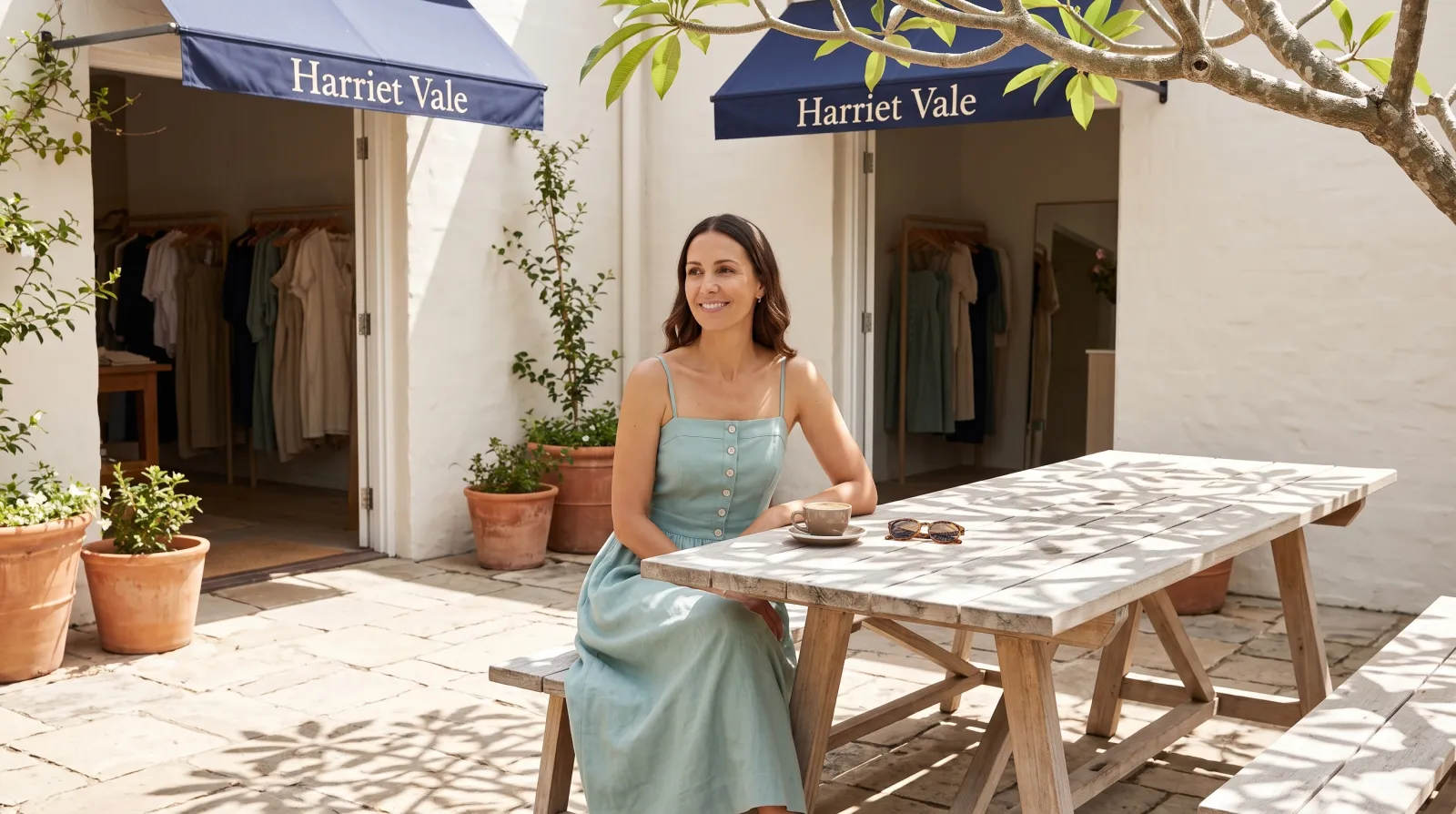
A reference. A picture of the shop, generated in Plurum and kept as a reference.
WHAT THE KIT DOES IN A SHOT
On Generate, picking the tote attaches its sheet, and picking Nell from Brand kit casts her; the dress's sheet was attached the same way.
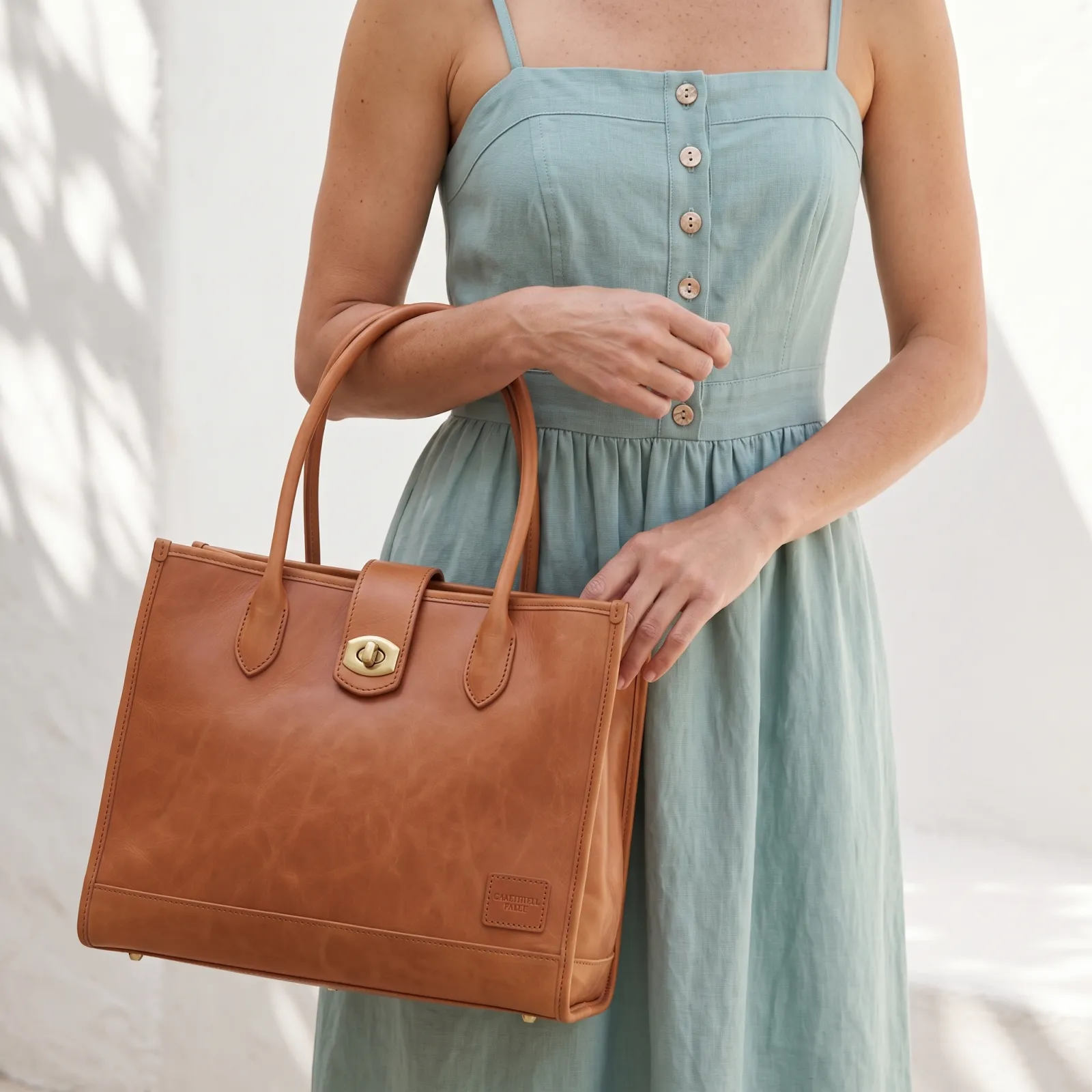
The tote at the hip. Nell cast, the dress and tote sheets attached.
WHAT IT COST
Each sheet was one 4K image at $0.151, and the shot one 2K image at $0.101 (rates as of 8 September 2026). A sheet is made once; every shot after it is priced like any other.

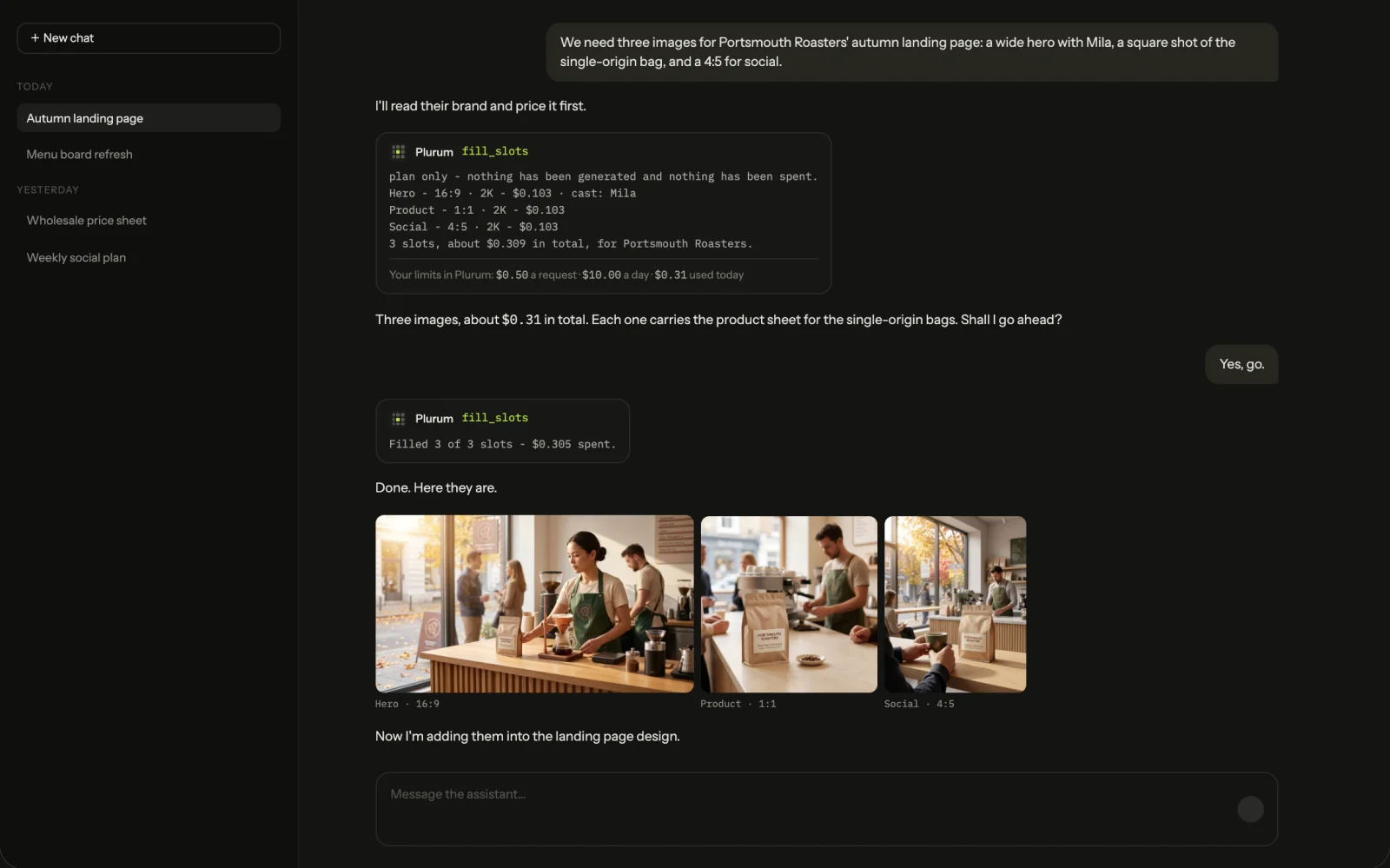
We made these through the assistant on the demo; the Generate route in the app does the same thing by hand.
0.3

How it works

01

Open Brand Kits.

Choose a client, then Characters, Products, References or Uniforms.

02

Build a product.

New product: add a front, a side, a back and the base or top, with the size and the words printed on it, then Compile the sheet. Check each printed line, then Keep this sheet.

03

Build a character.

New character: describe who you want, press Refine the description, then Generate the sheet.

04

Or upload a product or uniform sheet you already have.

It costs nothing and is recorded as an upload.

05

Pick from the kit on Generate.

A picked product's or uniform's sheet goes with the shot; remove it with the ✕ for one shot. Characters come from Brand kit, up to two in a picture.

0.4

Changing a kit item

When you edit a sheet and keep the result, Plurum asks: Save as a variation, a new item with the original untouched, or Replace the sheet, the same item. Pictures already made keep the old sheet, which stays in its history.

You can changeYou cannot change
Products and uniformsName, size, the printed wordsIts kind, and its sheet except by replacing it
CharactersName, client, tags, favouriteThe sheet, its style and the description it was built from, except by replacing it
0.5

Plans

As of 28 September 2026. Every plan runs on your own provider keys, and a sheet compile is one image at your provider's price.

KindFreeBusiness, Studio, Team
ProductsYes, up to 5 per clientYes
ReferencesYesYes
CharactersNoYes
UniformsNoYes
0.6

What it does not do

FIG 0.6.1

A kit item belongs to one client.

Products, uniforms and references belong to the client they were made for. A character belongs to one client, or to the whole studio if you make it without one.

FIG 0.6.2

It can print what is not on your product.

Only the words you type in are checked against the sheet. Check any other small print before you keep it.

FIG 0.6.3

It cannot see a side you did not show it.

A view you did not photograph is the model's own reading.

FIG 0.6.4

Only a picked product goes with a shot.

In a shot of several products, the others are drawn from your words, plus any reference picture you attach.

FIG 0.6.5

It is for Mac.

Plurum is coming soon, for Mac.

0.7

Related

0.8

Questions people ask

What is a brand kit?

A client's characters, products, uniforms and reference pictures, kept together in Plurum and picked for any shot.

Can I use my own product photos?

Yes. Four pictures of a product, with its size and printed words, compile into one sheet.

Can I upload a sheet instead of making one?

Yes, for a product or a uniform. An uploaded sheet costs nothing and is kept as an upload.

Can I share a character between clients?

Make it without a client and it belongs to the whole studio; otherwise it belongs to one client.

Can I change a product after I have made it?

Its name, size and printed words, yes. Its sheet changes by replacing it, and the old one is kept.

0.9

Plurum is coming soon, for Mac.

Plurum is nearly ready. Leave your details and we'll write to you when your plan opens - that's all we'll use them for.

Register your interest

Your name and email come to us once, for this alone: we'll only use them to write to you about Plurum, we don't share them, and we'll delete them if you ask.