plurum

AI characters for your brand

Describe a person or a mascot once, and Plurum builds a 4K sheet of them you can cast into any picture for the brand.

Portsmouth Roasters
Portsmouth Roasters
Ovenbird
Portsmouth Roasters
0.1

What you get

FIG 0.1.1

A casting call written for you.

Type a few words, such as "a barista in her twenties", and Refine the description writes the full casting call, which you can edit.

FIG 0.1.2

A sheet in the look you choose.

Photoreal, Cinematic, Illustrated flat, Cartoon, Anime, 3D render, Mascot, Line art, or a style you type.

FIG 0.1.3

Casting on Generate.

Pick a character from Brand kit and the sheet goes with the shot. Up to two in one picture.

FIG 0.1.4

A character in a clip,

one per clip, on the video models that take one, on a paid plan.

FIG 0.1.5

Changes kept safely.

Edit a character's sheet and keep it as a variation, or replace the sheet with the old one kept in its history.

0.2

The examples: two baristas and a songbird

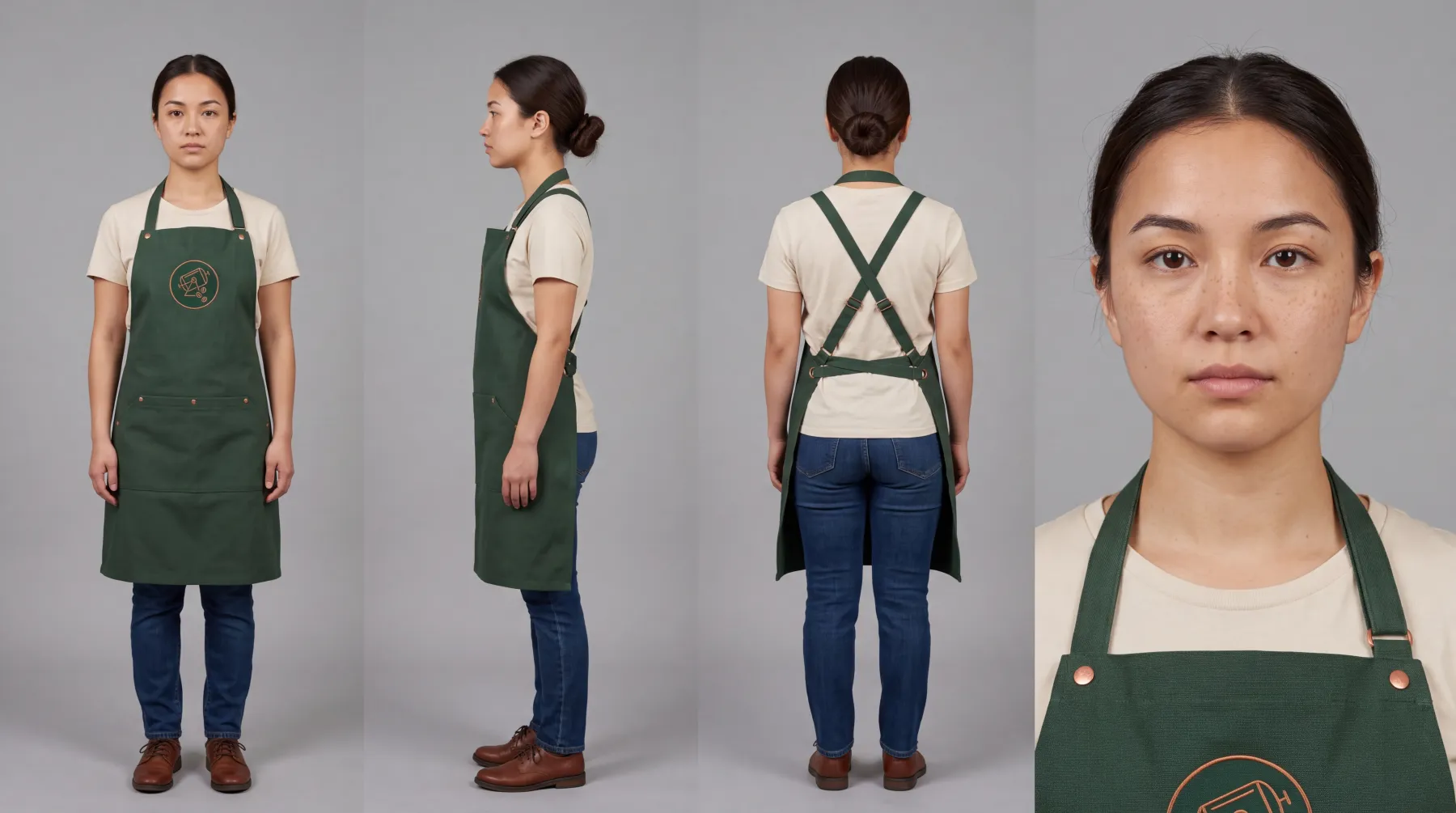
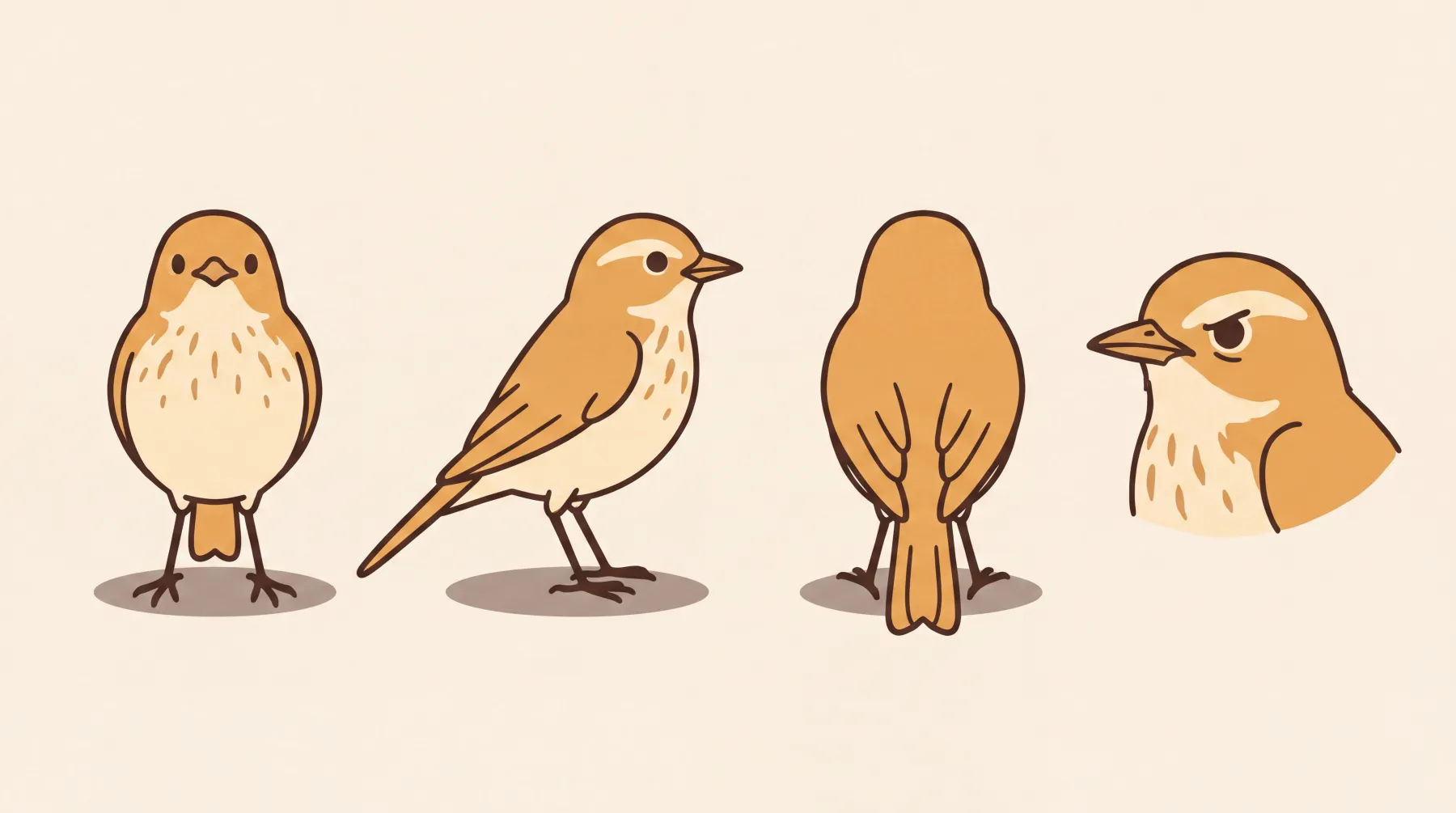
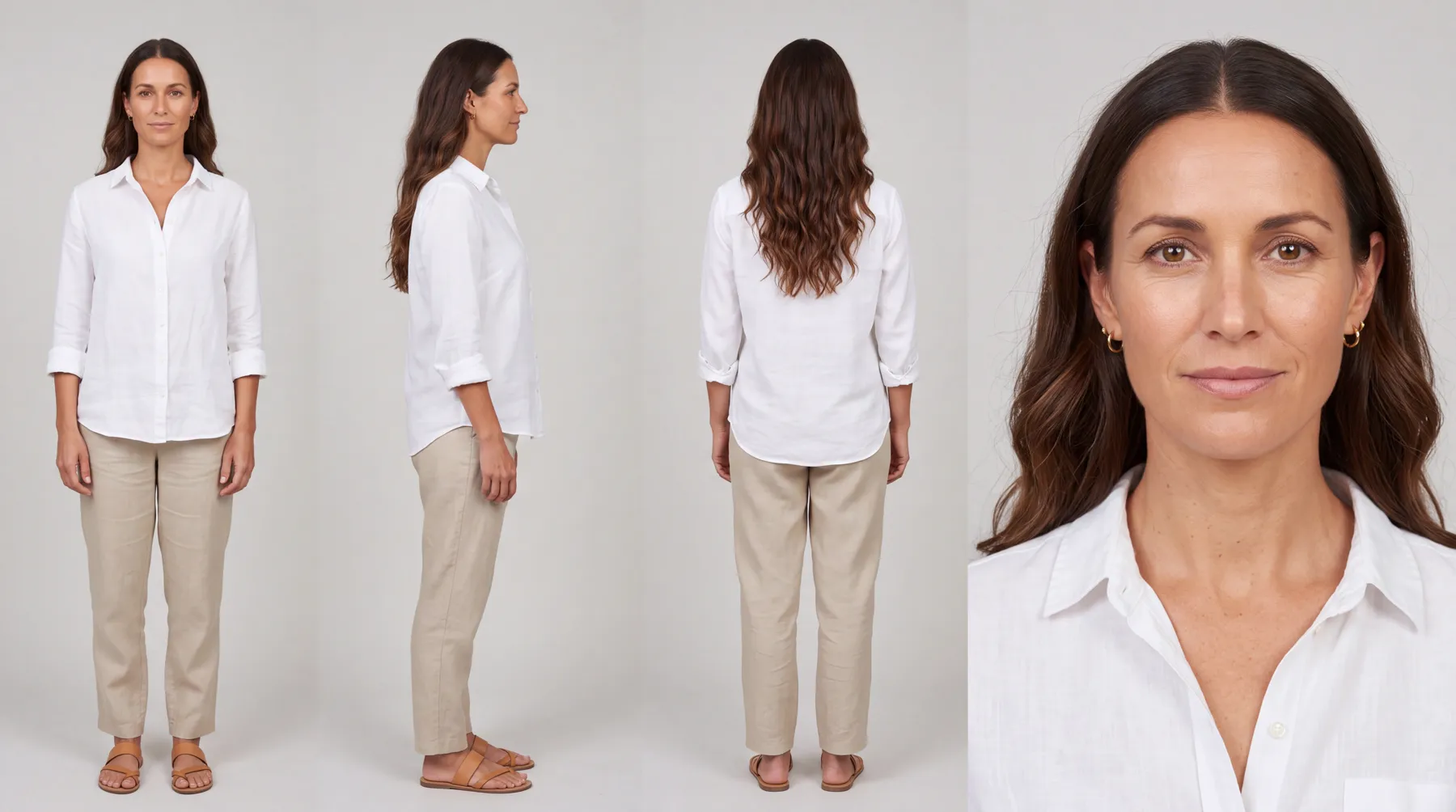
Portsmouth Roasters, a fictional coffee company in Plurum's demo studio, has two baristas built as characters, Ray and Mila, both photoreal. Ovenbird, a fictional bakery, has Crumb, a small songbird drawn in a style its owner typed.

Mila's sheet: front, side, back and a close-up.
Crumb's sheet, drawn in a typed style.
TWO IN ONE PICTURE
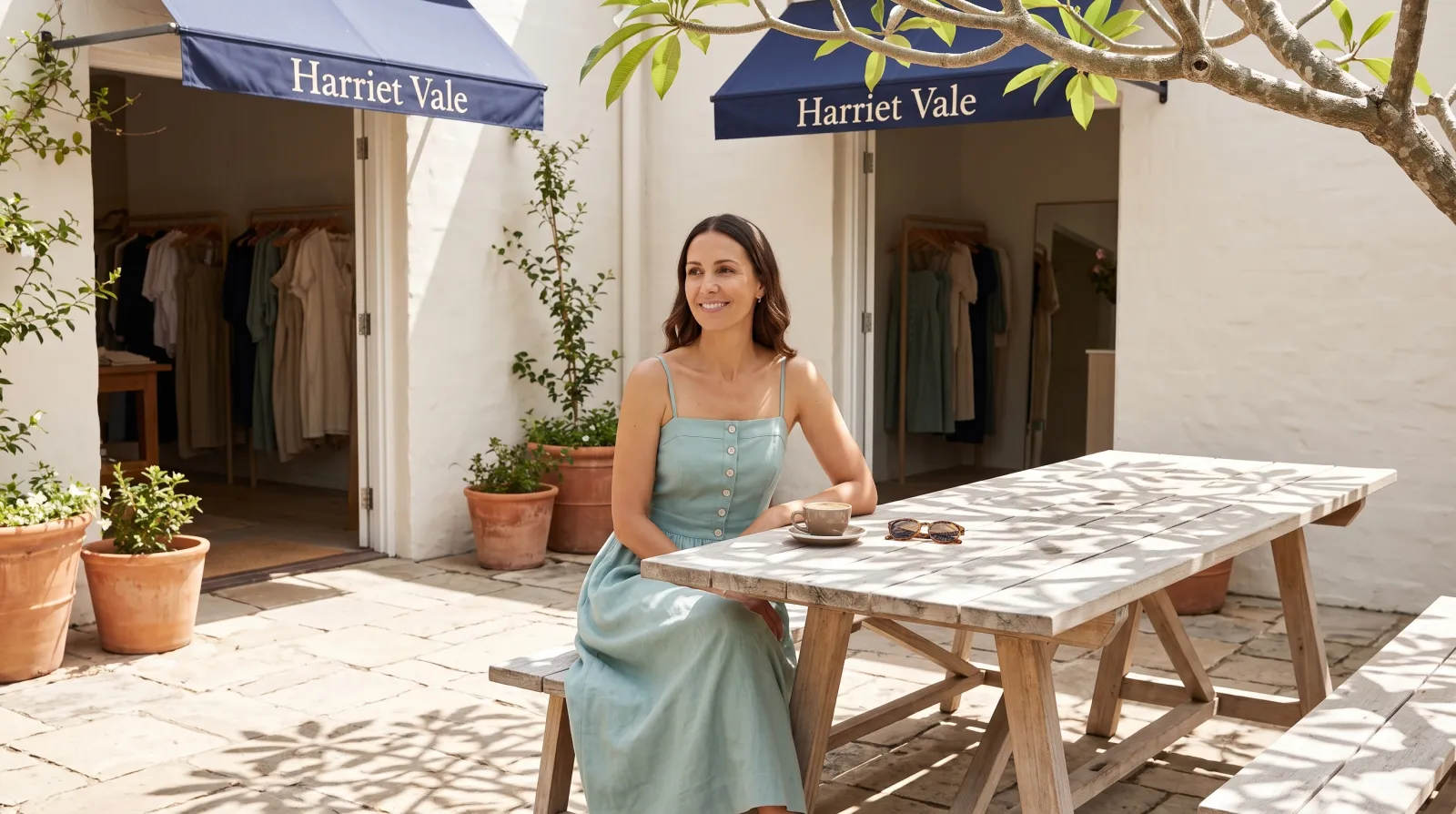
Ray and Mila cast together, at a training bench.

Ray and Mila, both cast.
WHAT GOES INTO THE PICTURE
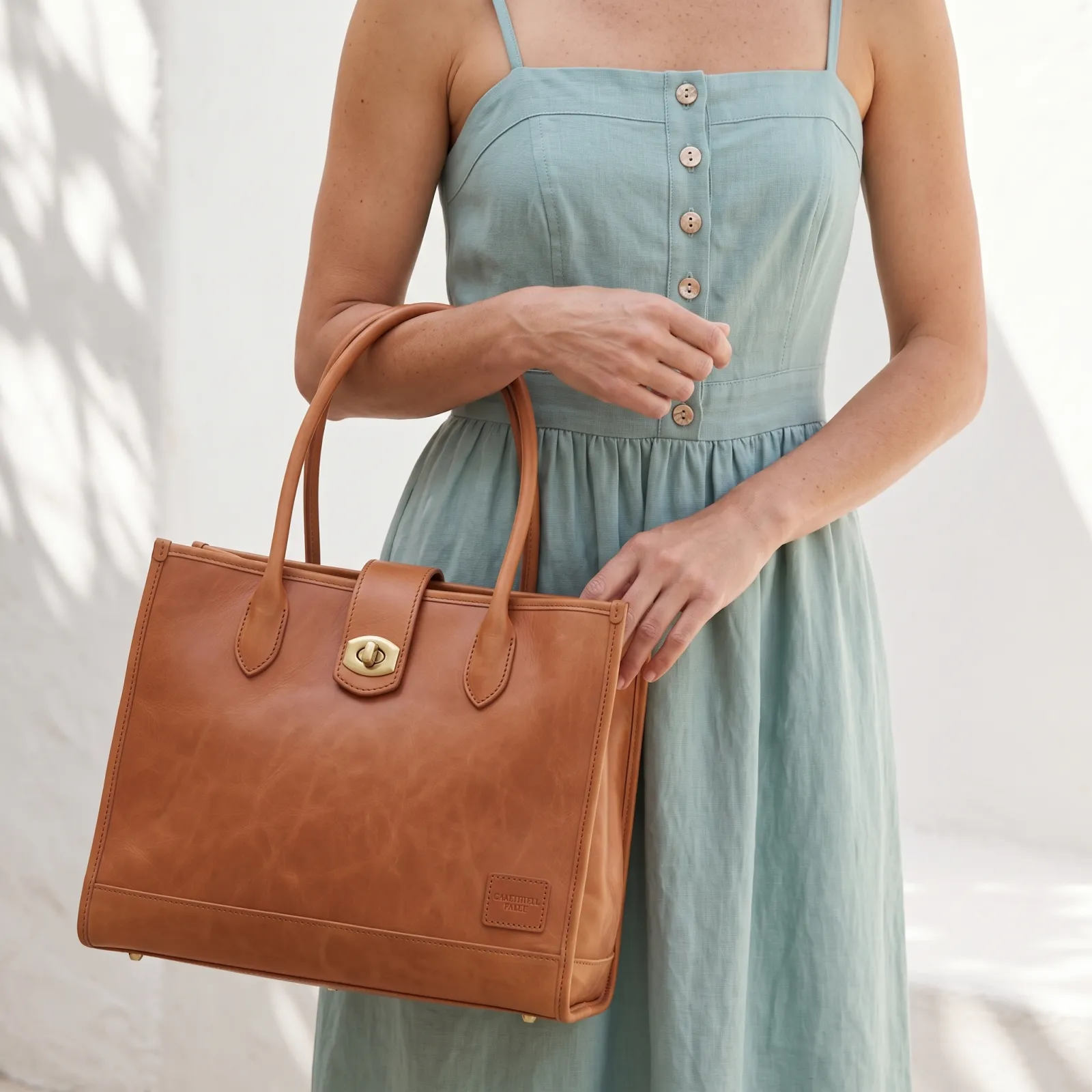
With each character, Plurum tells the model what the sheet is for: the face, build, hair, apparent age and bearing come from the sheet, and the pose, camera angle, expression, clothing and setting come from what you type. It also tells the model each person appears once.
WHAT IT COST
Each sheet was one 4K image at $0.12, and the picture one 2K image at $0.0672 (rates as of 4 August 2026).

We made these through the assistant on the demo; the Generate route in the app does the same thing by hand.
0.3

How it works

01

Open Brand Kits, Characters, New character.

Choose the client, or make it for the whole studio.

02

Describe who you want and press Refine the description.

Refining is a paid writing call, and the sheet cannot be made until it has run.

03

Choose the details if you want them.

Age, build, wardrobe and demeanour; wardrobe fills from the client's rules where it can. Then pick a sheet style and a framing: full body and portrait, full body only, or portrait only.

04

Press Generate the sheet.

It is one 4K image, and the estimate is on the button. Keep it.

05

Cast on Generate.

Pick the character from Brand kit and describe the scene.

0.4

What comes from the sheet, and what comes from you

From the sheetFrom what you type
FacePose
BuildCamera angle
HairExpression
Apparent ageClothing
BearingSetting
0.5

What it does not do

FIG 0.5.1

Two at most in one picture.

A third is refused rather than swapped in.

FIG 0.5.2

One in a clip.

And only on the video models that take a character.

FIG 0.5.3

Not beside a picture you are editing.

Editing a picture and casting a person are separate jobs; Plurum refuses and says which to take off.

FIG 0.5.4

Check wide scenes for a second copy.

Plurum tells the model each person appears once; in a wide scene, look for the same person drawn twice before you use it.

FIG 0.5.5

Characters are on the paid plans.

Business, Studio and Team.

FIG 0.5.6

It is for Mac.

Plurum is coming soon, for Mac.

0.6

Related

0.7

Questions people ask

How do I create an AI character for my brand?

In Brand Kits, choose New character, describe who you want, refine the description and generate the sheet.

Can I have a drawn mascot?

Yes. Pick a drawn sheet style, or type your own, as Ovenbird did for Crumb.

Can I put two characters in one picture?

Yes, up to two. A third is refused.

Can I change a character's clothes?

Clothing comes from what you type for each shot. To change the sheet itself, edit it and keep the result as a variation or a replacement.

Who can use a character?

The client it was made for, or every client if you made it for the whole studio.

0.9

Plurum is coming soon, for Mac.

Plurum is nearly ready. Leave your details and we'll write to you when your plan opens - that's all we'll use them for.

Register your interest

Your name and email come to us once, for this alone: we'll only use them to write to you about Plurum, we don't share them, and we'll delete them if you ask.