plurum

AI photos for a small business

Load your shop's brand and your products once, and make the pictures you need yourself, on your own AI provider account, paying the provider's price for each one.

Harriet Vale
Harriet Vale
Harriet Vale
Harriet Vale
0.1

What you get

FIG 0.1.1

Your brand, loaded once, in Clients.

Your logo, your colours, your rules and a few pictures of your shop.

FIG 0.1.2

Your products as sheets, in Brand Kits.

Four pictures of a product become one sheet that goes into every shot of it.

FIG 0.1.3

A model for your shots, in Brand Kits.

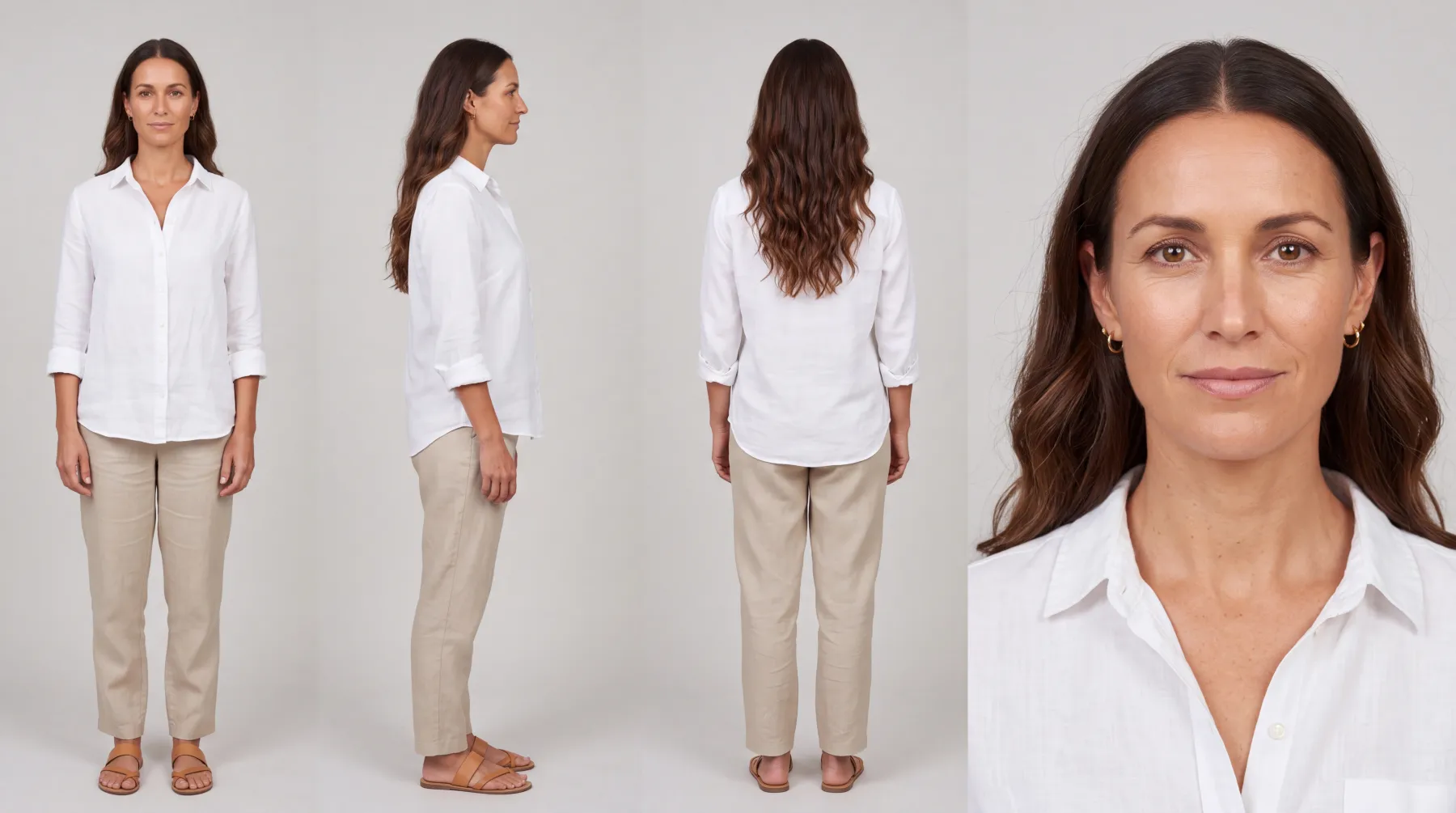
Describe the person you want, and Plurum builds a character you can put in any picture.

FIG 0.1.4

Help with the words.

Suggest offers ideas for a shot, and Refine rewrites your ask so the model has more to go on.

FIG 0.1.5

The price before you spend,

on the button.

0.2

The example: a boutique by the beach

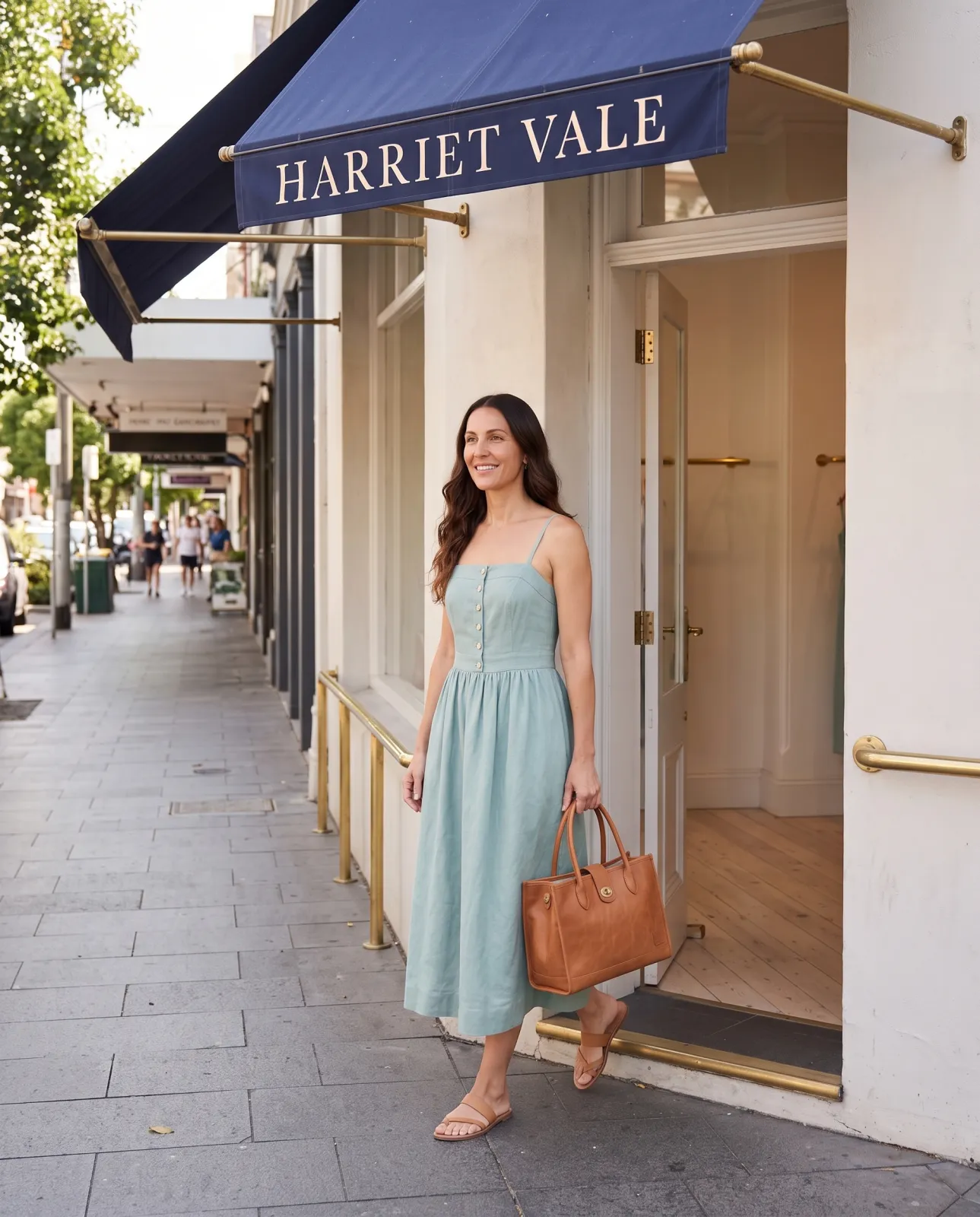
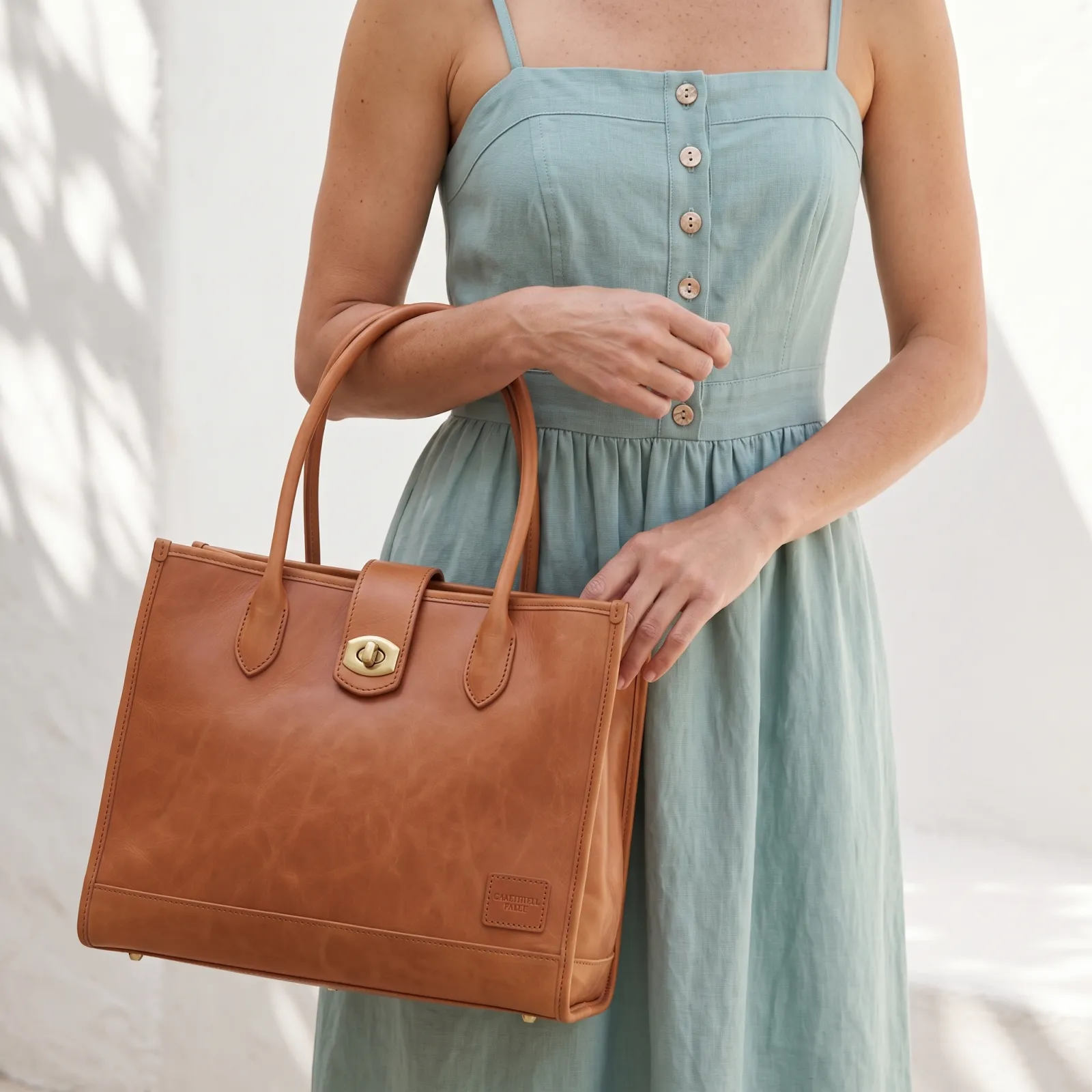
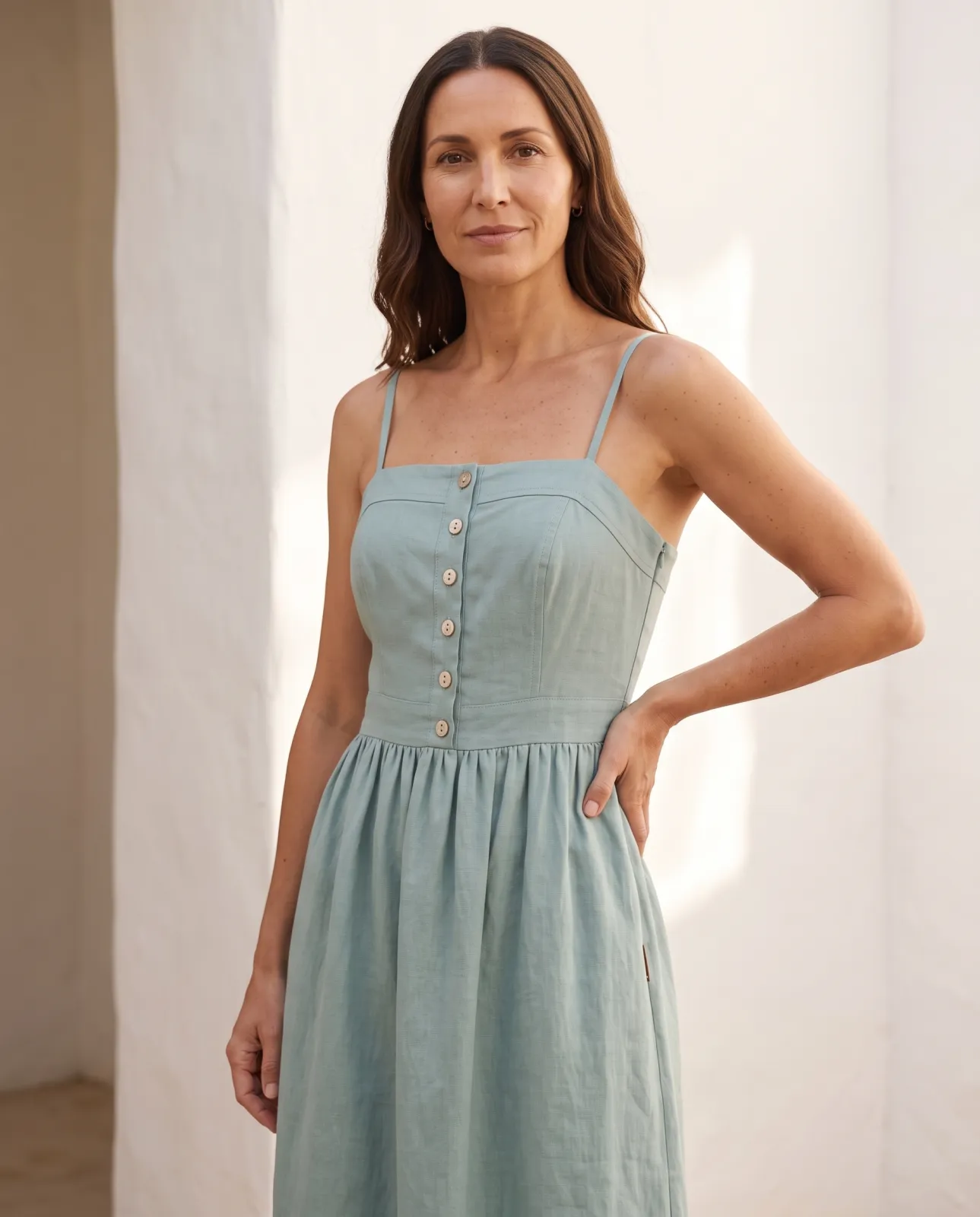
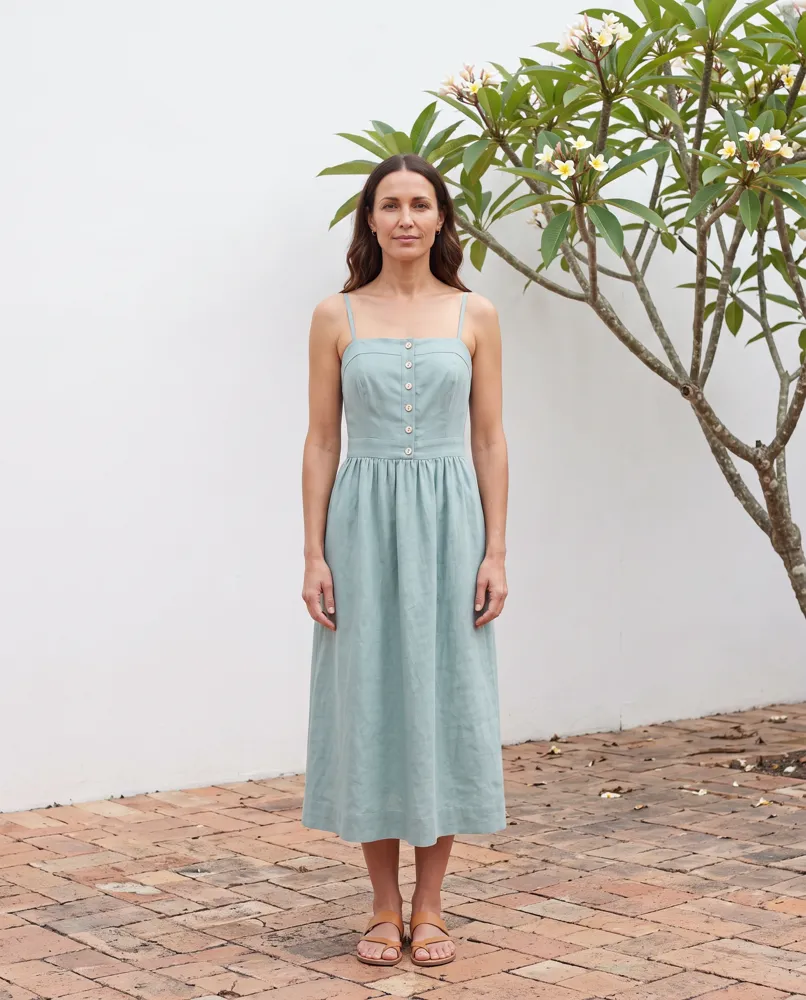
Harriet Vale is a fictional boutique in Plurum's demo studio. It sells a linen dress and a leather tote, and it wanted pictures for its shop window, its website and its social posts.

WHAT WENT IN
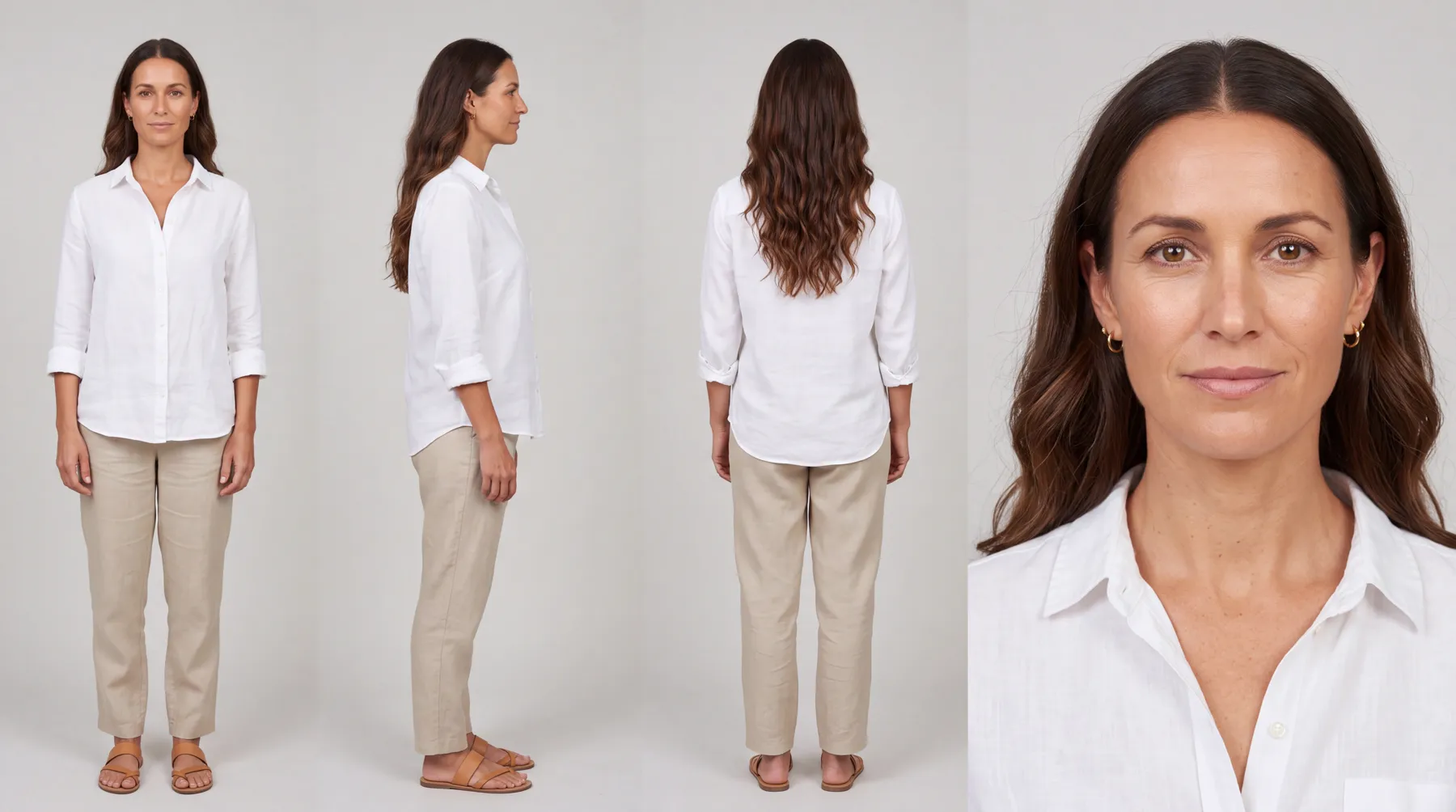
The shop's logo, colours and rules, and a picture of the shop. A sheet for the tote and one for the dress. And Nell, a character for the brand, a model in her late thirties.
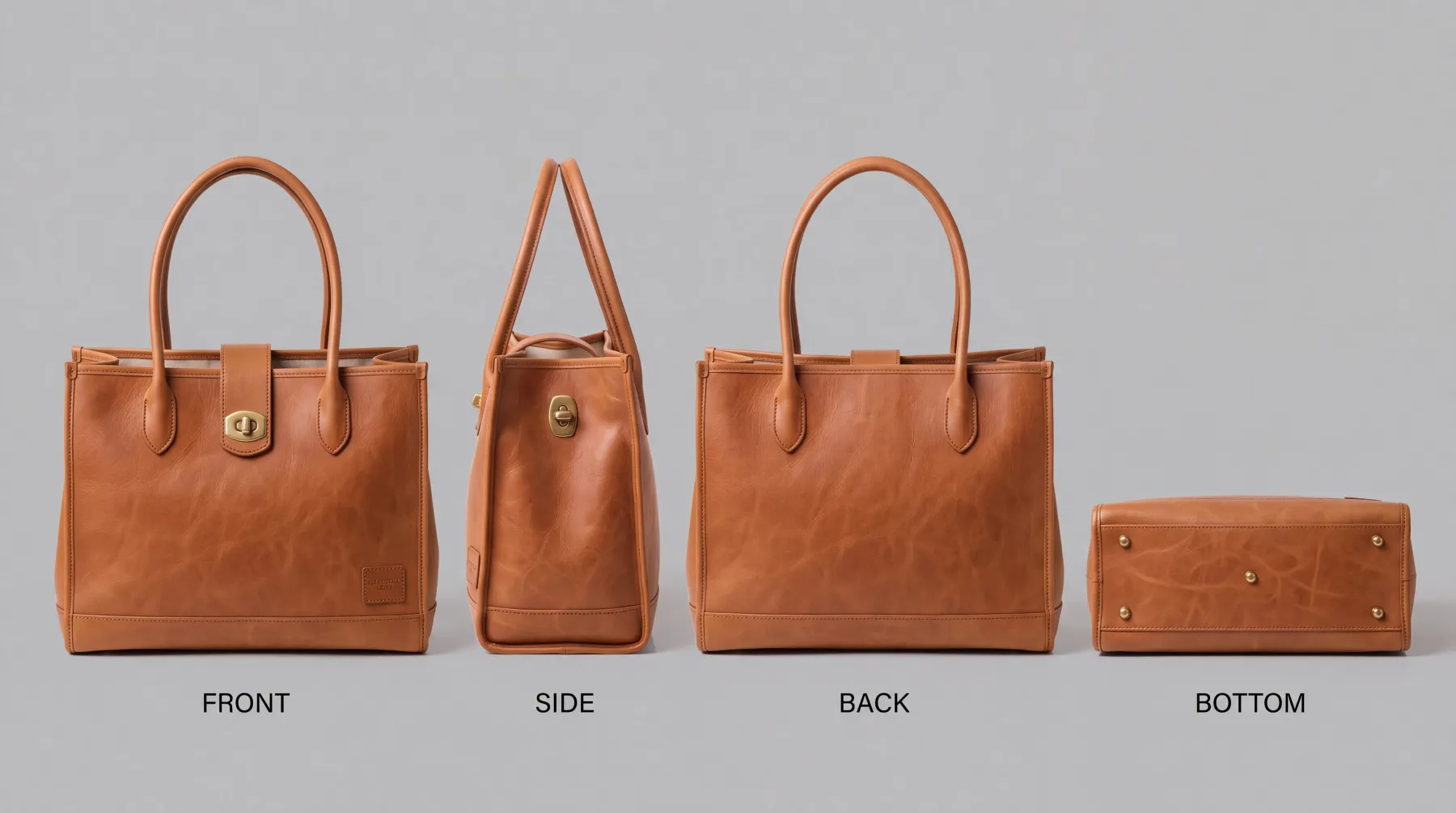
The tote's sheet.
WHAT WAS MADE
The shop door. Nell cast, the dress and tote sheets attached.
The tote at the hip, close. Nell cast, the dress and tote sheets attached.
WHAT IT COST
The tote's sheet was one 4K image at $0.151, and each shot one 2K image at $0.101 (rates as of 8 September 2026). Harriet Vale's statement for September, everything made for the shop that month, came to $3.68.

We made these through the assistant on the demo; the Generate route in the app does the same thing by hand.
0.3

How it works

01

Add your shop in Clients.

On Brand assets, add your logo, colours and a few rules, such as what your pictures never show.

02

Add each product in Brand Kits.

Choose New product, add four pictures of it, and press Compile the sheet.

03

Build a model, if your shots need one.

In Brand Kits, choose Characters, then New character, and describe who you want.

04

Make the shot on Generate.

Pick your shop, pick the product and the model from Brand kit, and type the scene. The estimate is on the button.

05

Download what you need

from Library.

0.4

Plans for a small business

Every plan runs on your own provider account. The provider charges you for each image; Plurum adds nothing to it.

Free

Your shop, up to 5 products, 25 images a month, images only

Business

Your shop, with video, characters and uniforms

What it holds (as of 28 September 2026)Prices
0.5

What it does not do

FIG 0.5.1

Free is free of Plurum, not of your provider.

Every image is still paid for on your own AI account.

FIG 0.5.2

A model character is on Business.

On Free you can make product and shop pictures, but not cast a person.

FIG 0.5.3

It does not post anything for you.

Pictures land in your library and your own folders, and you put them where they go.

FIG 0.5.4

It can print what is not on your product.

Only the words you type in for a product are checked against its sheet; check any other small print before you use a picture.

FIG 0.5.5

It is for Mac.

Plurum is coming soon, for Mac.

0.6

Related

0.7

Questions people ask

Can I make product photos for my shop with AI?

Yes. Add four pictures of each product, and Plurum compiles a sheet that goes into every shot of it.

Do I need a photographer or a model?

Not for these pictures. On Business you can build a model as a character and cast her into any shot.

What does it cost?

Plurum's Free plan costs nothing. Each image is paid to your AI provider at their price, shown on the button before you press it.

Do I need to be good at writing prompts?

No. Your brand is added to every shot for you, and Refine rewrites what you type into a fuller ask.

Can it post to my social accounts?

No. It makes the pictures; you post them.

0.9

Plurum is coming soon, for Mac.

Plurum is nearly ready. Leave your details and we'll write to you when your plan opens - that's all we'll use them for.

Register your interest

Your name and email come to us once, for this alone: we'll only use them to write to you about Plurum, we don't share them, and we'll delete them if you ask.