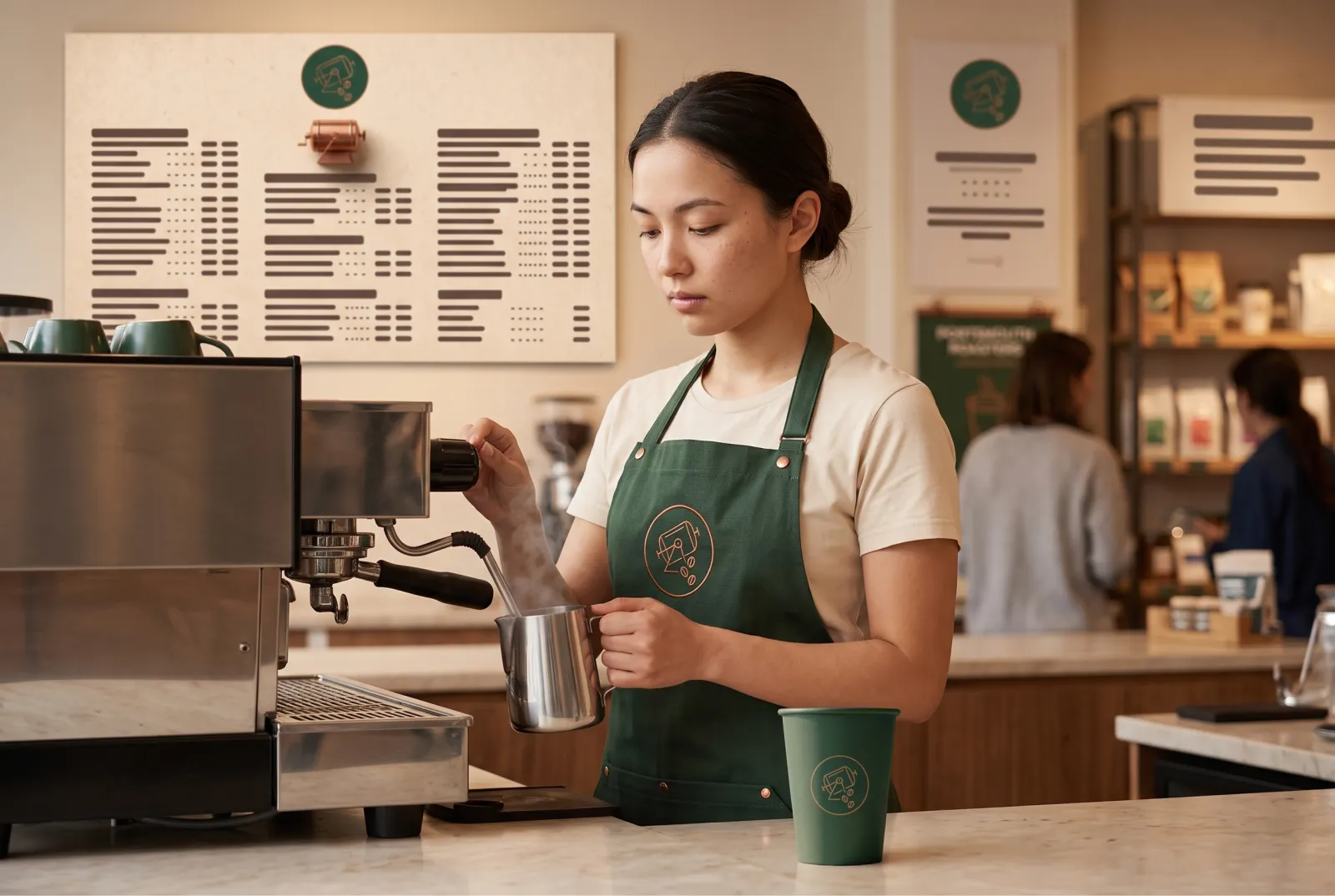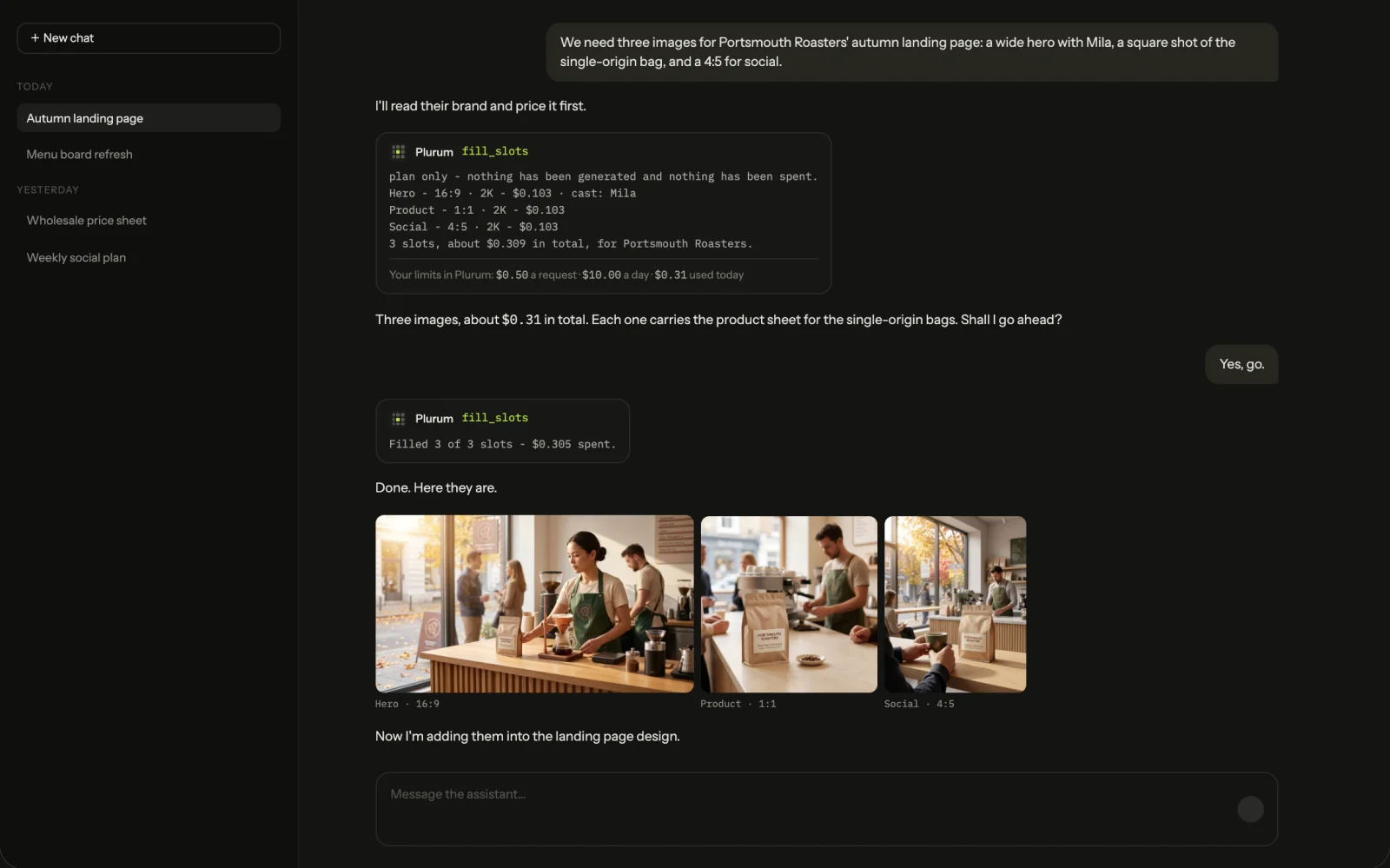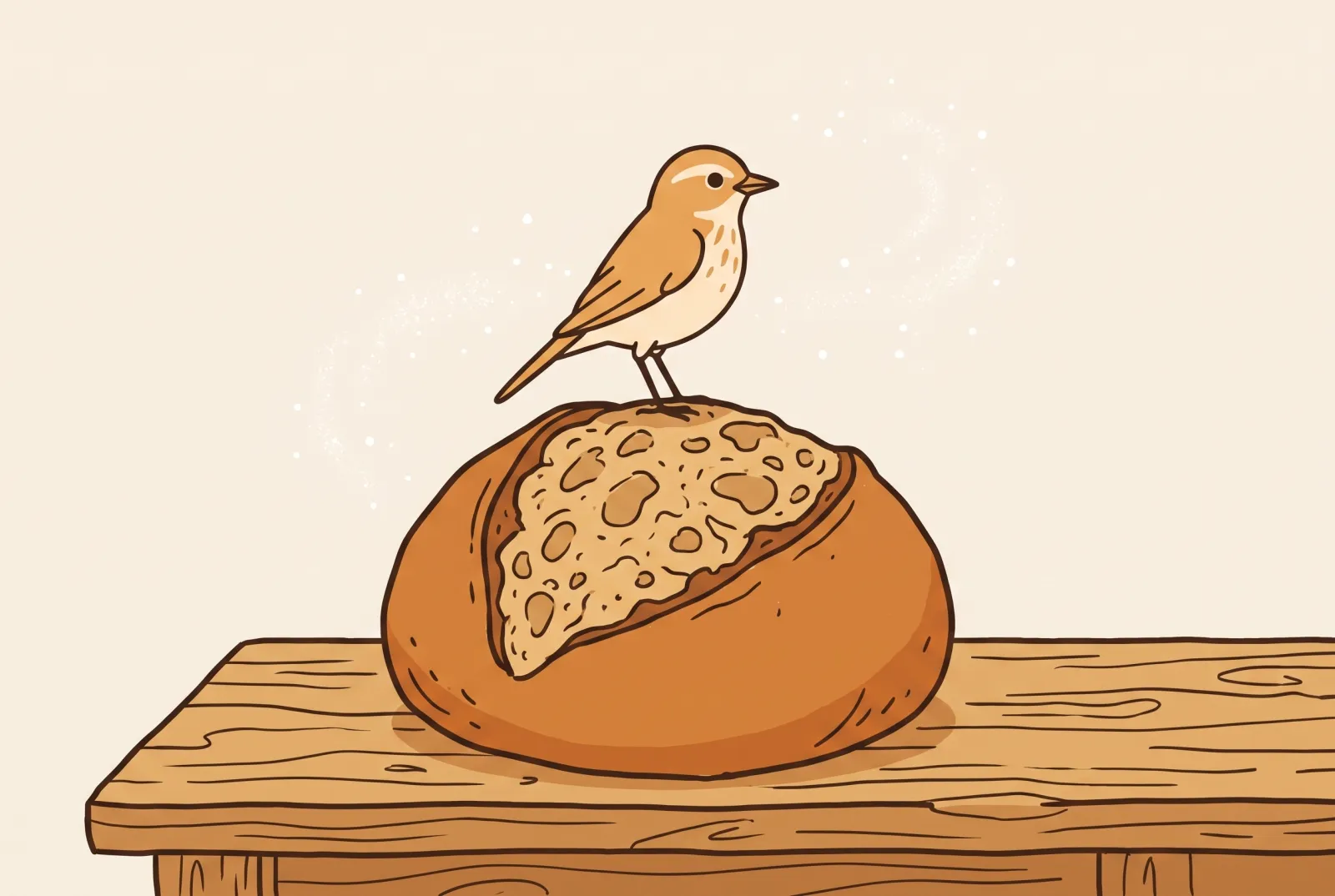
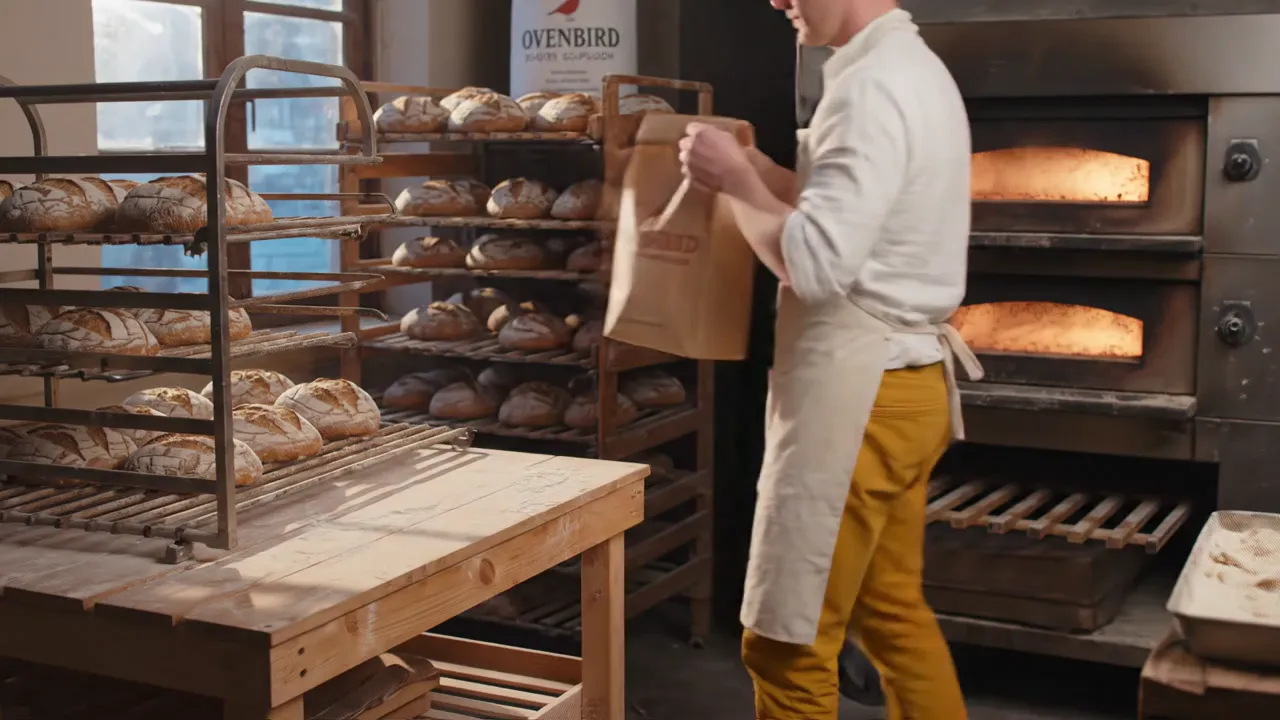
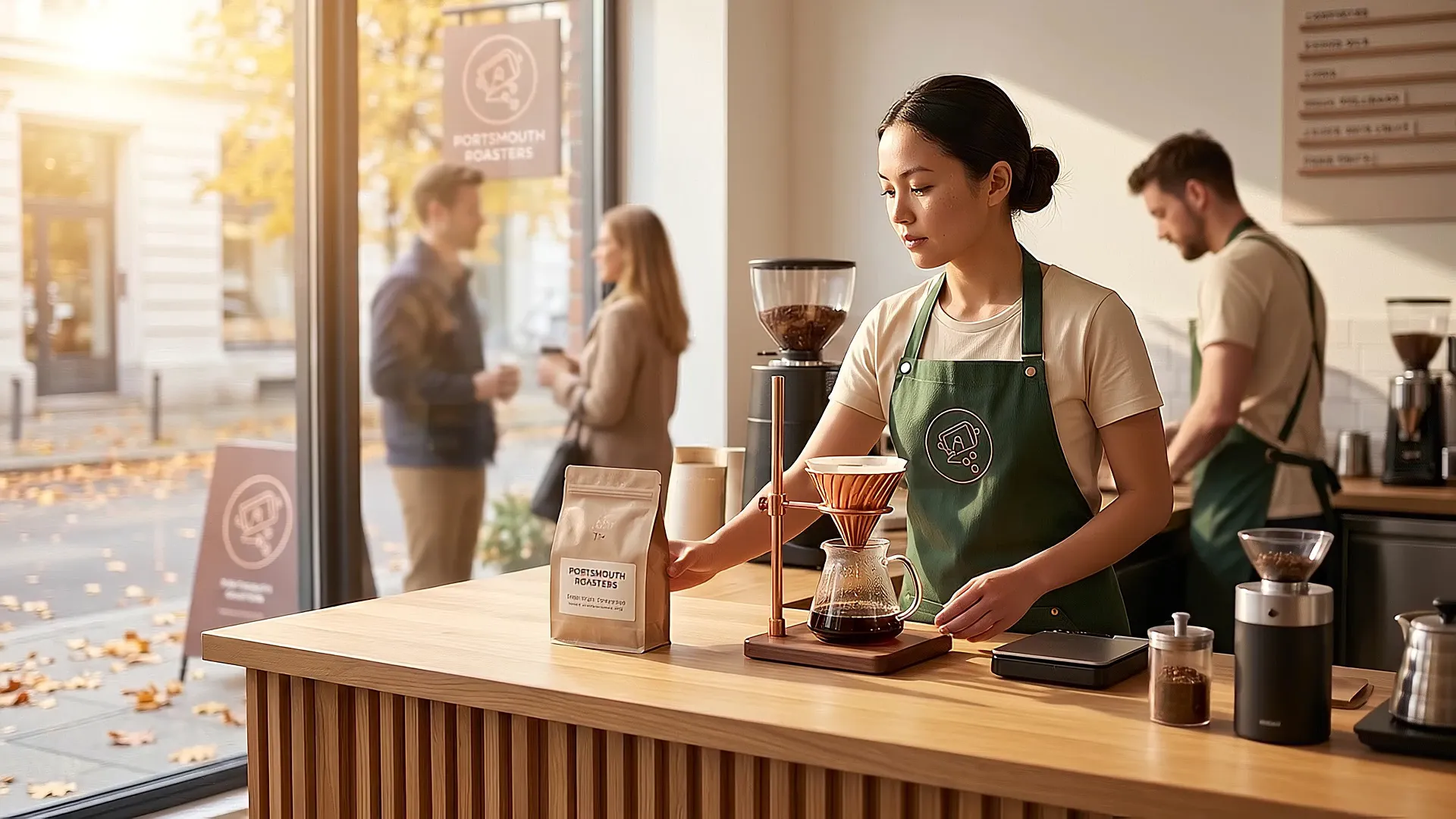
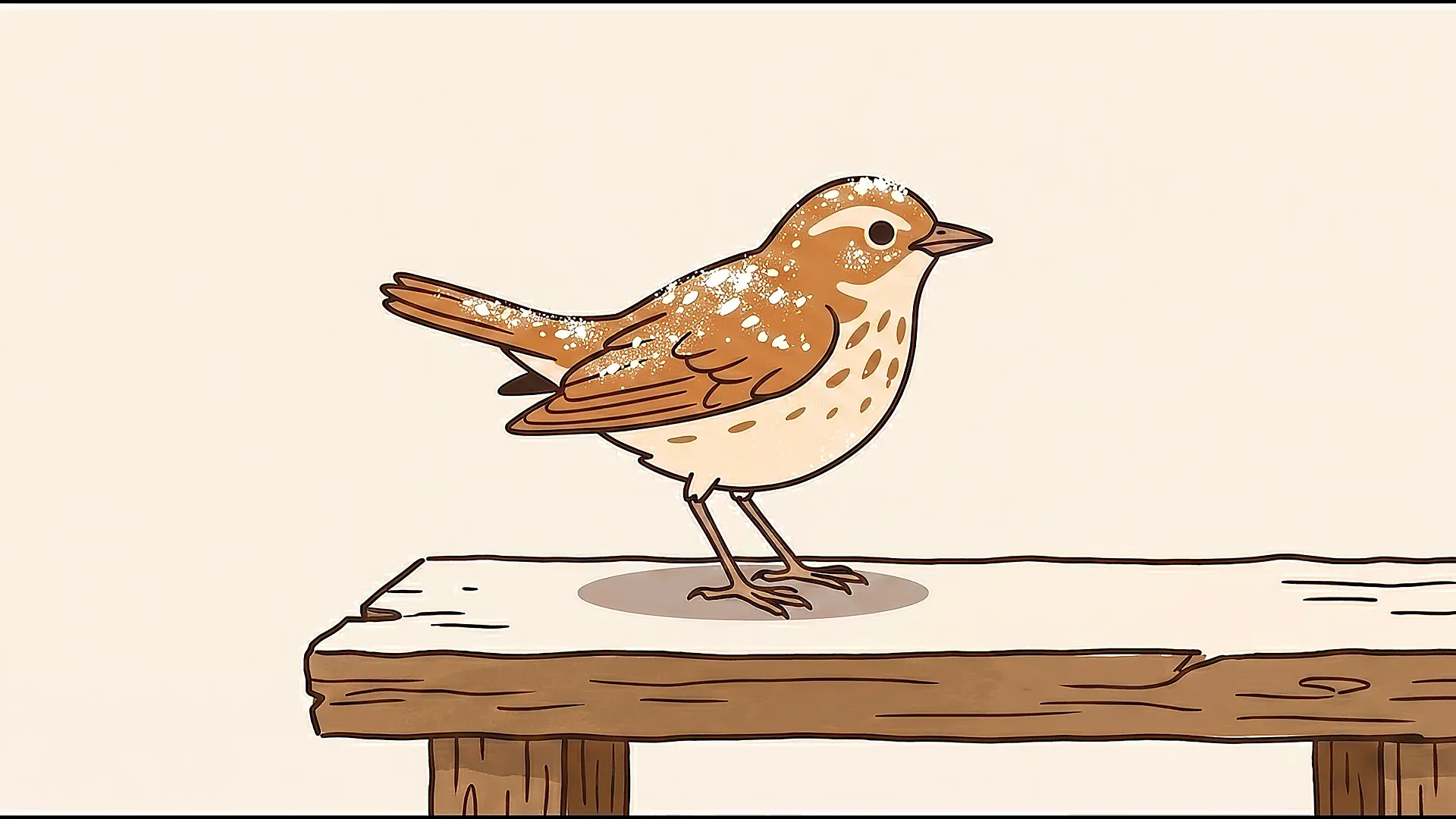
We made Crumb's clip through the assistant on the demo and the Baker's by hand on Generate.

AI video for brands
Make short clips for a client from words, from a picture you already have, or with the brand's own character in them, priced before you press anything.
Ovenbird
Ovenbird
OvenbirdWhat you get

Video on Generate.
Switch the composer to Video and pick the client, product, model, format and length. The choices offered are the ones that model takes.

A clip from a picture.
Put a picture in the Start frame, and on the models that take one, a second in the End frame; the clip moves between them.

Reference pictures.
Up to three, on the models that take them, to show the model what should appear.
Your character in the clip.
Cast one character from Brand kit into a clip.
The script, approved first.
When a clip will have sound and a cast person in it, you approve the script before it is made.
The price first.
The estimate is on the button before anything is spent.
The examples: a baker at dawn, and a songbird
Ovenbird is a fictional bakery in Plurum's demo studio. It has a character called the Baker, a bread bag with its own product sheet, and a drawn songbird called Crumb.
How it works
On Generate, switch to Video.
Pick the client, the product, the model, the format and the length. The model picker shows your installed video models, each priced as an 8-second clip.
Choose how the clip starts.
Words alone; a Start frame, with an End frame if the model takes one; up to three reference pictures; or a character from Brand kit.
Approve the script, if one is asked for.
With sound and a cast person in the clip, press Suggest a script or Write my own, change any word, and press Approve script. Changing a word after that asks you to approve it again.
Press Generate.
The estimate is on the button. The clip joins the queue under the composer.
For a single planned shot, use the shot builder.
One panel holds the description, an opening frame, an optional final frame made from the opening, and one Generate shot button with the estimate on it.
Ways to start a clip
Frames and reference pictures are one or the other, never both, and a character never goes beside a start frame.
| You start from | What you attach | Length |
|---|---|---|
| Words | Nothing | The lengths that model offers |
| A start frame | One picture the clip opens on | The lengths that model offers |
| A start and an end frame | Two pictures | Exactly 8 seconds |
| Reference pictures | Up to three | 8 seconds |
| A character | One, from Brand kit | 8 seconds |
What it does not do
Only what you attach goes in.
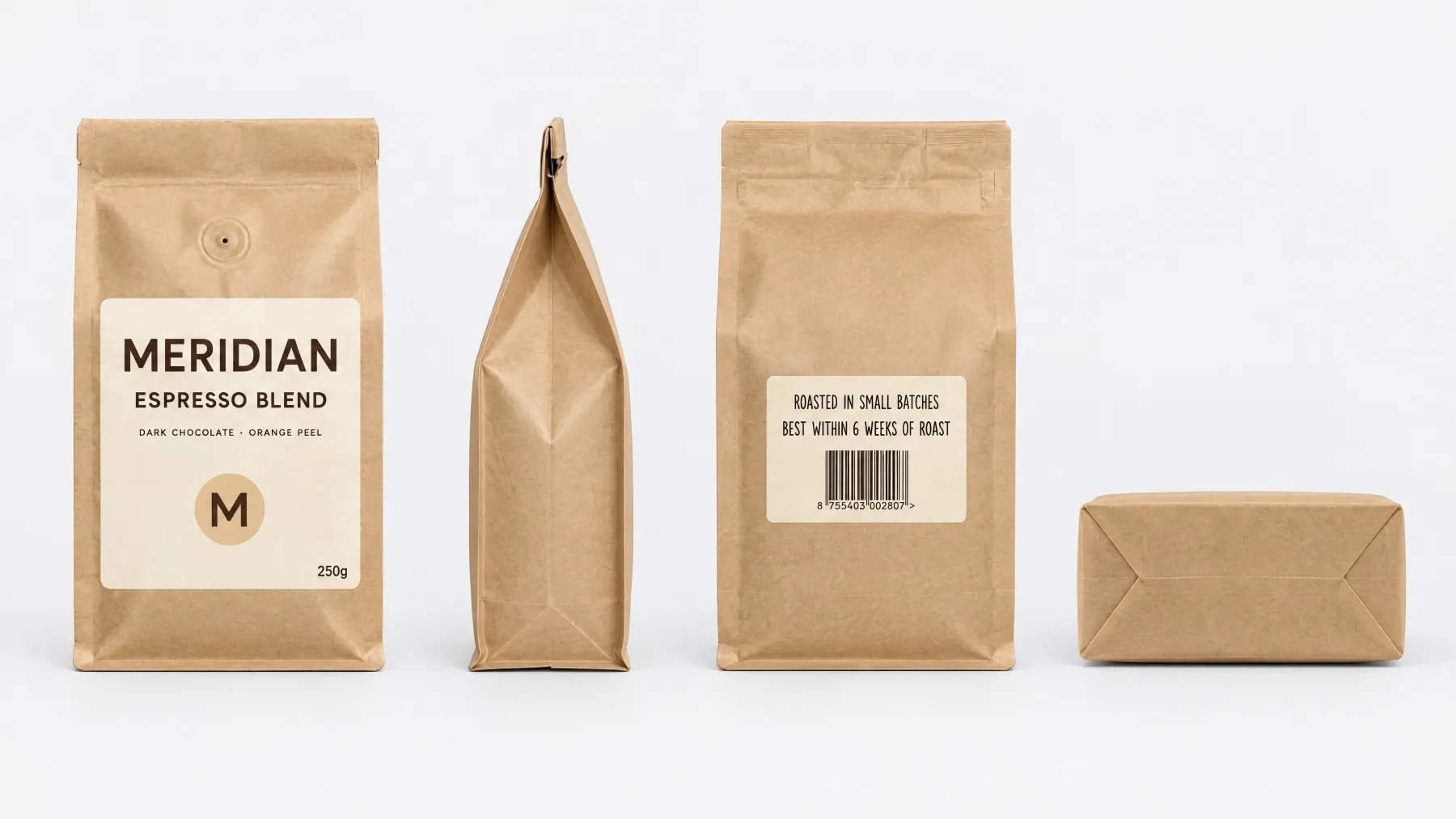
A product you only name in the words is drawn from the words. In one clip for another of the demo's brands, a coffee bag was named in the words but not attached, and the print on it came out as a different word.
One character in a clip.
A second is refused, not dropped.
Some choices fix the length.
On some models, 1080p and 4k need 8 seconds. Plurum sets the length or refuses before anything is charged.
Not every model takes every start.
Some take no frames, fewer take an end frame, and only some take reference pictures or a character. The choices you do not have are not offered.
Sound depends on the model.
Some models make sound and some are silent; each model's card says which.
Clips cannot be edited.
To change a clip, make another.
Video is on the paid plans.
Business, Studio and Team; not on Free.
It is for Mac.
Plurum is coming soon, for Mac.
Related
Questions people ask
Can I make brand videos with AI in Plurum?
Yes. Switch Generate to Video, pick the client and describe the clip.
Can I start a clip from a picture I already have?
Yes, as a Start frame, on the models that take one.
Can my brand's character be in a video?
Yes, one per clip, on the models that take reference pictures, at 8 seconds.
Does the video have sound?
On some models. If a cast person is in a clip with sound, you approve the script first.
What does a clip cost?
Each model's price, shown on the button before you press it. On the demo an 8-second 1080p clip cost $0.96 on one model and $3.20 on another (rates as of 8 September and 4 August 2026).
Plurum is coming soon, for Mac.
Plurum is nearly ready. Leave your details and we'll write to you when your plan opens - that's all we'll use them for.