plurum

AI photo editing for brands

Paint the part you want changed, and Plurum puts everything outside it back from your original. Or revise the whole picture, or mark spots with pins.

Portsmouth Roasters
Portsmouth Roasters
Portsmouth Roasters
Portsmouth Roasters
0.1

What you get

FIG 0.1.1

Region.

Paint the area to change and describe it. Outside the paint, Plurum lays your original back over the result, so those parts are unchanged.

FIG 0.1.2

Revise whole.

Describe a change to the whole picture, and the whole picture is redrawn.

FIG 0.1.3

Pins.

Put numbered pins on the picture and describe a change at each. The ring tells the model where to make the change and roughly how big. The whole picture is redrawn around it, so look over the whole result.

FIG 0.1.4

Your product in the edit.

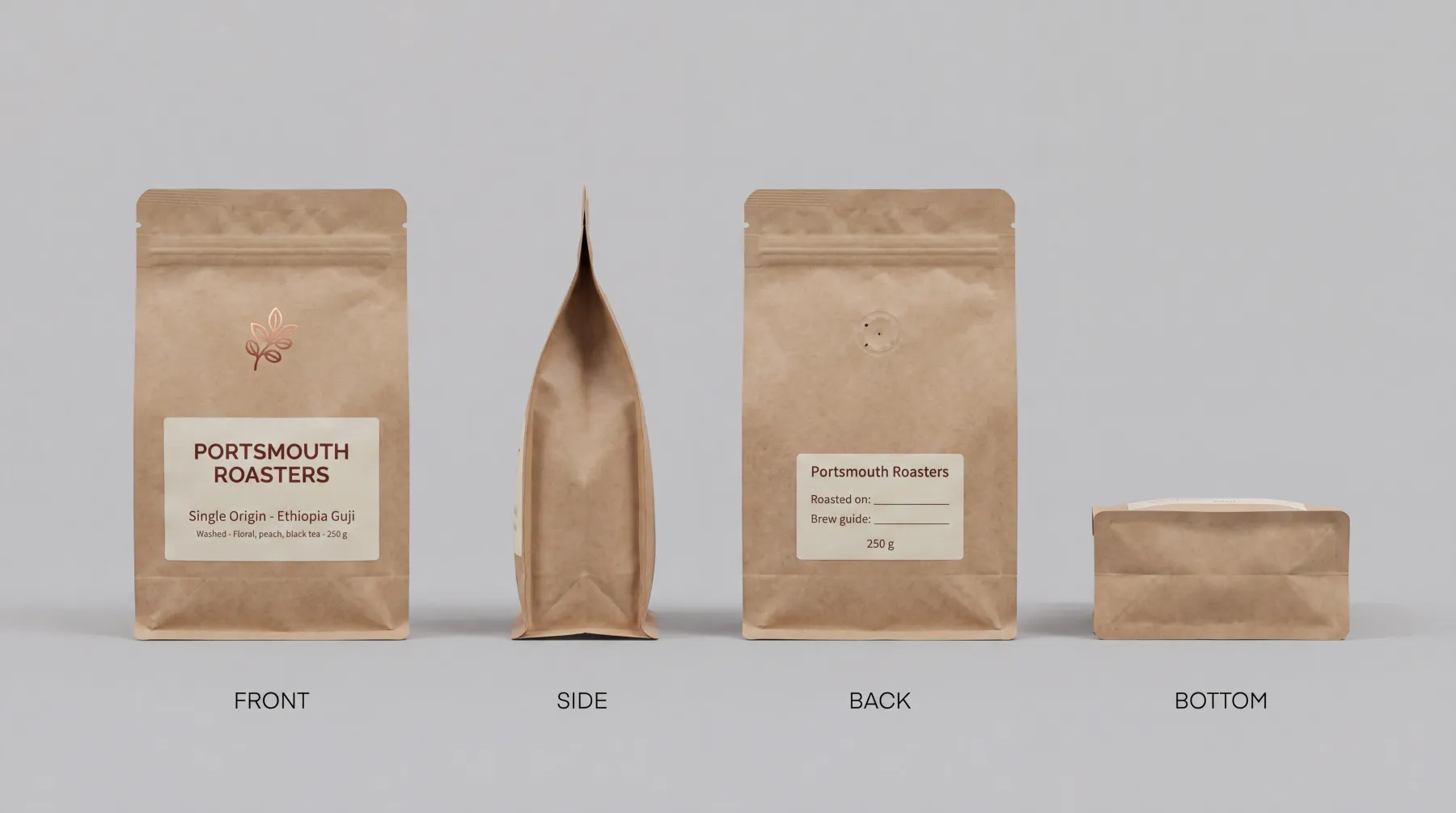
Attach a product's sheet or a reference picture, and it goes into the edit.

FIG 0.1.5

Every version in order.

Original, edit 1, edit 2, each one deletable.

0.2

The example: a bag on an empty counter

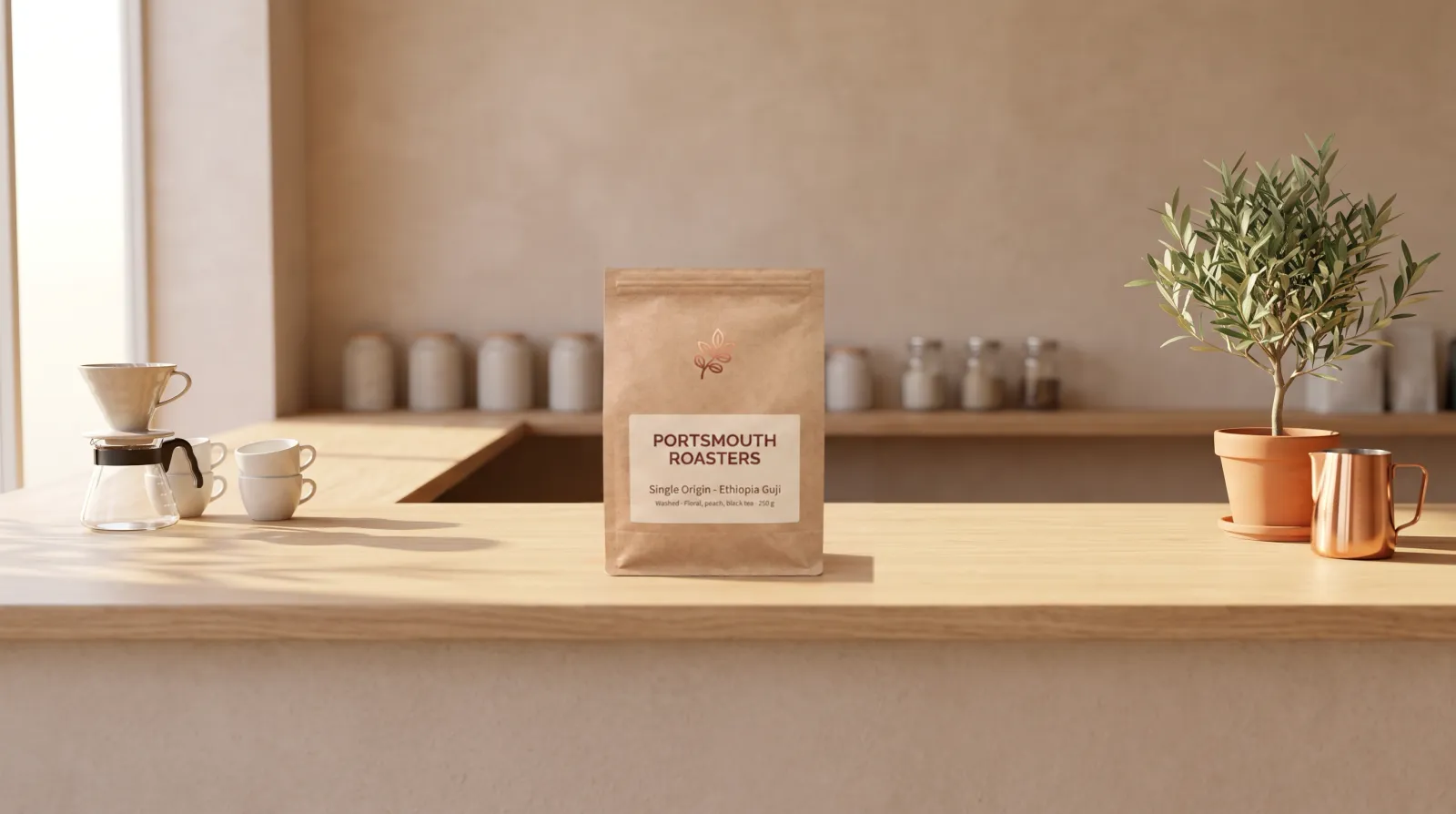
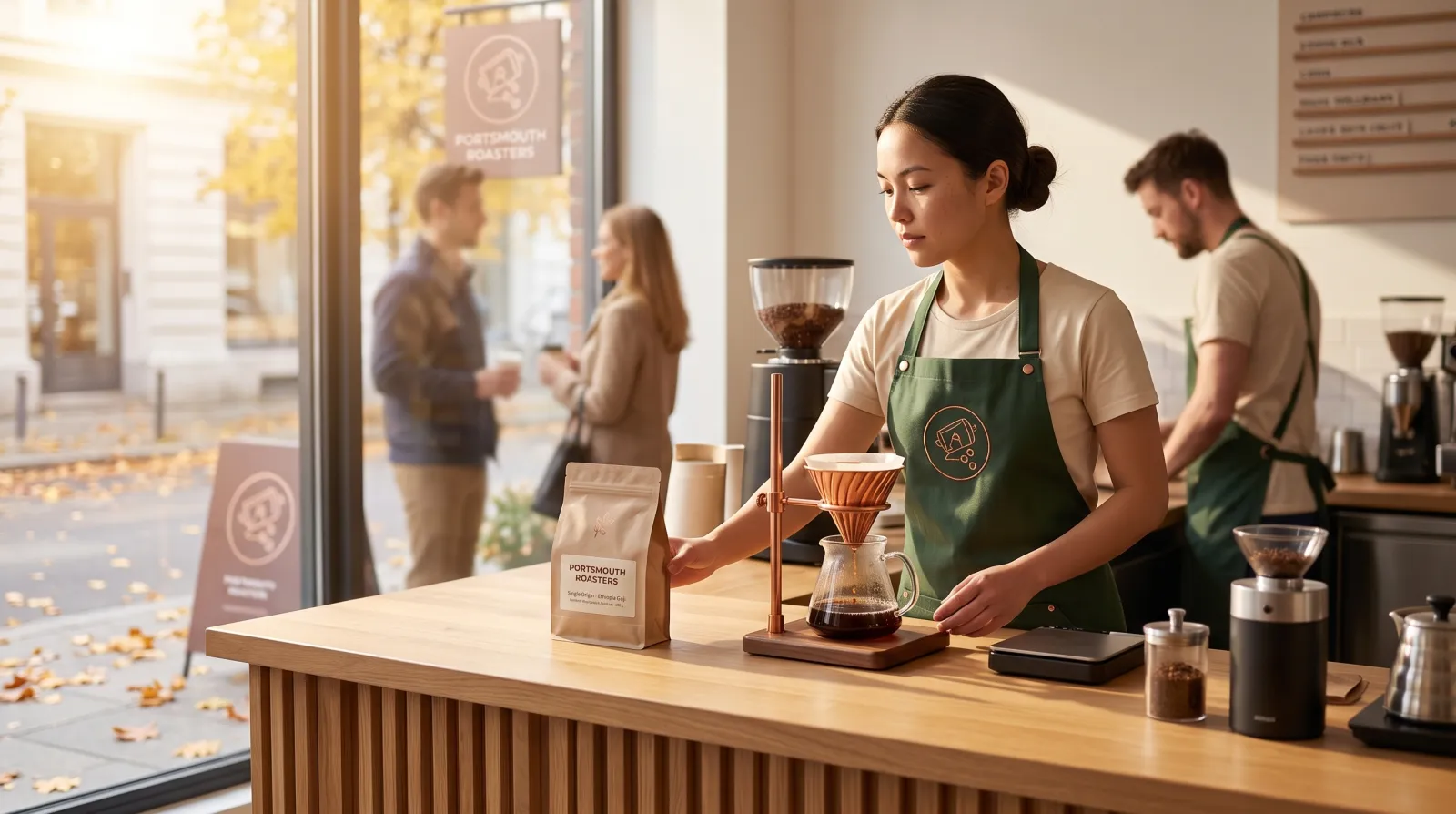
Portsmouth Roasters is a fictional coffee company in Plurum's demo studio. We had a picture of its empty oak counter and wanted its single-origin bag standing on it.

WHAT WENT IN
The counter picture, a painted area in the middle of the counter, the bag's product sheet attached, and the ask to place one bag there, front to camera.
WHAT WAS MADE
One Region edit. The bag is inside the painted area; the pour-over, the cups, the plant and the jug are outside it, and they are the original picture.
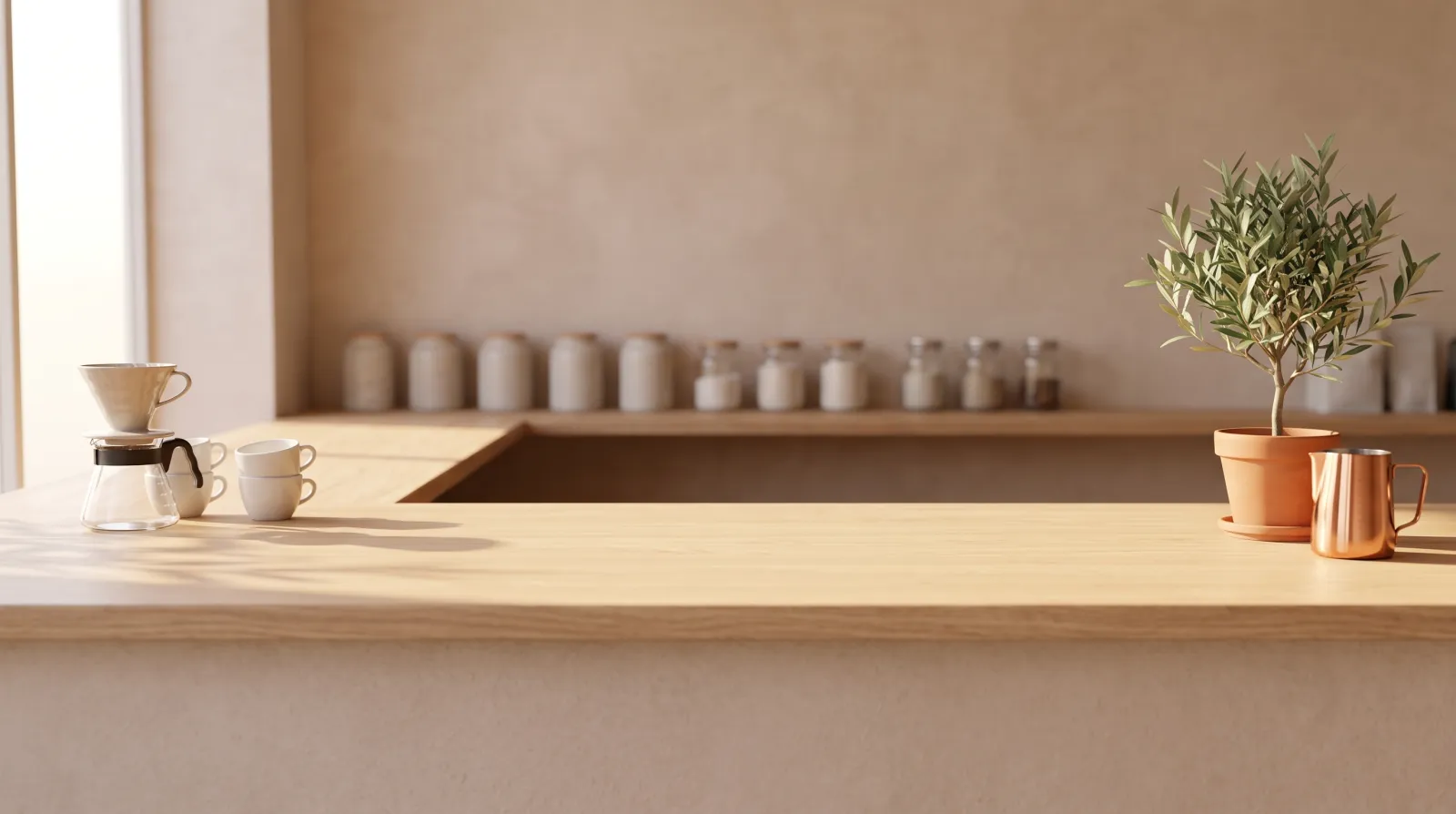
The counter, then the Region edit. The bag's sheet attached; outside the painted area, the original picture.
WHAT IT COST
The counter picture was one 2K image at $0.101, and the edit one 2K edit at $0.0528 (rates as of 8 and 11 September 2026).

We made these through the assistant on the demo; the Edit route in the app does the same thing by hand.
0.3

How it works

01

Bring the picture in.

In Edit, drop an image, paste it from the clipboard, or browse. A picture already in Library opens in its own window with the same three tools.

02

Choose the client.

For a photo you bring in, the client's brand is off by default, so it does not restyle a photograph you asked to leave alone; the client is still used for filing and the statement.

03

Pick a tool.

Region to paint, Revise whole for the whole picture, Pins for spots.

04

Attach what the edit needs.

A product's sheet or a reference picture. The picture you are editing always goes first.

05

Press the button that spends.

The estimate is on it. Each edit is one priced image, whatever is attached.

0.4

Three tools

What changesWhat stays as it was
RegionThe painted areaEverything outside the paint, from your original
Revise wholeThe whole picture is redrawnIt is all redrawn; look over the whole result.
PinsThe whole picture is redrawn, with each change at its ringIt is all redrawn; look over the whole result.
0.5

What it does not do

FIG 0.5.1

Only Region keeps the rest.

Revise whole and Pins redraw the whole picture; look over all of it before you use it.

FIG 0.5.2

Editing needs an OpenAI account.

Edits run on OpenAI's image models. Without that key the tools are shown and locked, with the reason; you can still bring pictures in.

FIG 0.5.3

A different shape is refused.

If the model returns a picture of a different shape from yours, a Region edit is refused rather than stretched.

FIG 0.5.4

Clips cannot be edited.

FIG 0.5.5

It is for Mac.

Plurum is coming soon, for Mac.

0.6

Related

0.7

Questions people ask

Can I edit my own photos in Plurum?

Yes. Bring a photo into Edit by dropping, pasting or browsing, and choose a tool.

Can I change one part and keep the rest?

With Region, yes: everything outside the area you paint is put back from your original.

Can I add my product to an existing picture?

Yes. Attach the product's sheet and paint where it goes.

Will editing change my brand's look?

For a photo you bring in, the brand is off by default. For pictures made in Plurum, the edit works on the picture as it is.

What does an edit cost?

One image at your provider's price, shown on the button. On the demo studio a 2K edit was $0.0528, at rates as of 11 September 2026.

0.9

Plurum is coming soon, for Mac.

Plurum is nearly ready. Leave your details and we'll write to you when your plan opens - that's all we'll use them for.

Register your interest

Your name and email come to us once, for this alone: we'll only use them to write to you about Plurum, we don't share them, and we'll delete them if you ask.