plurum

AI photos for tech products

Build each product once as a sheet from every side, then make studio shots and lifestyle pictures from it, picking the product each shot needs.

Arcadia Audio
Arcadia Audio
Arcadia Audio
Arcadia Audio
0.1

What you get

FIG 0.1.1

Each product as a sheet, in Brand Kits.

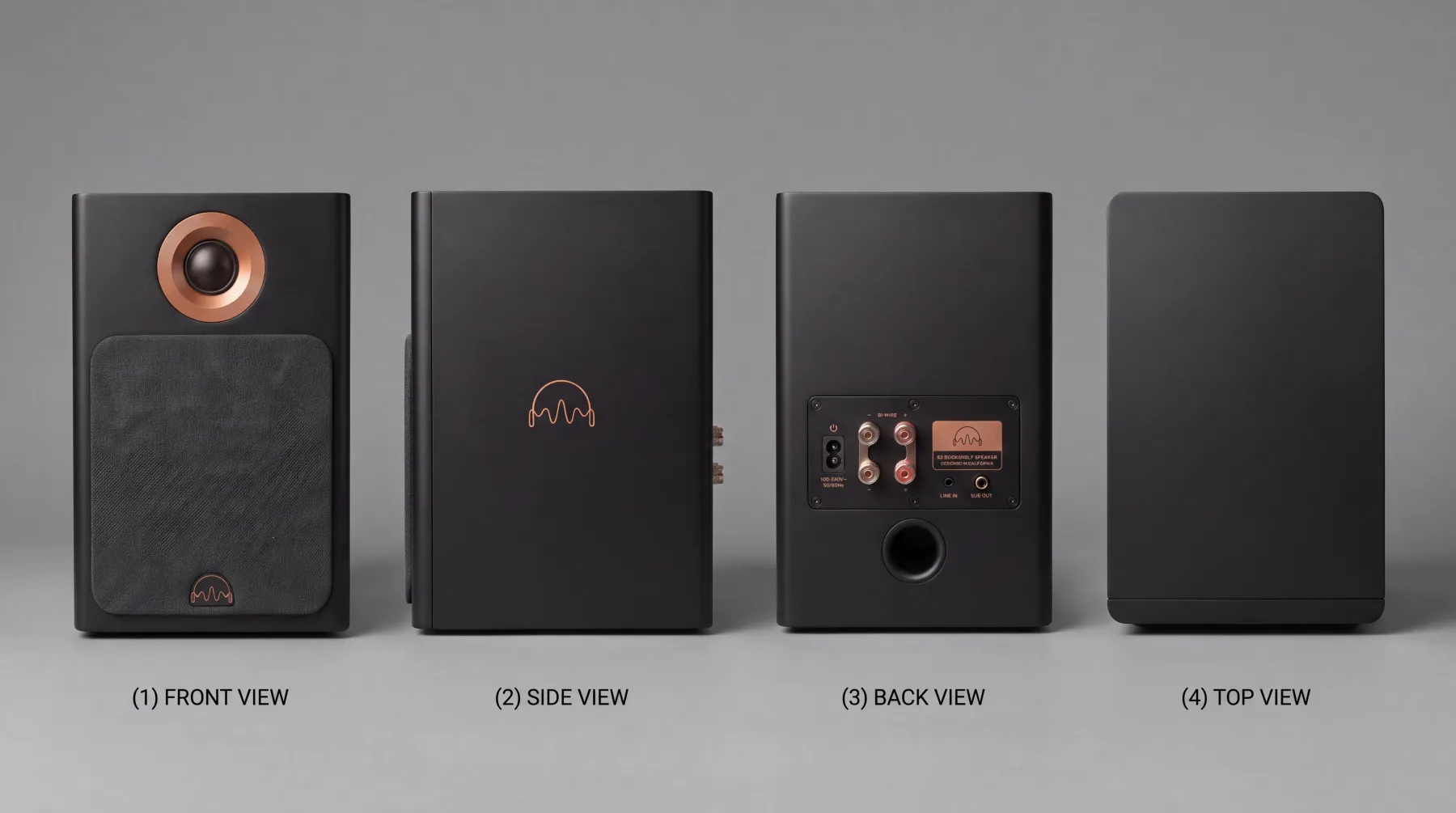
Front, side, back and base or top, with its size and the words printed on it.

FIG 0.1.2

Your brand's rules on every shot.

Such as "Dark, directional lighting; never flat e-commerce white", composed into every picture.

FIG 0.1.3

Studio shots and lifestyle pictures

from the same sheet.

FIG 0.1.4

The price before you spend,

on the button.

0.2

The example: headphones and a speaker

Arcadia Audio is a fictional audio brand in Plurum's demo studio, with two products: the A1 headphones and the S2 bookshelf speaker. Its rules ask for dark light, copper detail in every product shot, one listener at most, and no cables in hero shots.

WHAT WENT IN
One picture of each product. The brand is fictional, so these were generated in Plurum, and three further views were generated from each one before the sheet was compiled.
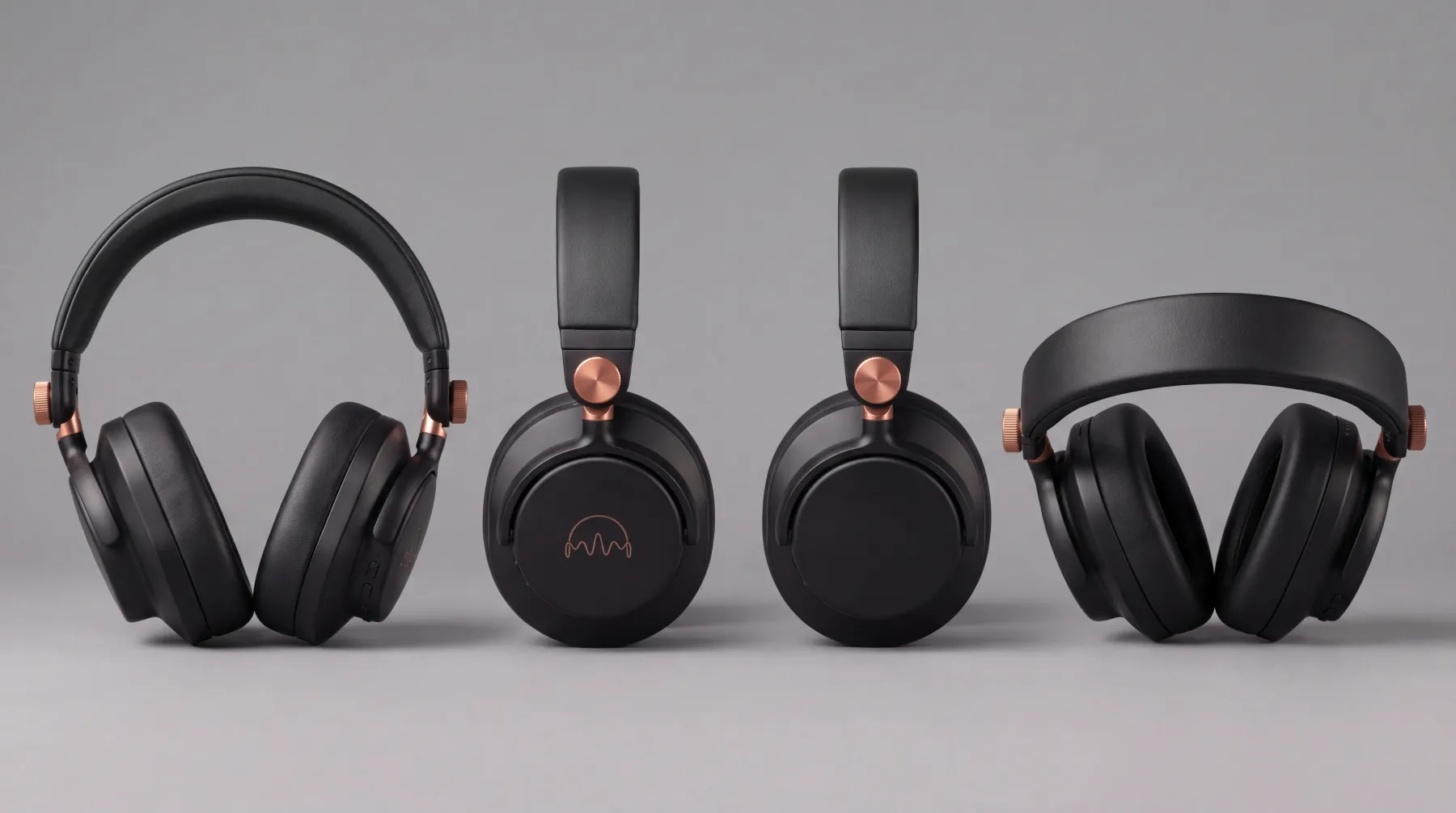
The A1's sheet.
The S2's sheet: front, side, back and top.
WHAT WAS MADE
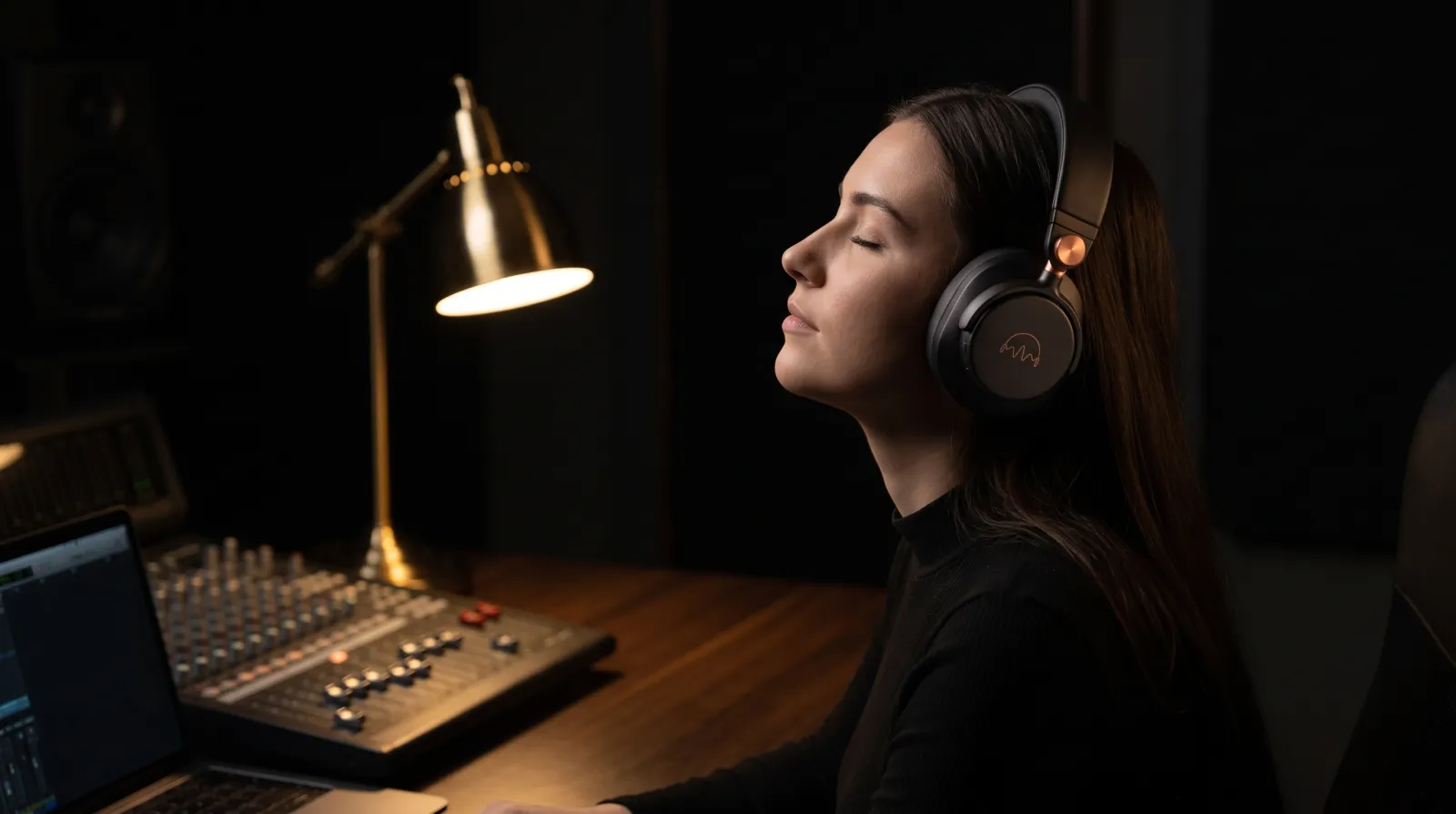
Studio shots and lifestyle pictures, each with one product's sheet attached.
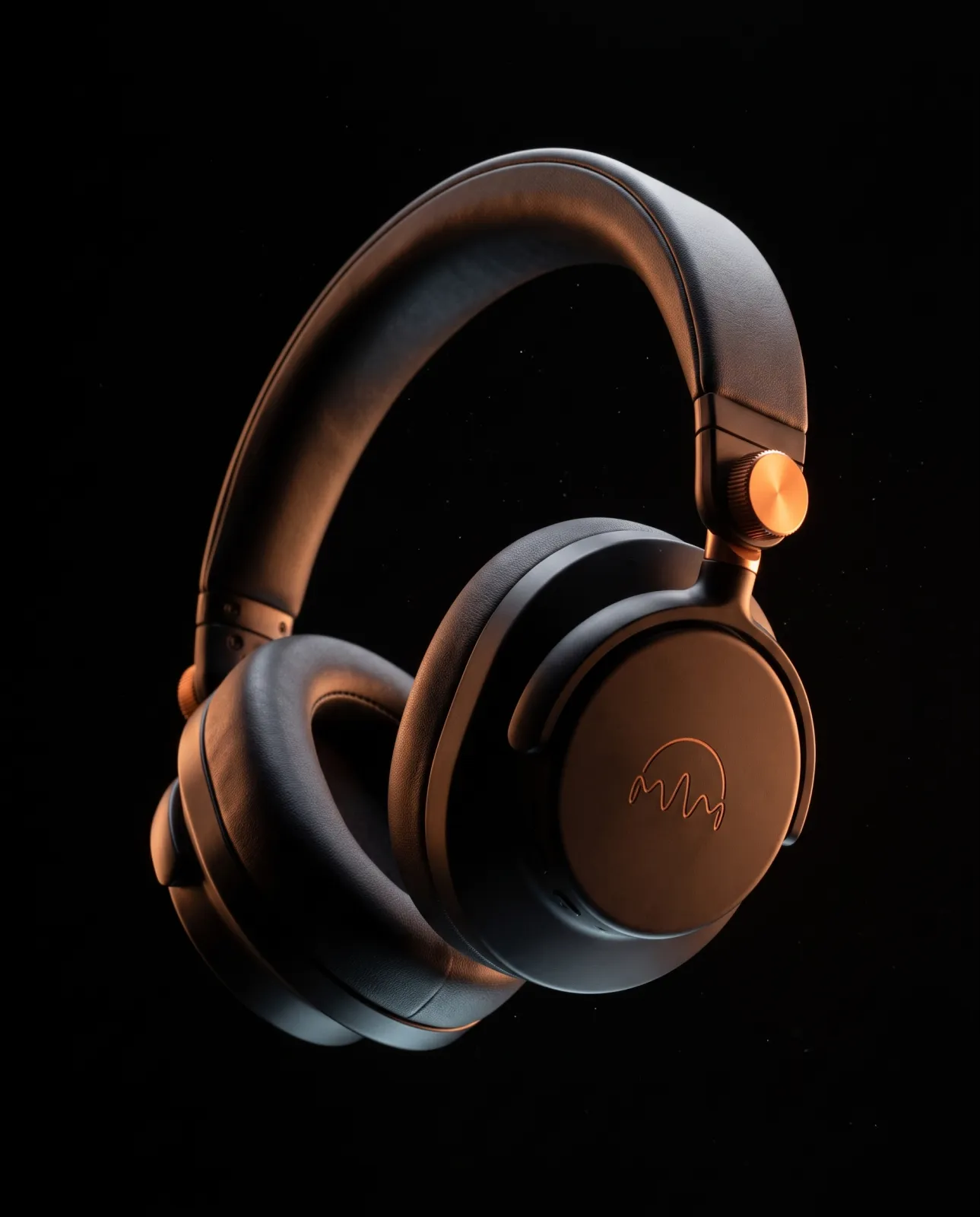
The A1 in a black studio. The A1's sheet attached.
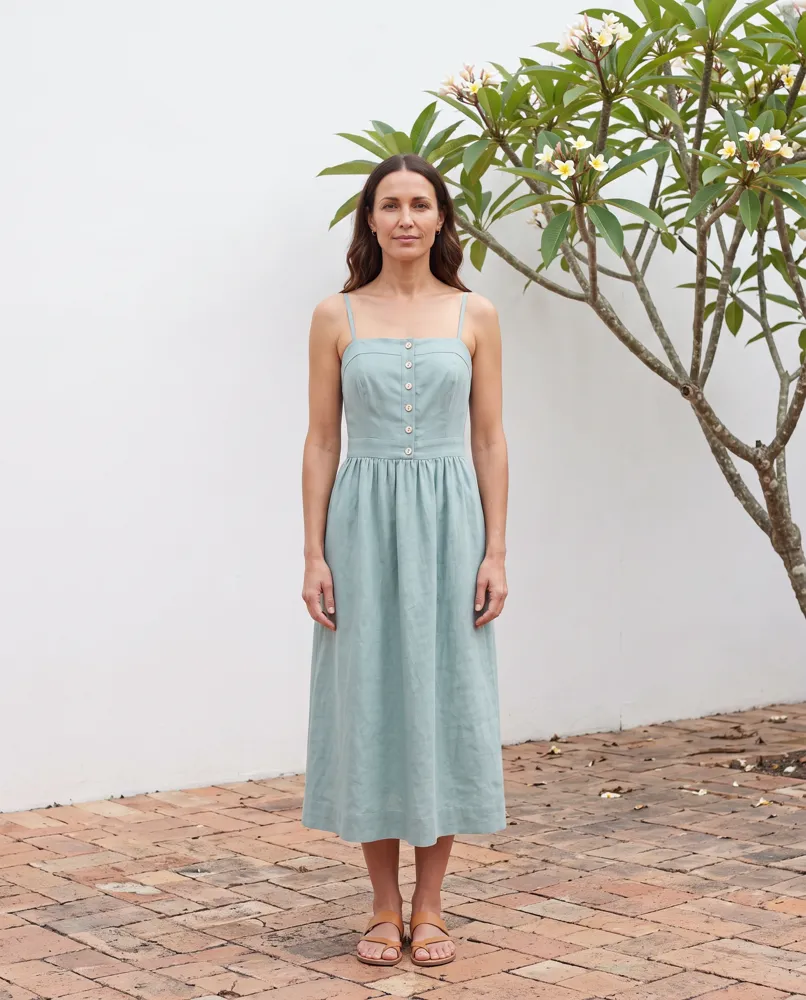
A producer at 2am. The A1's sheet attached.
WHAT WE LEARNED
Only the product you pick goes into a shot with its sheet. In one shot of both products together we picked the headphones, and the speaker, drawn from words alone, came out as a different speaker. With the speaker picked instead, it came out as made.
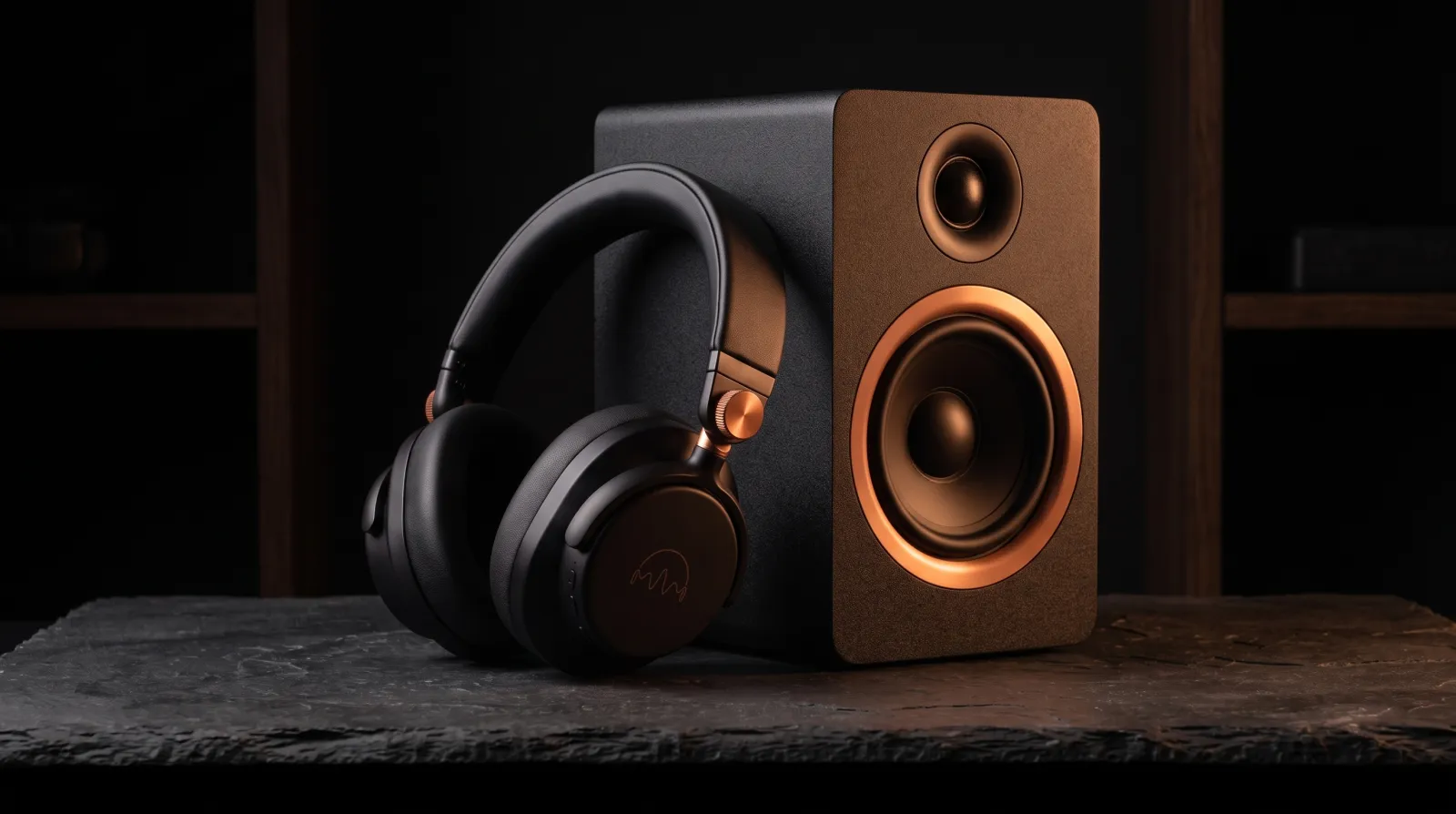
Both products, two ways. Left, the A1's sheet attached: a different speaker. Right, the S2's sheet attached: the S2 as made.
WHAT IT COST
Each sheet was one 4K image at $0.151, and each shot one 2K image at $0.101 (rates as of 8 September 2026). Arcadia's statement for September came to $2.42.

We made these through the assistant on the demo; the Generate route in the app does the same thing by hand.
0.3

How it works

01

Add your brand in Clients.

Logo, colours and hard rules on Brand assets.

02

Build each product in Brand Kits.

Choose New product, add a front, a side, a back and the base or top, with its size and the words printed on it, then press Compile the sheet. Check it, then Keep this sheet.

03

Make the shot on Generate.

Pick your brand and the product, and describe the scene. The estimate is on the button.

04

In a shot with more than one product,

pick the one that has to be right.

0.4

Studio or lifestyle

Studio shotLifestyle picture
What it showsThe product alone, in a set you describeSomeone using it, somewhere you describe
What goes with itThe product's sheet and your rulesThe product's sheet and your rules
ExampleThe A1 in a black studioA producer at 2am
0.5

What it does not do

FIG 0.5.1

It cannot see a side you did not show it.

Our S2's back panel and the A1's fourth view were generated from a single picture of each, so they are the model's reading of sides the picture never showed. Photograph every side of a real product.

FIG 0.5.2

One product goes with a shot, with its sheet.

In a shot of several, the others are drawn from your words, plus any reference picture you attach; check them.

FIG 0.5.3

It can print what is not on your product.

Only the words you type in are checked against the sheet; check any other small print before you use a picture.

FIG 0.5.4

Products are on every plan; Free holds five per client.

Video is on the paid plans.

FIG 0.5.5

It is for Mac.

Plurum is coming soon, for Mac.

0.6

Related

0.7

Questions people ask

Can AI make product photos of my electronics?

Yes. Build each product as a sheet from four pictures, and it goes into every shot you pick it for.

Can I show two products in one shot?

Yes. Pick the one that has to be right, and check the other, which is drawn from your words, plus any reference picture you attach.

Do I need a studio?

Not for these pictures. You describe the set.

Will it get the ports and buttons right?

Only the sides you photographed. A side the model never saw is its own guess.

What does it cost?

Each picture is one image at your provider's price, shown on the button. On the demo studio a 2K shot was $0.101, at rates as of 8 September 2026.

0.9

Plurum is coming soon, for Mac.

Plurum is nearly ready. Leave your details and we'll write to you when your plan opens - that's all we'll use them for.

Register your interest

Your name and email come to us once, for this alone: we'll only use them to write to you about Plurum, we don't share them, and we'll delete them if you ask.