- A worked example on a fictional brand. Each brand lives in Plurum's demo studio, and each image on its page was made in Plurum.
- The estimated cost. Each figure comes from the demo studio's own statement, with the date of the rates behind it.
- The limits to know. What that kind of business should check before it relies on the result.
Who Plurum is for
One page for each kind of business, each with a worked example on a fictional brand, its estimated cost and the limits to know.
0.1
By how you work

Agencies
Give each client a separate brand profile. Plurum uses that profile when you create their assets and records the estimated generation cost on their statement.

Freelancers
One person, several clients: Plurum keeps each client's brand in its own profile, shows the estimated cost before you spend, and gives you a separate cost statement for each client to help with invoicing.
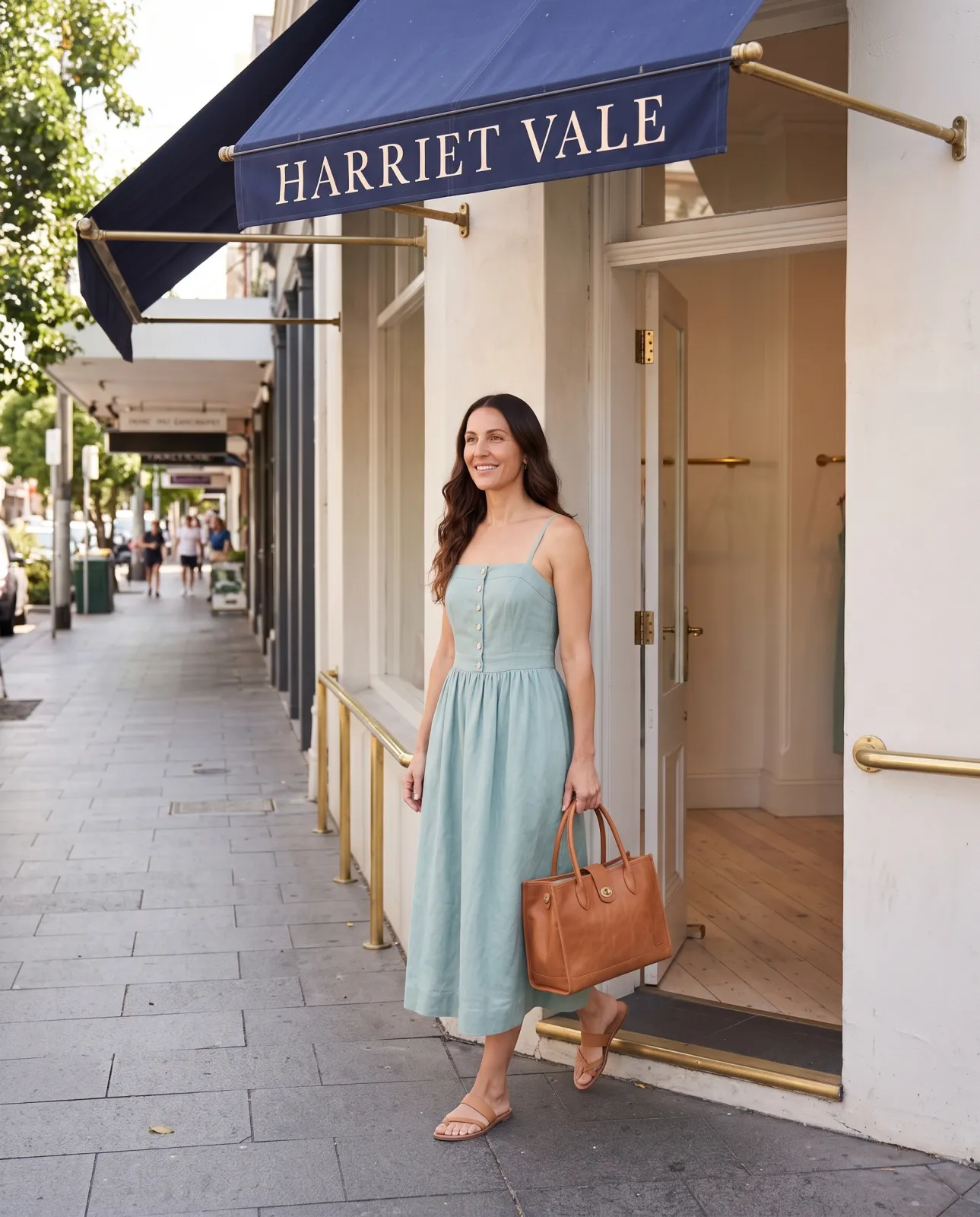
Small businesses
Create your own brand images from your products and guidelines. You connect your own AI provider account and pay its published rate for each generation.
0.2
By industry

Property
Furnish an empty room from your own photo: attach it, say where each piece stands and what it stays clear of, and ask for the room to stay as you took it.

Boutiques
Build each piece once as a sheet and your model once as a character, then put them together in any place you describe, for the images you need throughout the season.
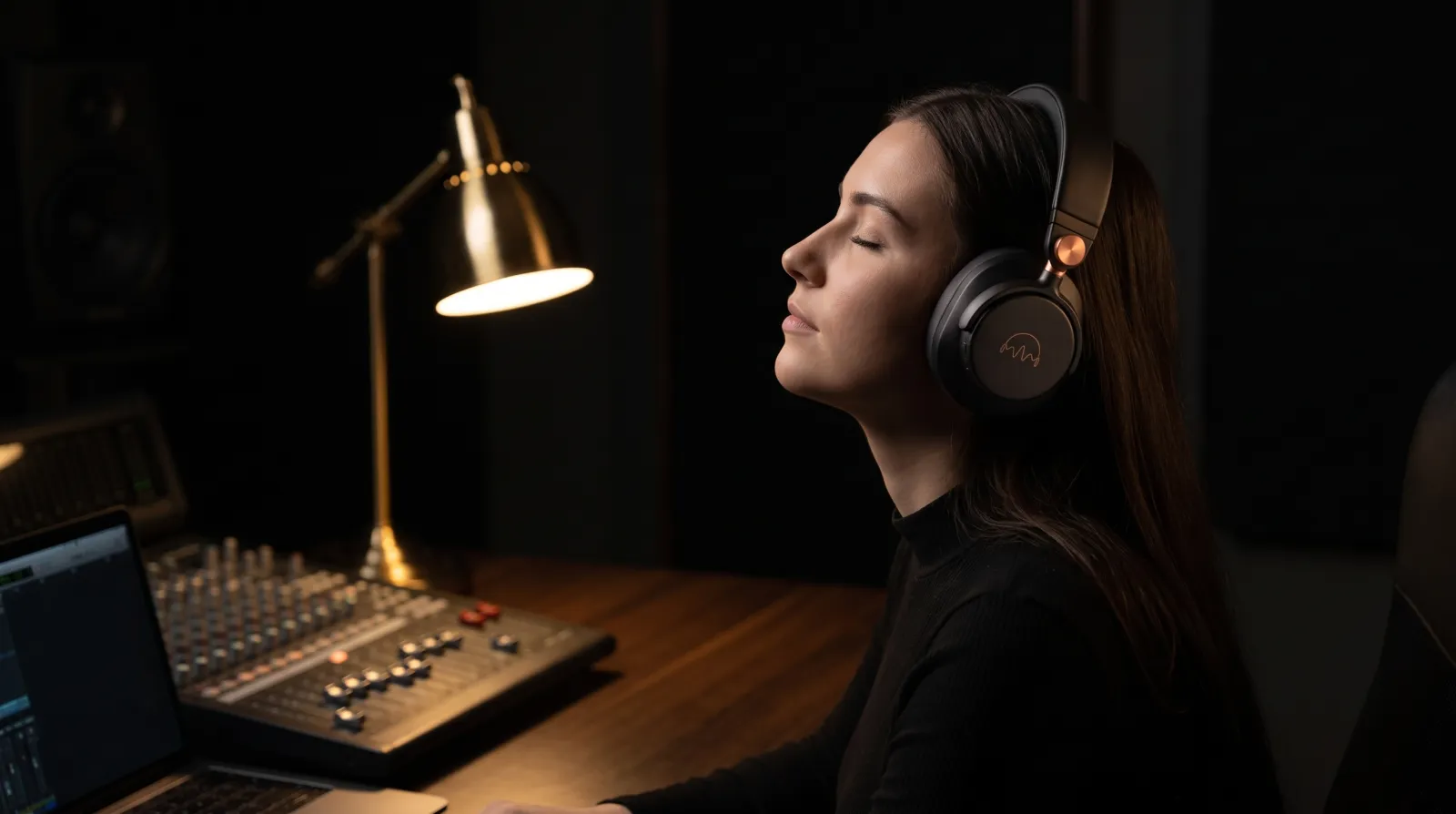
Tech products
Add photos of each side to build a product sheet once. Use that sheet for studio and lifestyle images.

Food brands
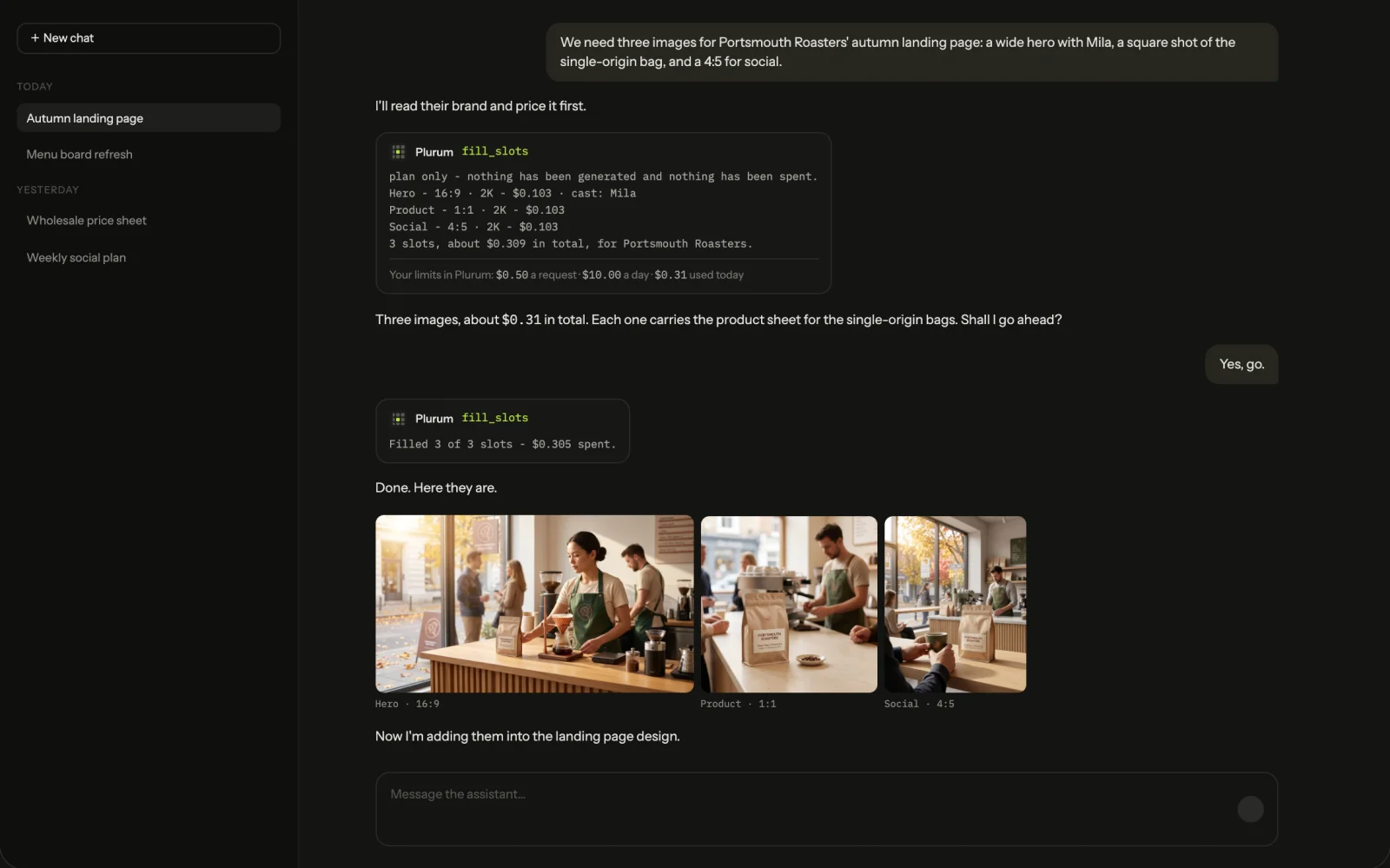
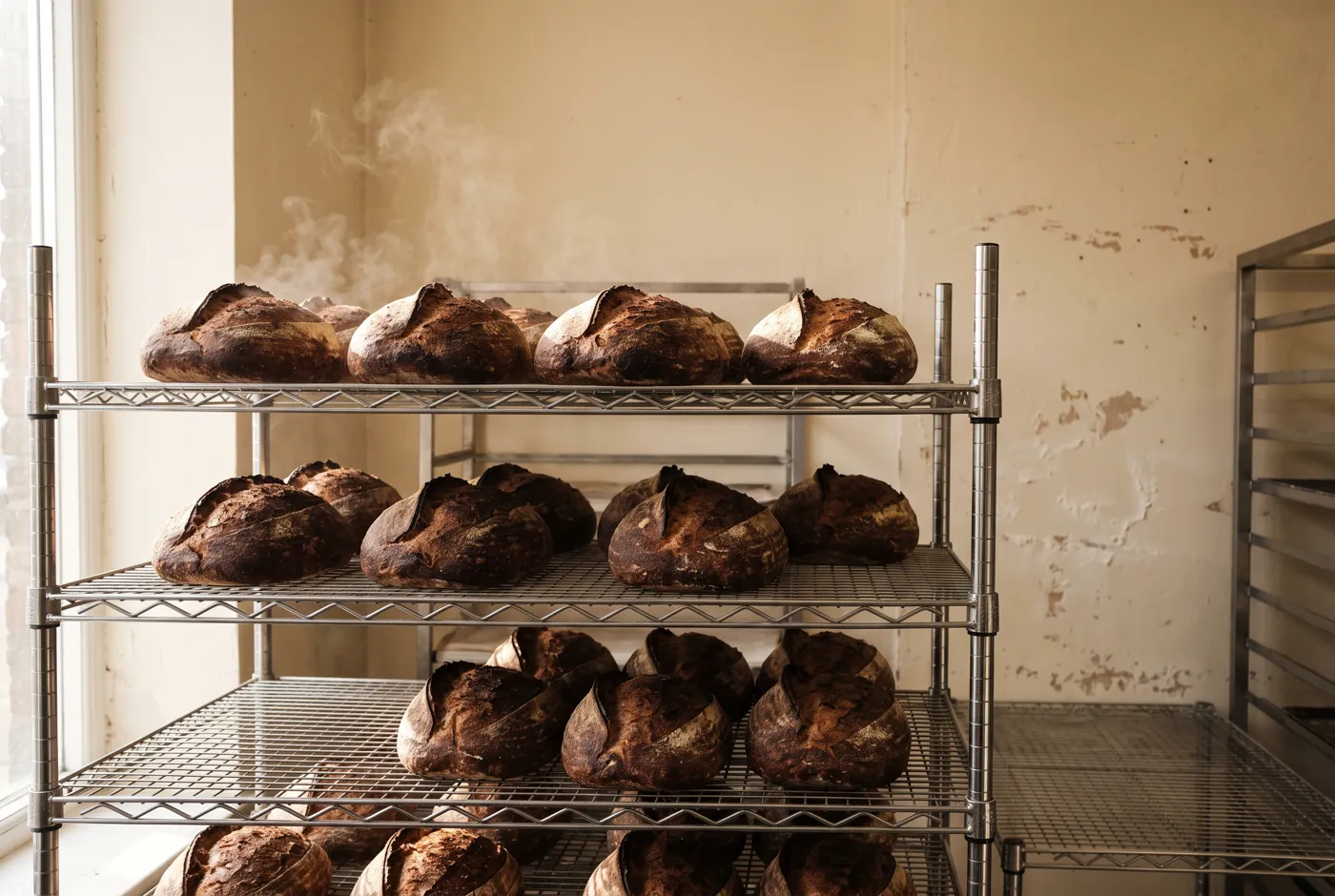
Build a reference for your packaging, uniforms, people and visual style. Reuse them across seasonal images and clips.
0.3
What each page shows
0.4
Limits to know
FIG 0.4.1
Each page has its own limits.
They are on its page, under the same heading.
FIG 0.4.2
It runs on Mac only.
Plurum is coming soon, for Mac.
0.5
Related


0.6
Plurum is coming soon for Mac.
Plurum is nearly ready. Register your interest and we'll email you when your plan opens.